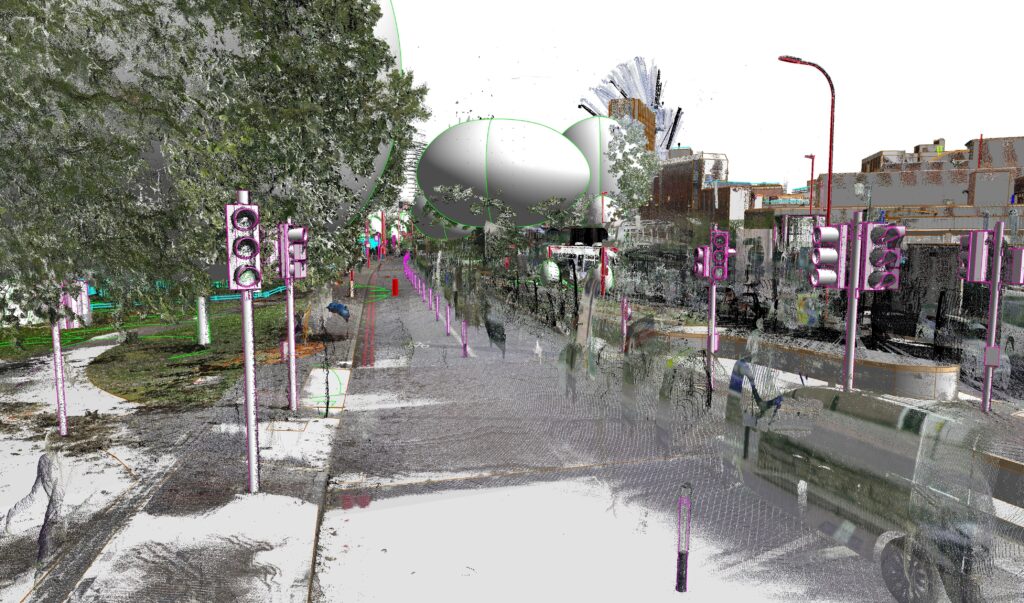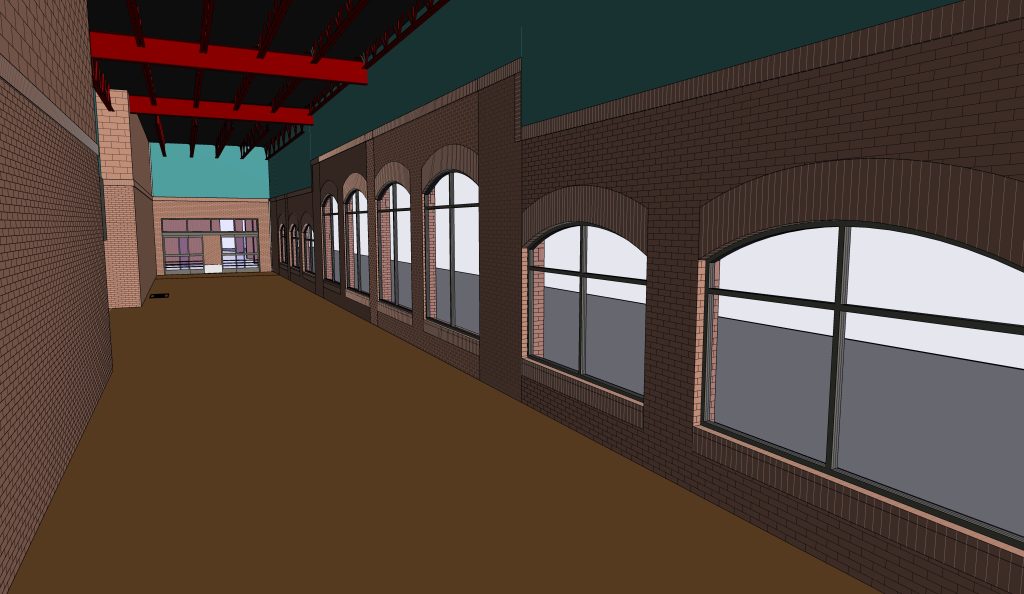


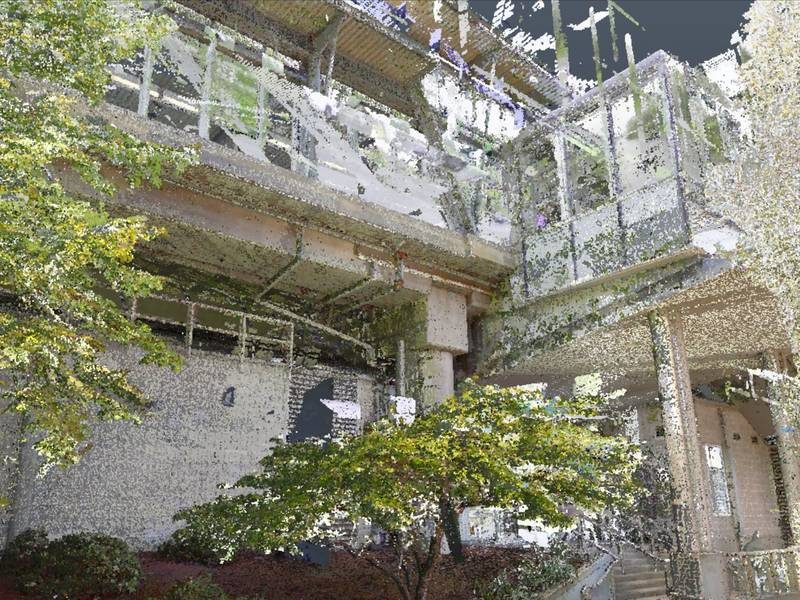
Scan to BIM services convert 3D laser scan (point cloud) data of a building’s existing conditions into accurate, detailed as-built BIM models and CAD drawings used for renovation, retrofit, and facility management. ViBIM’s point cloud to BIM modeling services carry out that conversion as outsourced work under a dedicated project manager on each project, and 99% of those projects are delivered on or before the committed date. Architecture, structure, MEP systems, and site topography are all modeled from your point cloud and handed over as high-quality RVT, IFC, or DWG files. Architects, engineers, contractors, and property owners across the United States work from those files.
Scan to BIM conversion services at ViBIM accept RCP, RCS, E57, and other common point cloud formats from any scanner and return Revit models, with no ViBIM site visit needed. Accuracy, quality standards, and LOD are the three measures for comparing ViBIM’s models with any other provider’s. Laser scan to BIM projects completed by ViBIM range from a Canadian hospital complex and a UK school to a heritage church and a roller coaster. ViBIM estimates turnaround from total modeling hours and quotes each project hourly or as a lump sum.
As Seen On
 Coruzant Technologies
— ViBIM scan to BIM case study, modeling ultra-dense MEP systems for a US factory.
Coruzant Technologies
— ViBIM scan to BIM case study, modeling ultra-dense MEP systems for a US factory.
 The Architect's Diary
— ViBIM cited for point cloud to BIM expertise in federated BIM coordination.
The Architect's Diary
— ViBIM cited for point cloud to BIM expertise in federated BIM coordination.
 BizzBuzz
— ViBIM cited for scan to BIM precision on renovation and retrofit projects.
BizzBuzz
— ViBIM cited for scan to BIM precision on renovation and retrofit projects.
 TechBullion
— ViBIM experts break down LOD 300 vs LOD 350 for scan to BIM models.
TechBullion
— ViBIM experts break down LOD 300 vs LOD 350 for scan to BIM models.
 Urban Splatter
— ViBIM featured as a scan to BIM company across architecture, structure and MEP.
Urban Splatter
— ViBIM featured as a scan to BIM company across architecture, structure and MEP.
 Today News
— ViBIM named a Revit outsourcing partner for electrical BIM modeling from point cloud data.
Today News
— ViBIM named a Revit outsourcing partner for electrical BIM modeling from point cloud data.
Scan to BIM services from ViBIM give survey and AEC firms reliable Revit models, on-time delivery, and clear communication from quote to handover. Repeat business backs this up, with 80% client retention over five years, 80% of new work arriving through referrals, and a 100% acceptance rate on free-trial projects.
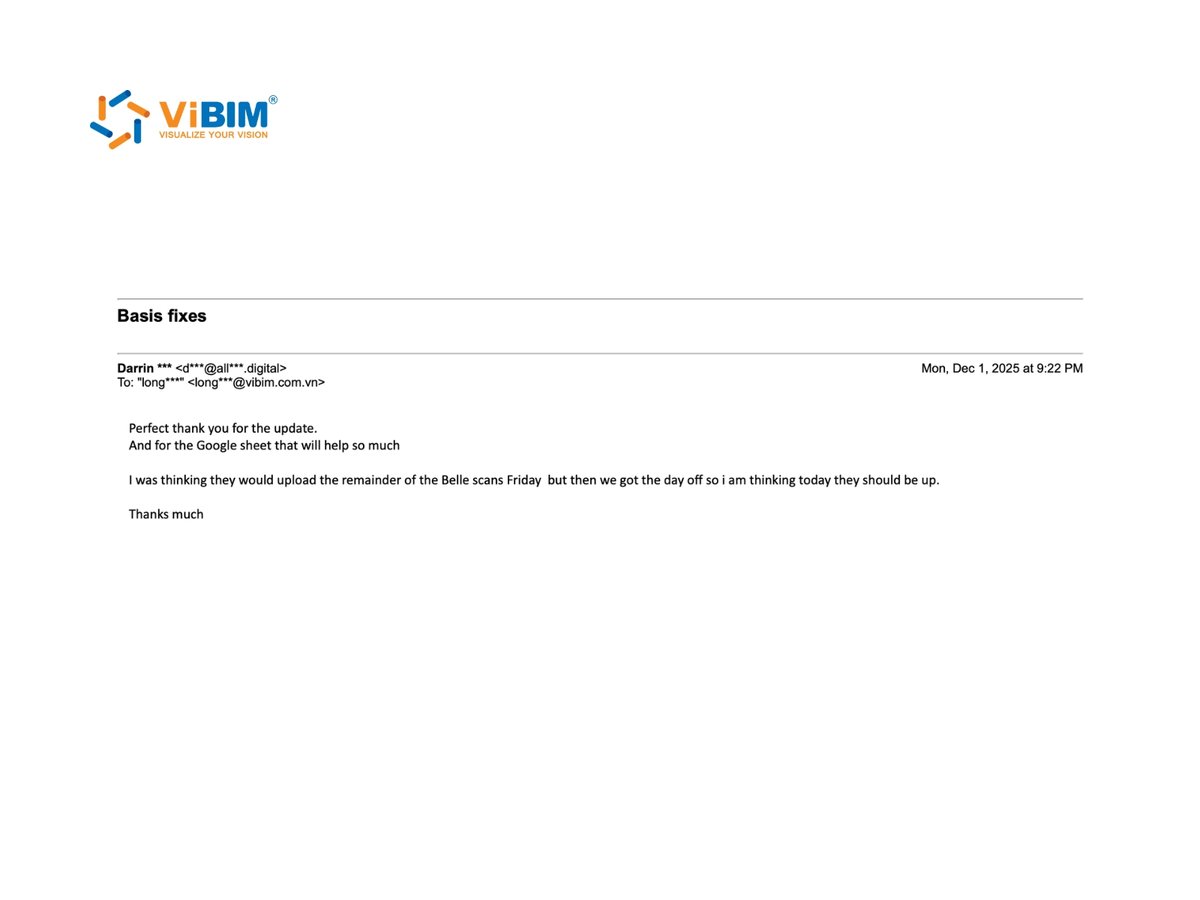
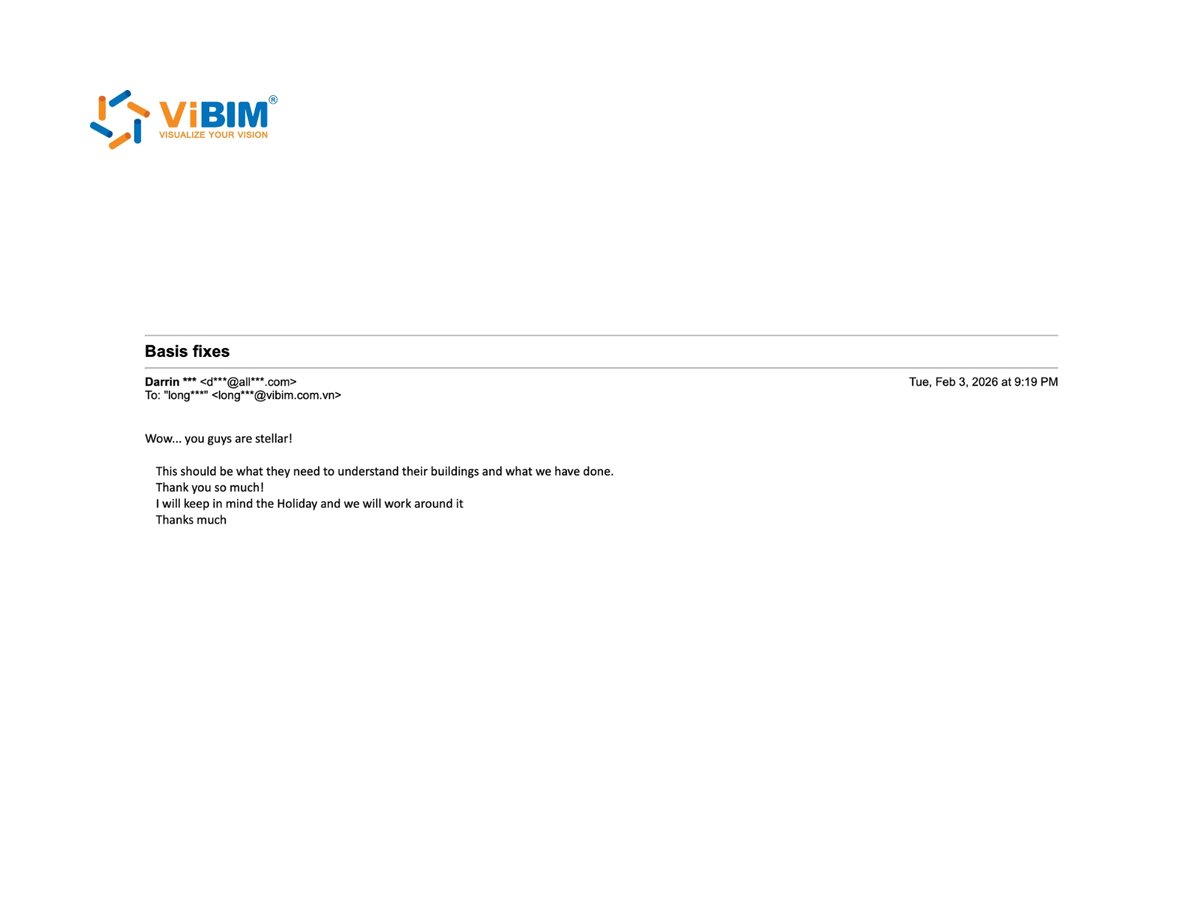
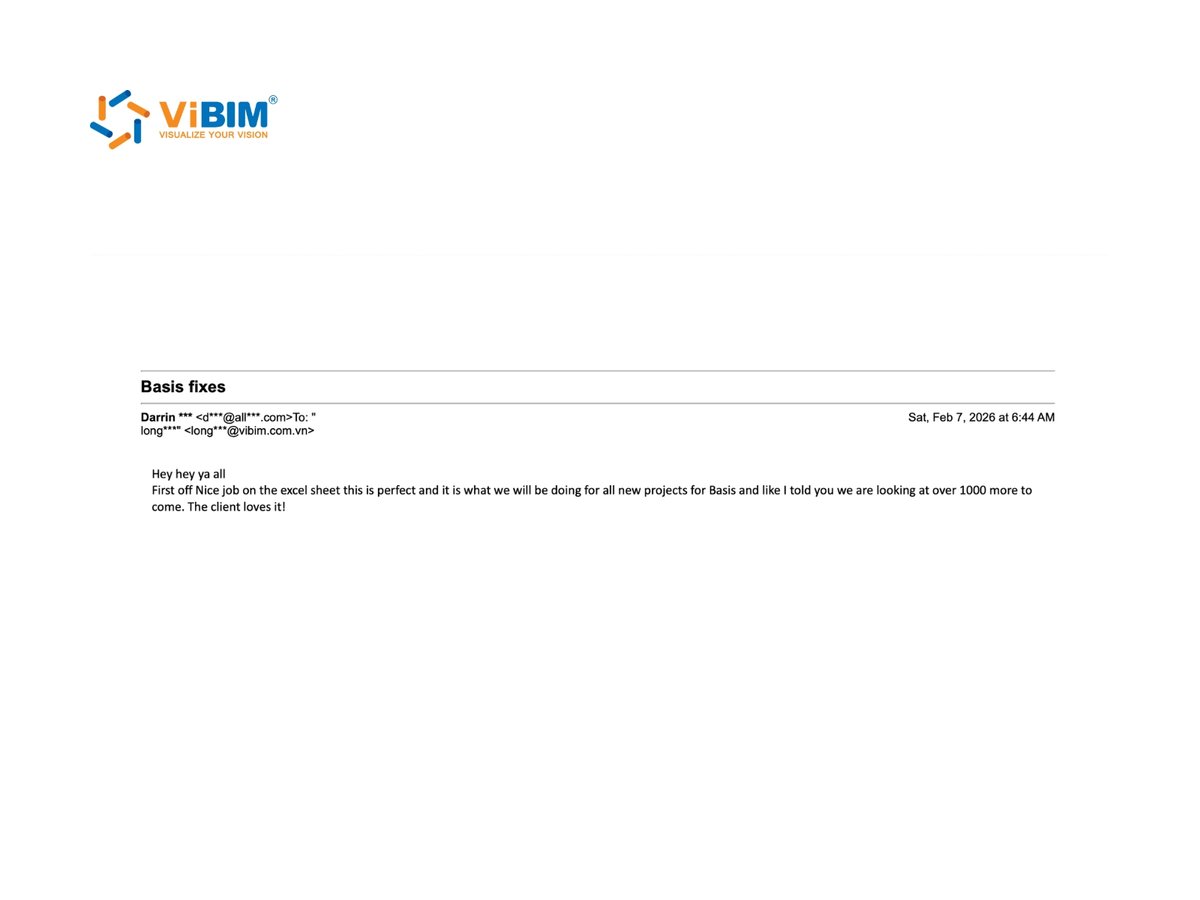
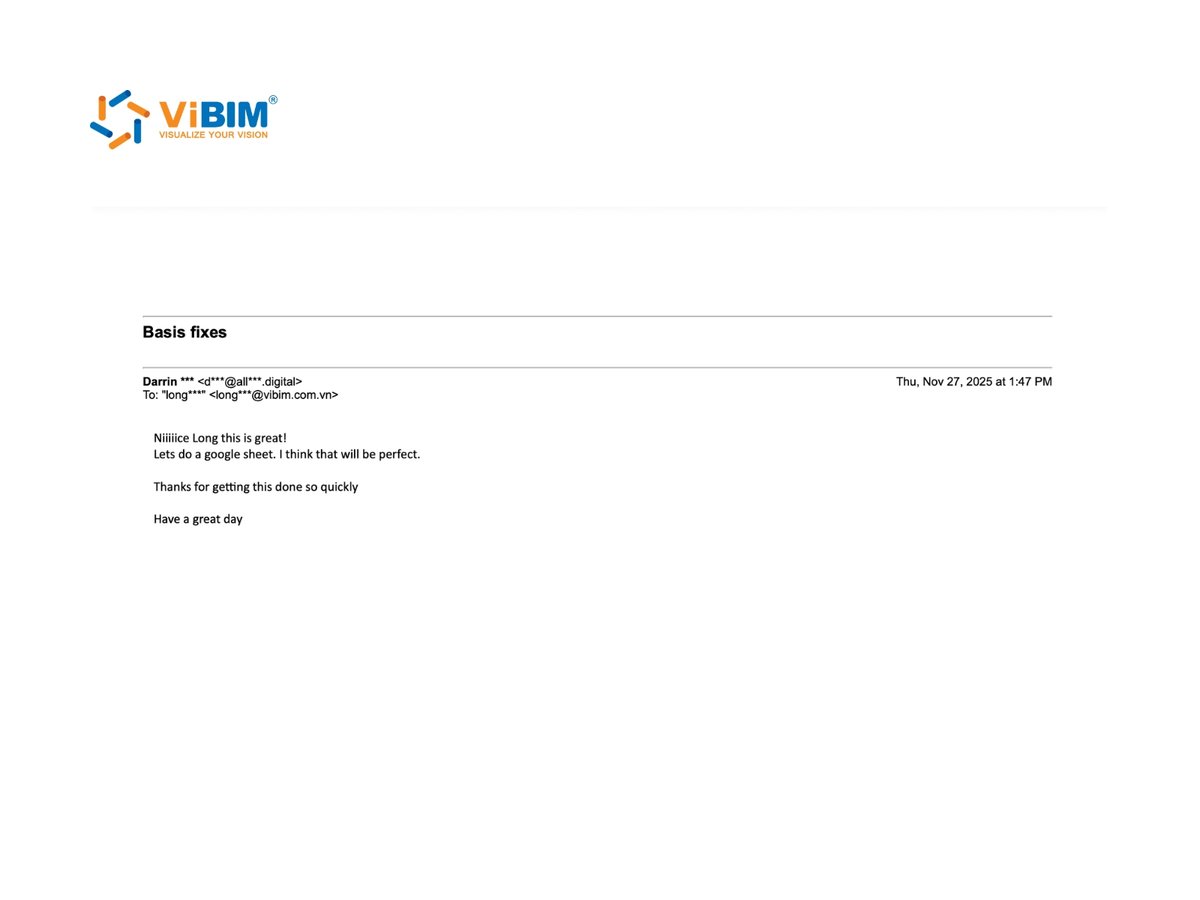
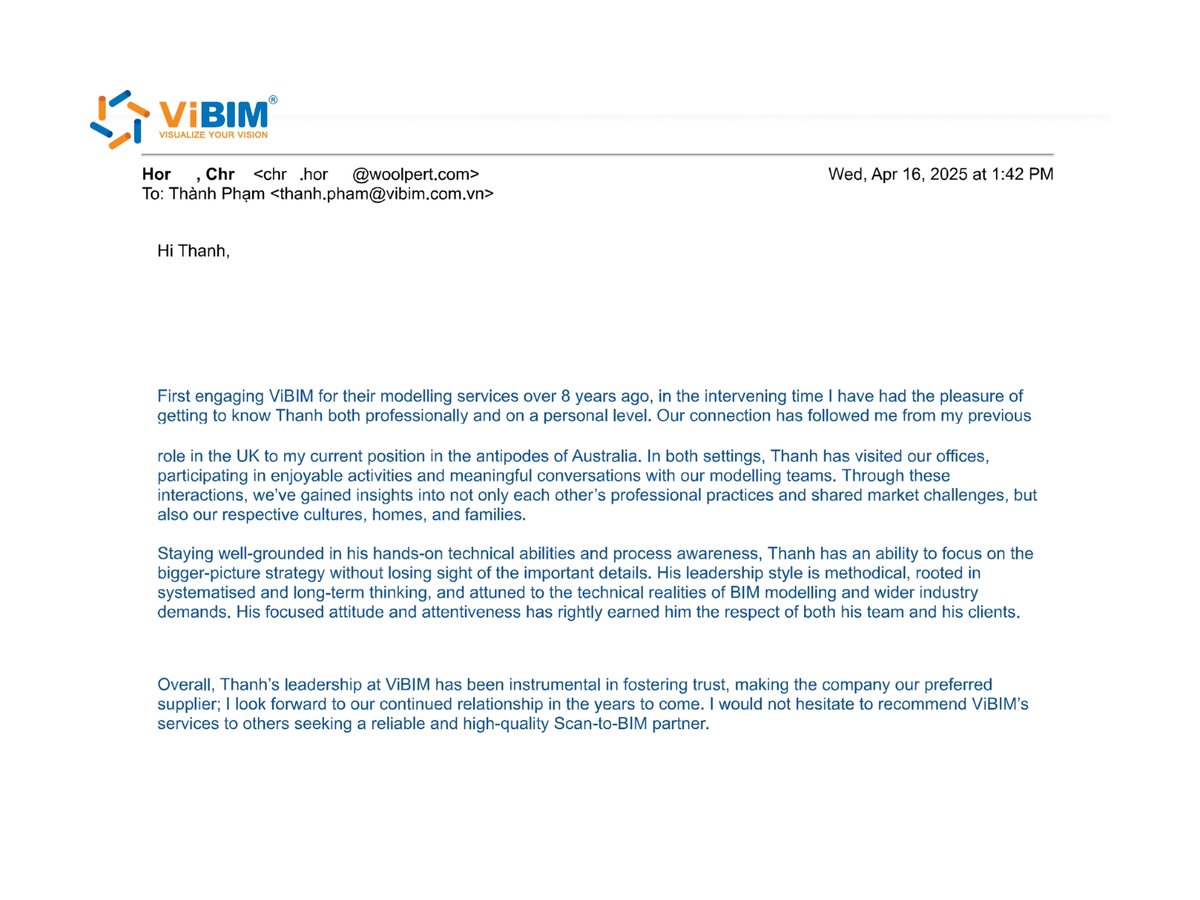
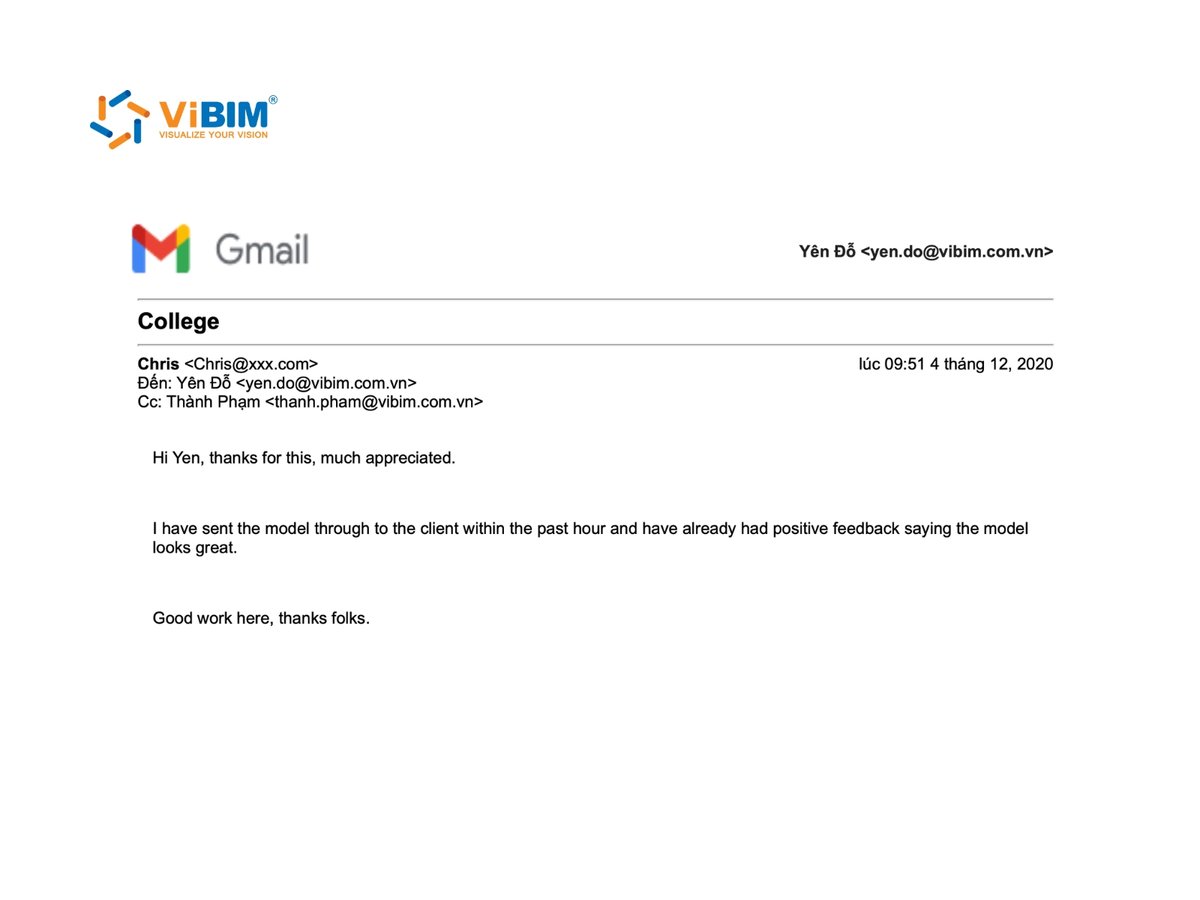
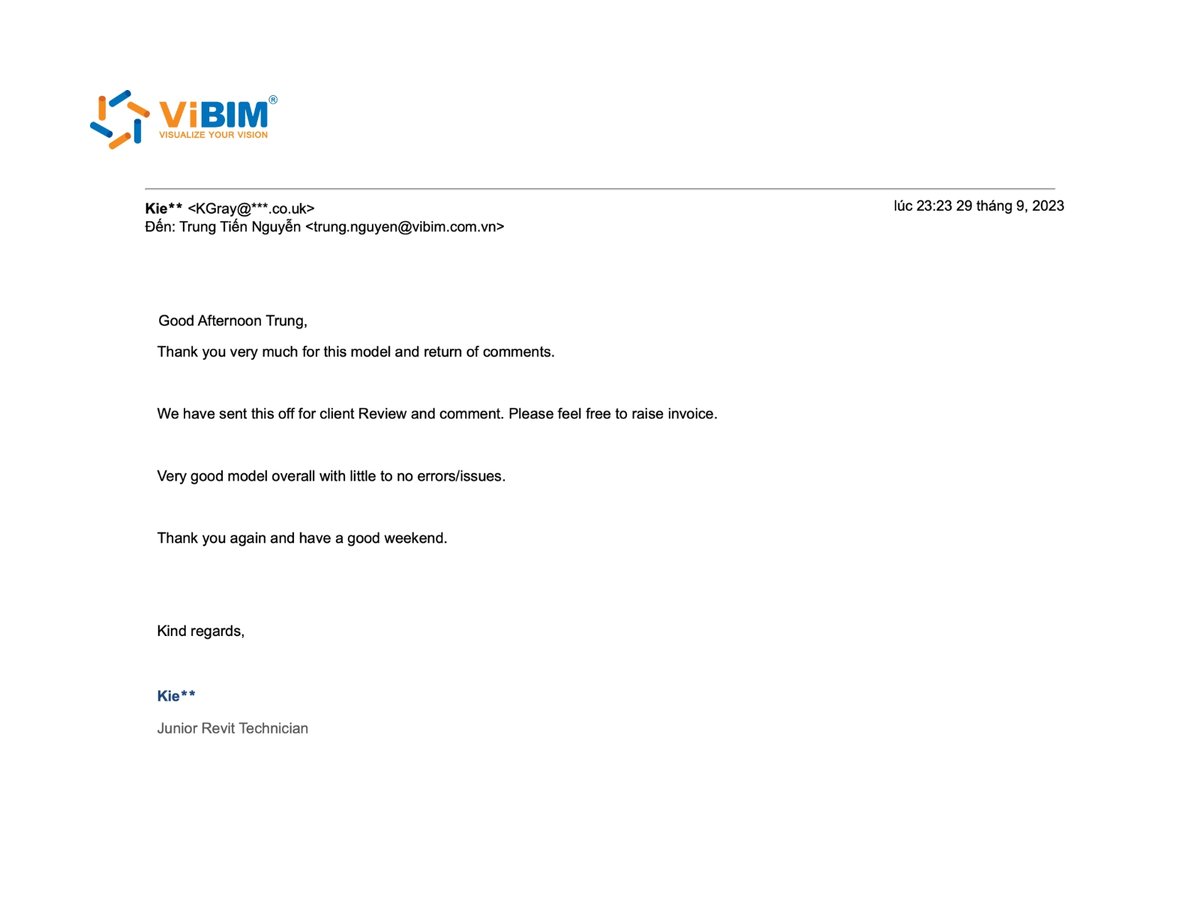
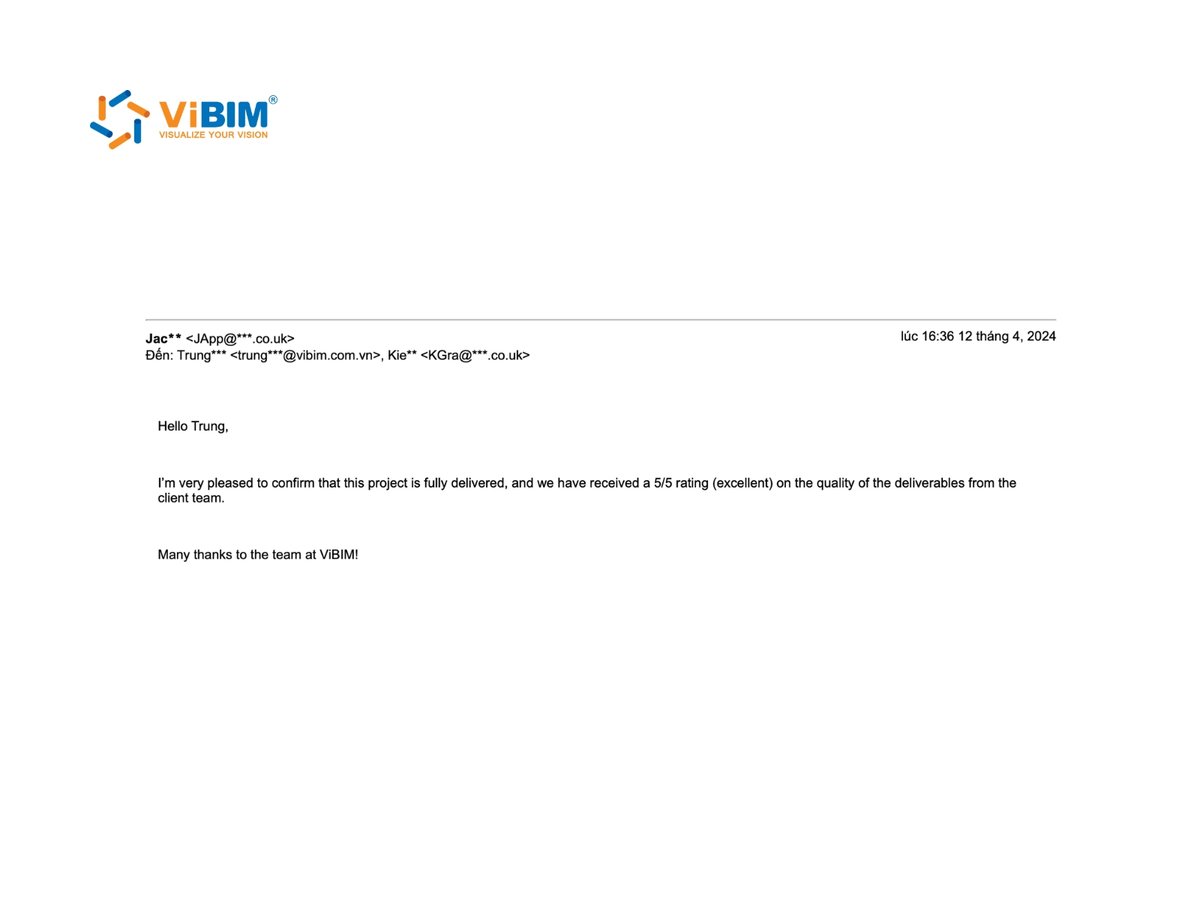
The reviews below come from emails clients sent ViBIM about their scan to BIM projects, shown as the original message and as anonymized quotes:
Point cloud to BIM modeling services from ViBIM cover architecture, structure, MEP, and topography. ViBIM’s scan to BIM modeling services can be scoped to a single discipline or to a coordinated multi-discipline model. Each discipline is modeled from the existing conditions captured in your scan as high-quality parametric Revit elements, detailed to the LOD your project calls for, from LOD 100 to LOD 500, rather than a fixed band per trade.
The point cloud modeling services ViBIM provides for the four disciplines are below:
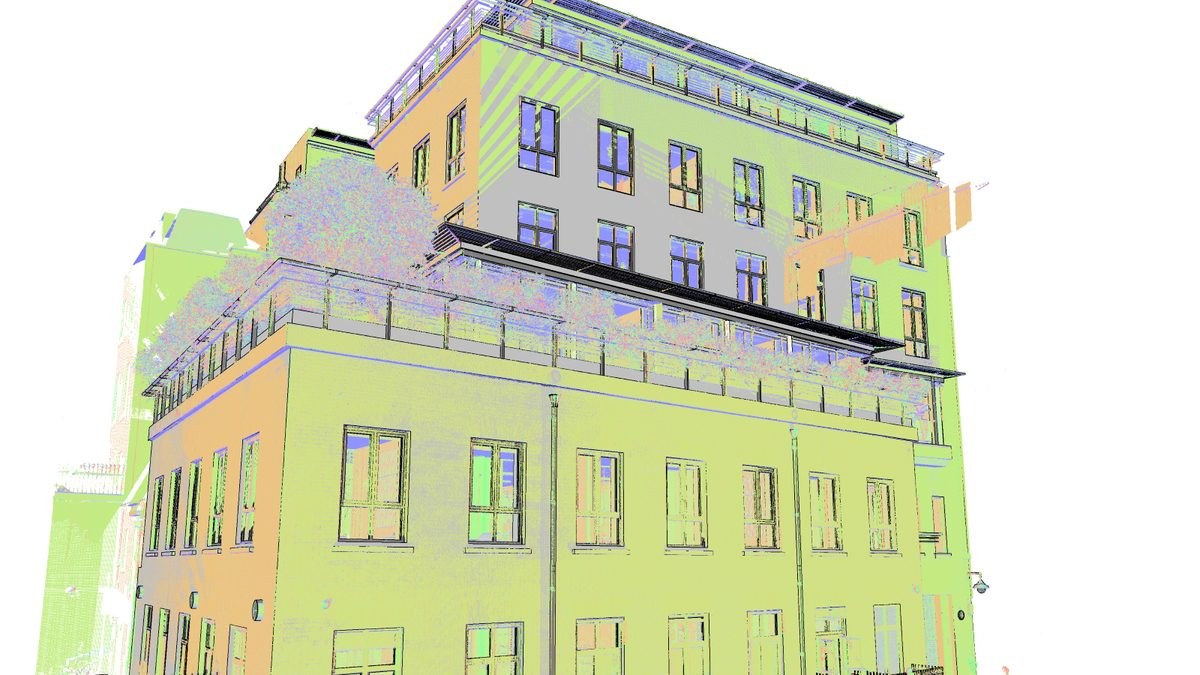
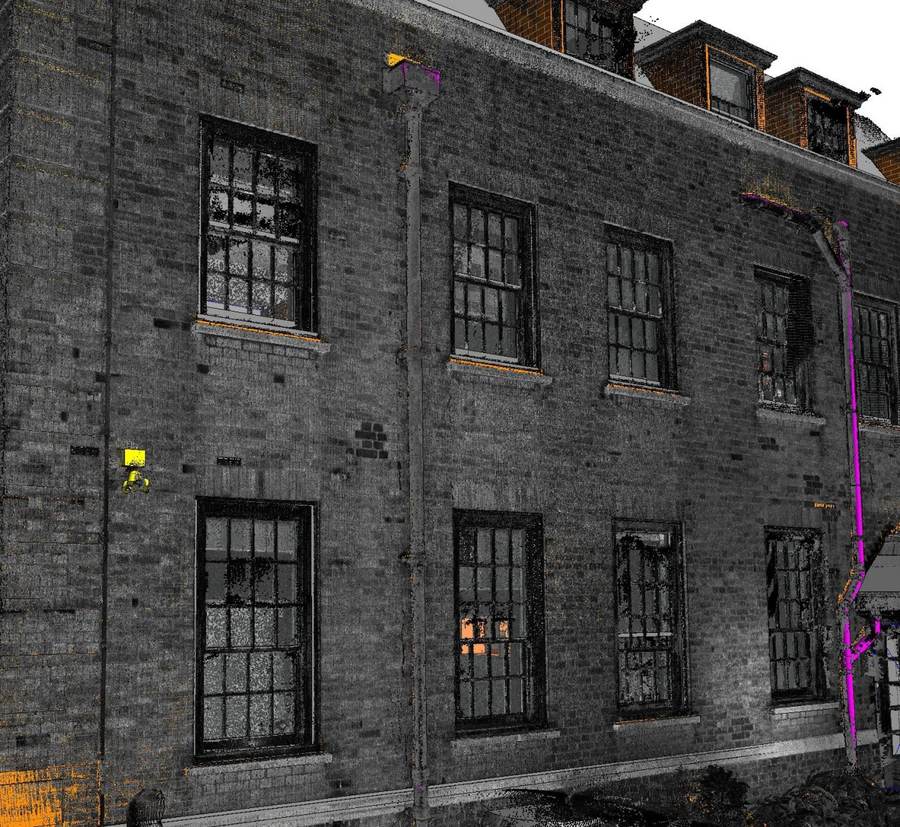
Architectural scan to BIM at ViBIM converts your point cloud data into an accurate as-built model of walls, floors, ceilings, doors, windows and facades. These elements are modeled parametrically, ready for renovation, retrofit or as-built documentation.

Structural scan to BIM at ViBIM converts your point cloud data into an accurate as-built model of columns, beams, slabs, foundations and load-bearing walls. The structural frame is coordinated with architecture and MEP for clash-free documentation.

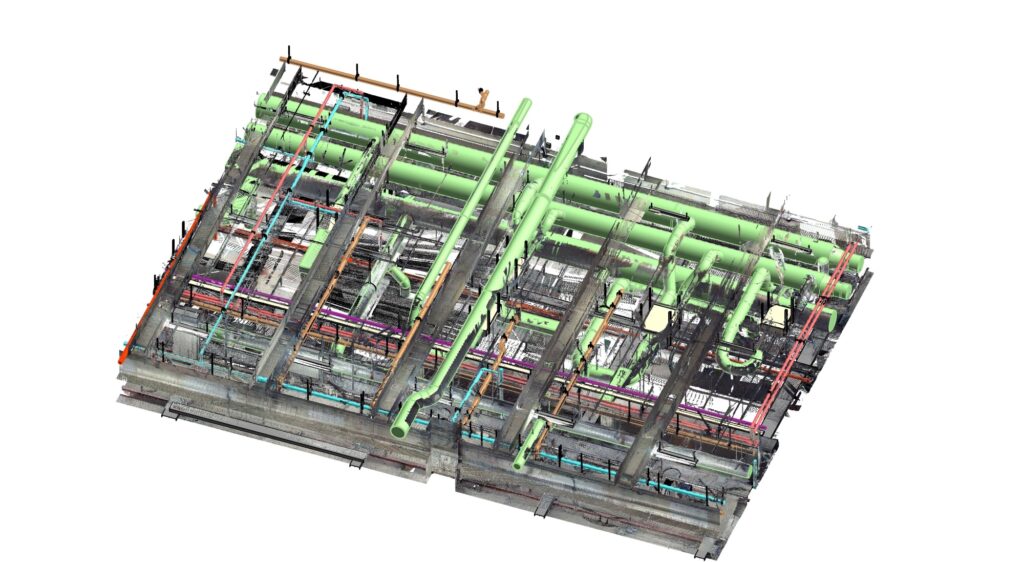
MEP scan to BIM at ViBIM converts your point cloud data into an accurate as-built model of mechanical, electrical and plumbing systems, including ducts, pipes, conduits and equipment. These MEP systems are modeled parametrically in Revit and clash-checked against structure and architecture.

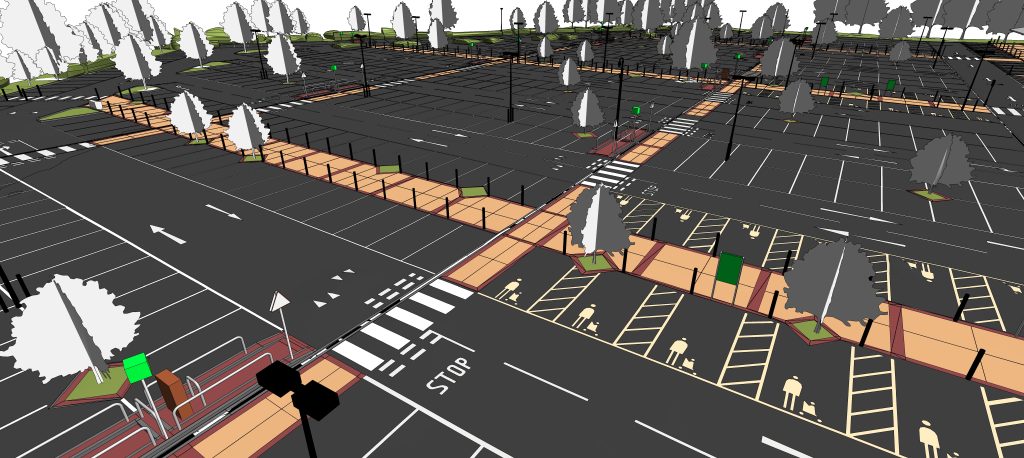
Topography scan to BIM at ViBIM converts your point cloud data into an accurate as-built model of terrain, site levels, surrounding structures and existing site features. The surveyed surface is modeled in Revit-ready formats, giving you a reliable base for site planning and design.
Point cloud to BIM deliverables from ViBIM include as-built drawings, as-built BIM models, custom Revit families and BIM for facility management. All four come from the same registered scan, so drawings ordered first can become a full Revit model later without rescanning. Each ships in the format your team works in, .RVT, .IFC, .DWG, or .RFA, ready for design, coordination, or handover.
The four deliverables of ViBIM’s scan to BIM services are set out below:
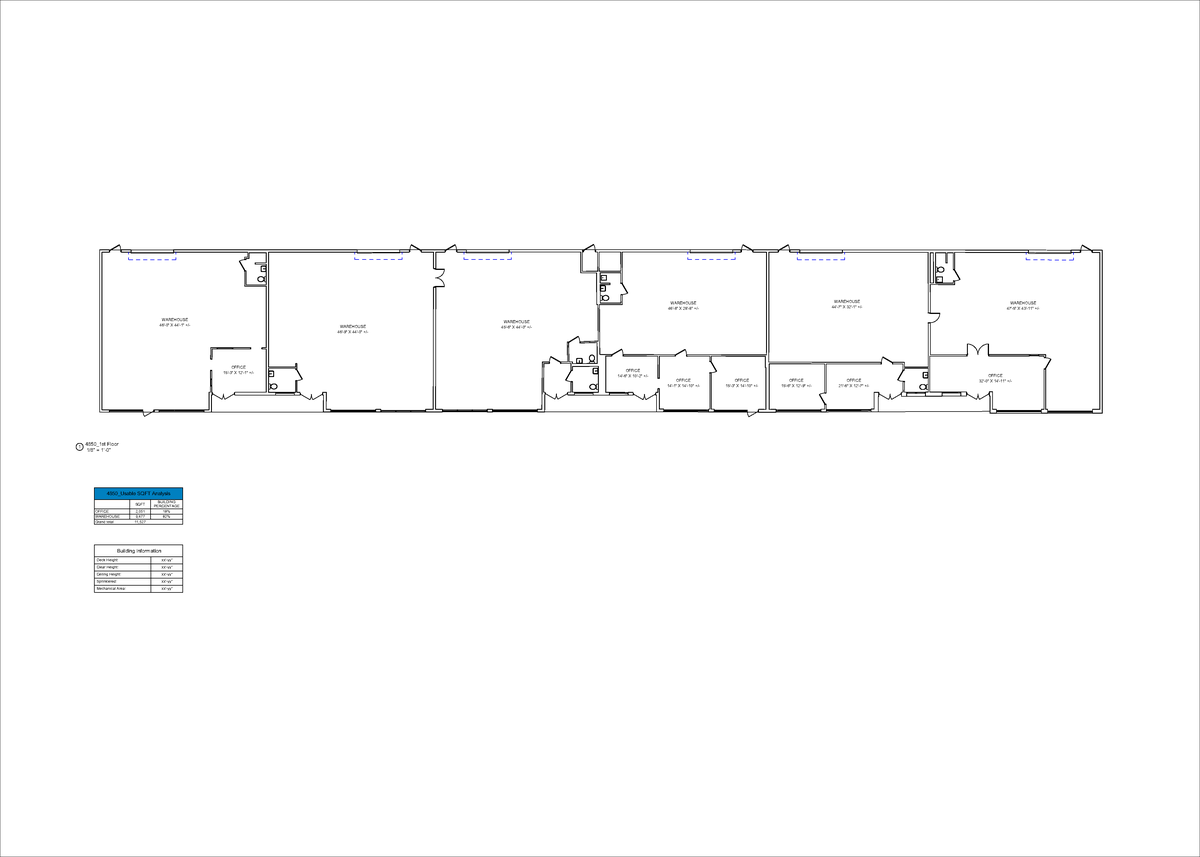
As-built drawings from ViBIM are 2D CAD plans, sections and elevations generated from your point cloud to document a structure exactly as it stands. Dimensioned as-built drawings are produced in DWG from the same scan.
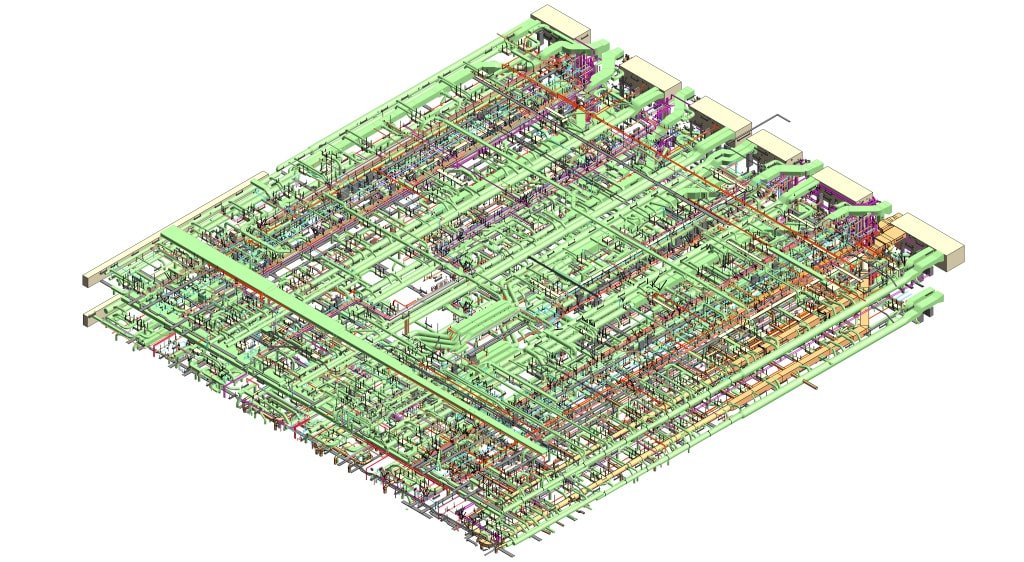
As-built BIM modeling from ViBIM delivers a 3D parametric Revit model that reflects the real, existing conditions of a building captured by laser scan. The as-built model is built element by element in Revit at your required LOD.
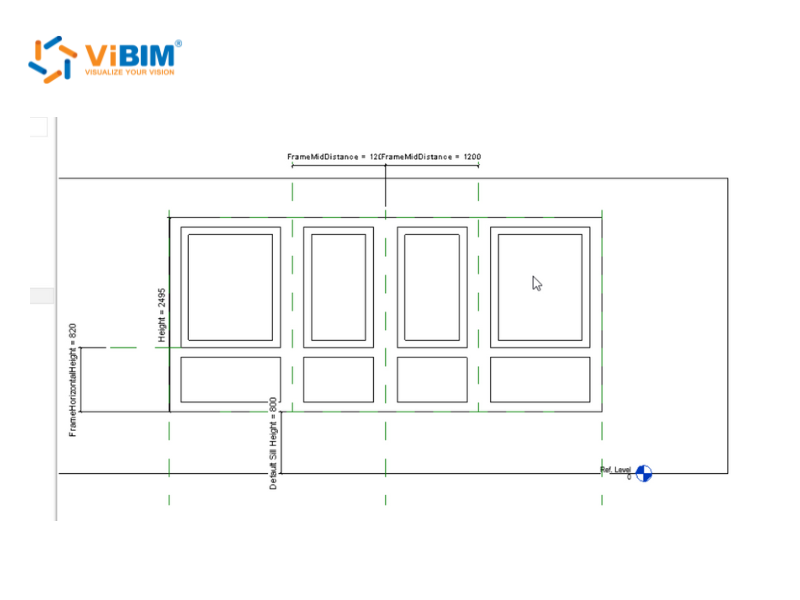
Revit family creation from ViBIM models custom parametric components, such as doors, windows, fixtures and equipment, that match the exact items captured in your scan. We build reusable point cloud to Revit families with the parameters and detail your project workflow requires.
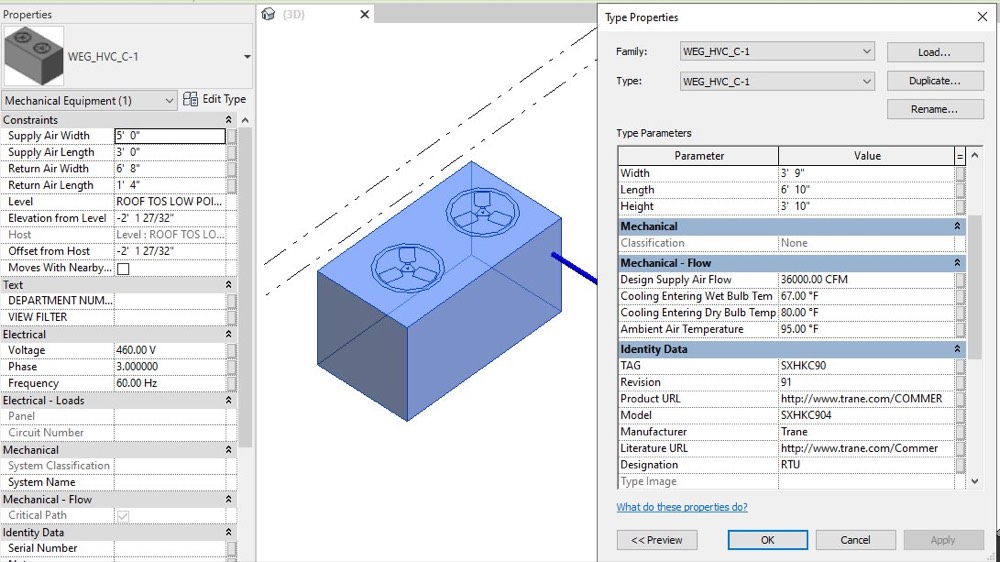
BIM for facility management from ViBIM delivers an as-built model enriched with asset data and LOI, structured so your facility team can link it into a CAFM or FM system as a single source of truth.

The scan to BIM conversion service at ViBIM works by setting up your registered point cloud as a linked reference in Revit, then modeling each discipline from it to build a coordinated, parametric as-built BIM model. Before final delivery, the model passes LOD validation, independent QC against the source scan and your own markup review, with ViBIM’s pre-analysis tool flagging elements that need review before QC begins.
The six phases of the scan to BIM conversion process are set out below:
Project setup begins your scan to BIM conversion by confirming scope, target LOD, deliverable formats and coordinate system, then ingesting and registering your point cloud data. We agree these parameters up front so every later phase models to the right specification. Before modeling starts, the registered scan is checked for coverage, point density and registration accuracy. Coverage gaps are flagged for your confirmation, and elements in those areas are modeled from the reference data you send with the scan. Setup runs in four steps:
Output: a registered, coordinate-correct point cloud with levels and grids ready for modeling.
Note: If the building has not been scanned yet, ViBIM can arrange on-site scanning through laser scanning partners in the USA before setup begins.
Discipline modeling converts the registered point cloud into parametric Revit geometry for each trade, architecture, structure and MEP, built to the target LOD. Architecture frames the space first, then structure and MEP are placed to it, because each trade carries its own scope, LOD and output format. The two modeling steps follow this order:
Output: coordinated parametric geometry for each trade at the target LOD.
The validation and families phase reviews modeled geometry for LOD and LOI compliance and builds the custom components the project needs. The model is checked for completeness and consistency before it moves to coordination. Two checks make up this phase:
Output: an LOD- and LOI-validated model with the parametric families the project needs.
Coordination and QC runs clash detection between disciplines and puts the model through ViBIM’s two-layer independent quality check against the source scan. It runs in two steps:
Each QC layer checks five things:
Output: a clash-checked, QC-verified model approved to advance to submission.
Submission and revision delivers the draft model for your review and incorporates your feedback. We return a revised as-built BIM model that matches your comments, scope and standards before final sign-off. Two steps close out review:
Output: a revised model matching your markups, ready for final sign-off.
Final delivery hands over the completed as-built model and deliverables in your required formats (.RVT, .IFC, .DWG) at the target LOD. One step completes the project:
Output: the final as-built model and deliverables handed over in your required formats.
Point cloud formats we accept include RCP, RCS, E57, LAS, PTS, PTX, FLS and XYZ, exported from any scanner, including Leica, FARO, Trimble and Riegl, with Matterport data accepted as an E57 export. Whether your data comes from a laser scan, photogrammetry or a mobile mapper, ViBIM converts it to BIM. Mobile scans, such as BLK2GO or NavVis data, are less dense, which limits how much LOD 300 detail they can support. TruView panoramas, site photos and 2D drawings can be sent with the point cloud, because they show what the points alone do not: system types, equipment tags and material boundaries. The format you send decides how the data is linked:
RCP and RCS
Native ReCap point cloud formats, preferred for the smoothest workflow; keep each RCS under 5 GB per file.
E57
The open interchange standard, used when data comes from other software or scanners.
LAS, PTS, PTX, FLS and XYZ
Indexed into RCP or RCS in ReCap Pro before the data is linked into Revit.
Zipped datasets
Multiple files packed into a single .zip for transfer.
The scan to BIM software we use spans the Autodesk ecosystem and proprietary in-house automation, each tool covering a specific stage of the conversion. ACC, Cintoo, BIMcollab, and TruView are shared with your team for file transfer, issue review, and point cloud viewing. The ten tools in our workflow are below:

Autodesk Revit
The BIM authoring platform we model the as-built in, building parametric geometry element by element into native .RVT.
Autodesk ReCap Pro
The point cloud processor that registers, cleans and indexes raw scans into RCP/RCS for Revit to link.

Autodesk Navisworks Manage
The coordination tool we run clash detection and model-vs-scan deviation checks in.

AutoCAD
The drafting tool we produce the as-built DWG sheets in.

Autodesk Construction Cloud (ACC)
The cloud platform we collaborate and share models on, the successor to BIM 360.

Cintoo Cloud
The streaming service that handles very large point clouds without copying them to every machine.

BIMcollab
The issue tracker we manage clashes and review comments with clients in.
Leica TruView
The viewer clients open to reference the point cloud online.

Internal Revit Add-in Tools
Our proprietary Revit API and Dynamo automations for repetitive geometry and in-place to loadable family conversion.

Internal QA/QC Tool
Our proprietary pre-analysis tool that automatically flags missing, misaligned and out-of-tolerance elements before the two-layer QC review.
Scan to BIM accuracy at ViBIM is controlled through tolerance checks against your source scan, ISO 19650 quality standards and clearly defined Levels of Development. The same three measures let you judge any scan to BIM service provider before outsourcing.
The three measures behind scan to BIM quality are set out below:
Modeling tolerance at ViBIM is agreed for your project rather than quoted as a blanket millimeter figure, and the achievable tolerance is governed by source scan resolution. (Tolerance is the allowable difference between the model and the source scan points.) Tolerance can also be specified per element as a USIBD Level of Accuracy (LOA). Three delivered projects show the tolerance each client specified:
Every element is verified against the point cloud through two-layer independent QC, with each element’s deviation from the scan measured in Navisworks. A deviation report can be delivered with the model on request.
Quality standards for scan to BIM combine ISO 19650 information-management practice with a two-layer independent scan to BIM quality control process, where two reviewers separately validate each model against the scan. Three standards anchor the work:

ISO 19650 The international standard for managing BIM information.
PAS 1192 The UK predecessor that ISO 19650 grew out of.
BIMForum LOD The framework that defines how much detail a model carries.
Each model is cross-checked to US and UK standards by AEC-qualified engineers.
Level of Development (LOD) combines Level of Detail (geometry) and Level of Information (data) to define how reliable a BIM model is, from LOD 100 (conceptual) to LOD 500 (field-verified as-built). We deliver LOD 100 to 500, with LOD 300 the most common for scan to BIM and LOD 350 used where MEP coordination is critical.
The LOD scale runs from conceptual to field-verified:
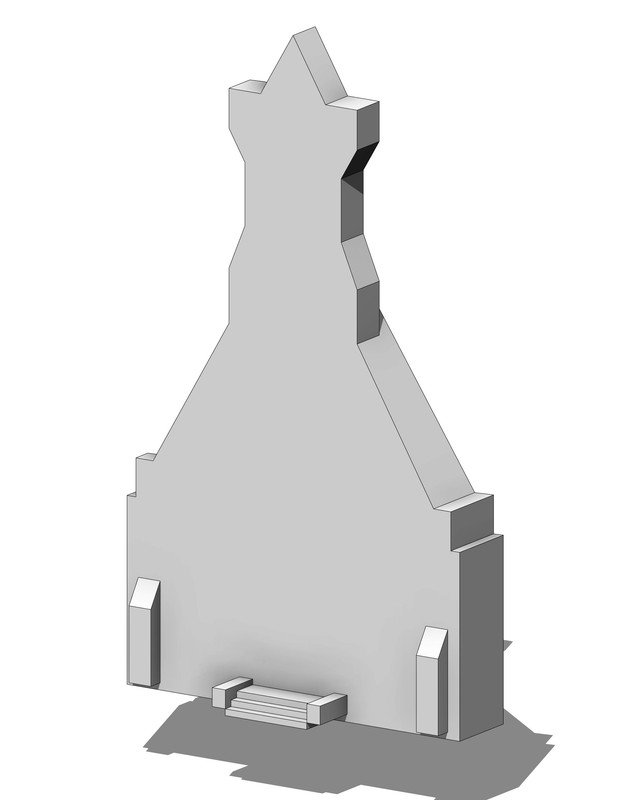
LOD 100
Conceptual
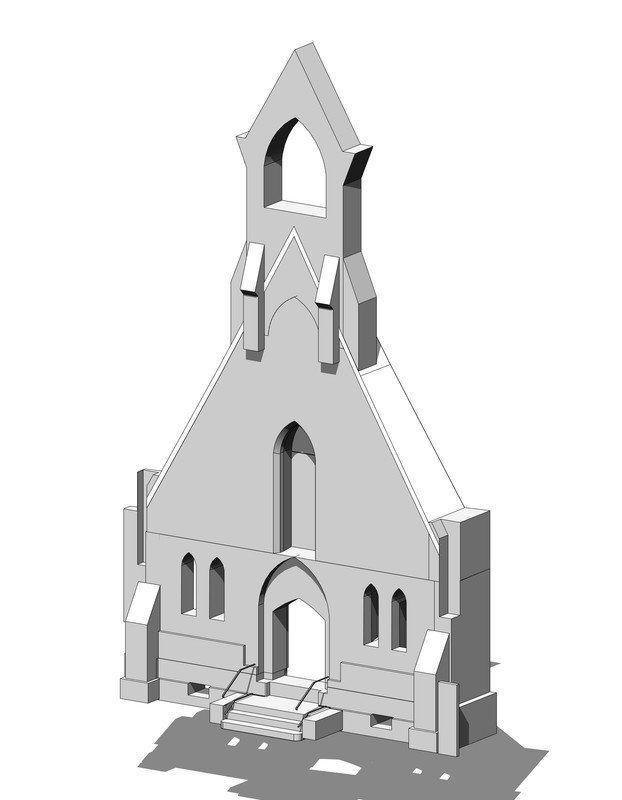
LOD 200
Approximate geometry
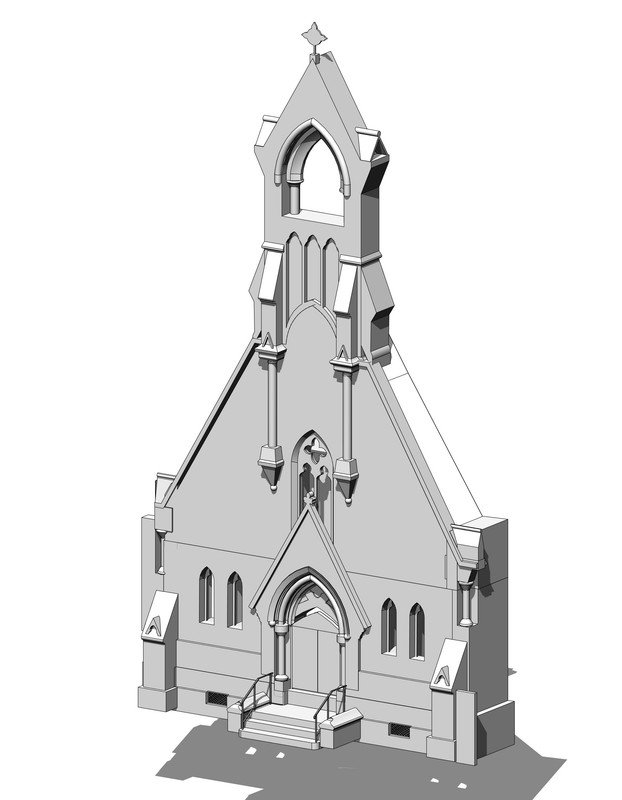
LOD 300
Precise, modeled geometry
Most common
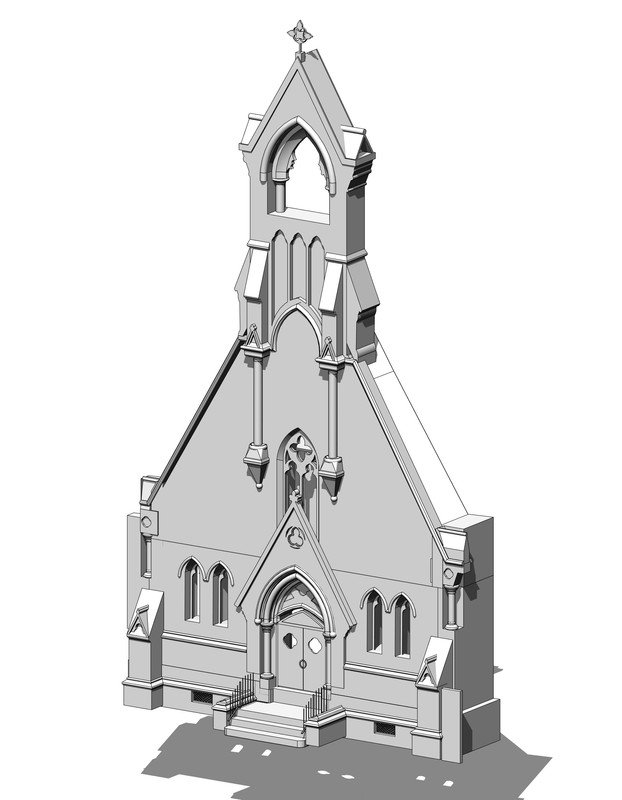
LOD 400
Fabrication-ready
LOD 500
Field-verified as-built
The model is delivered at the LOD the project requires, not a fixed band assigned to each discipline. LOD differs from LOI (Level of Information), the non-geometric data attached to elements such as manufacturer or model number; the two are complementary. LOD is also not the same as Revit’s Detail Level (Coarse, Medium, Fine), which only changes display, not the model’s development.

INDEPENDENT
QC LAYERS
Want scan to BIM verified against your point cloud to a defined LOD?
Scan to BIM services by ViBIM cover office complexes, homes, hospitals, factories, schools, heritage churches, train stations, supermarkets and amusement rides. Each industry reuses the same point cloud to BIM workflow and LOD framework, adapted to its building types and compliance standards. The industries ViBIM serves with scan to BIM are below:
Commercial & Office
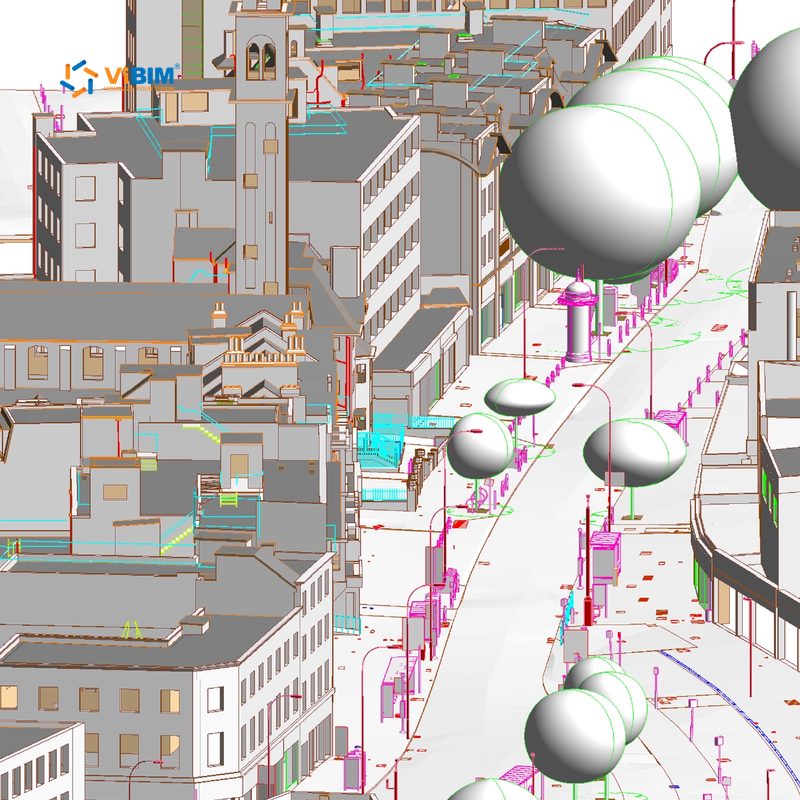
Multi-building complexes scanned in phases are modeled into one coordinated Revit model, with drawings to your CAD standards. Delivered on a commercial complex in the UK.
Residential
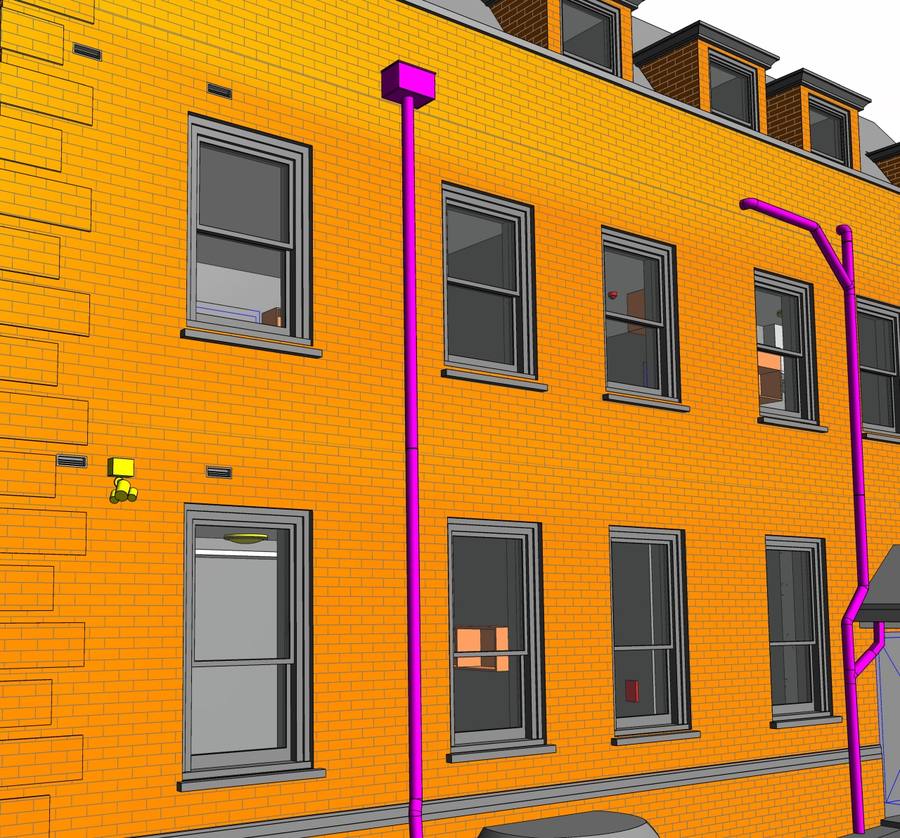
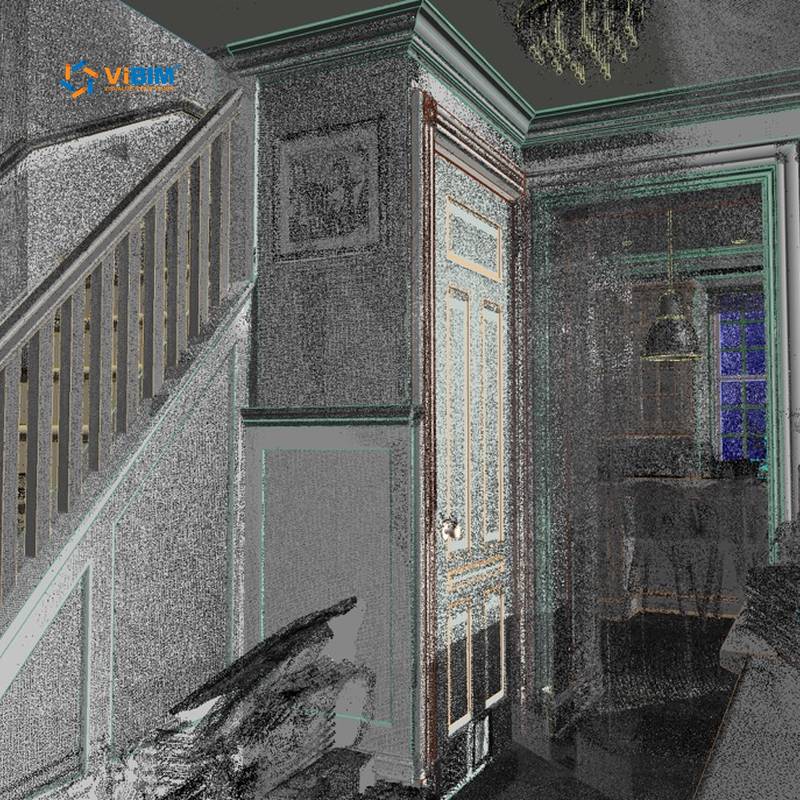
Doors, windows, moldings, railings and fittings are modeled at their true size and position, up to LOD 400. Delivered on a four-story home in the US.
Healthcare
HVAC, medical gas, plumbing and cable trays are modeled as separate systems through shared shafts and ceilings, to the project’s MEP tolerance. Delivered on a hospital complex in Canada.
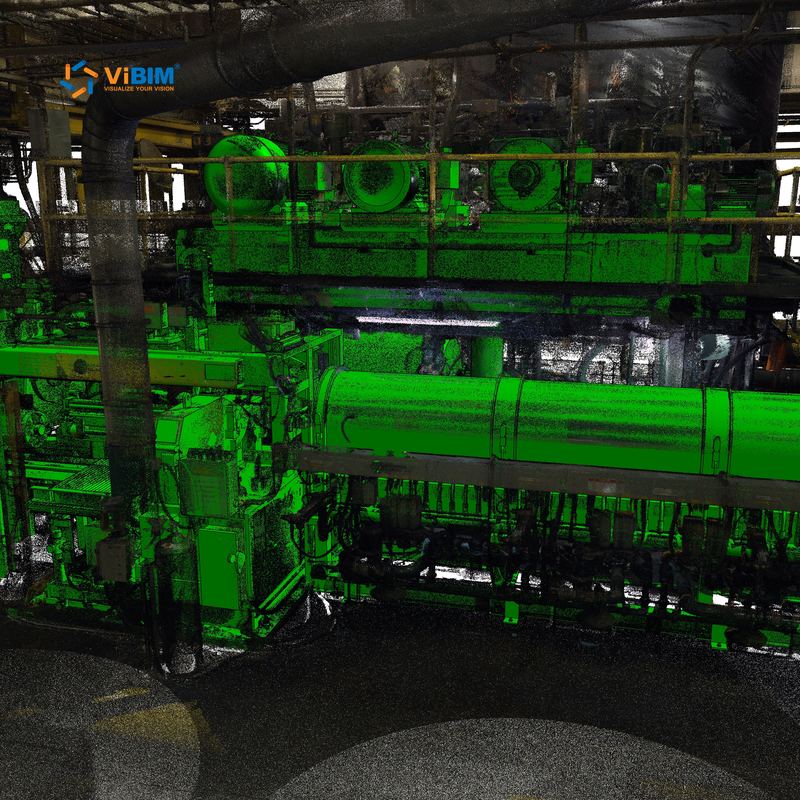
Industrial & Manufacturing
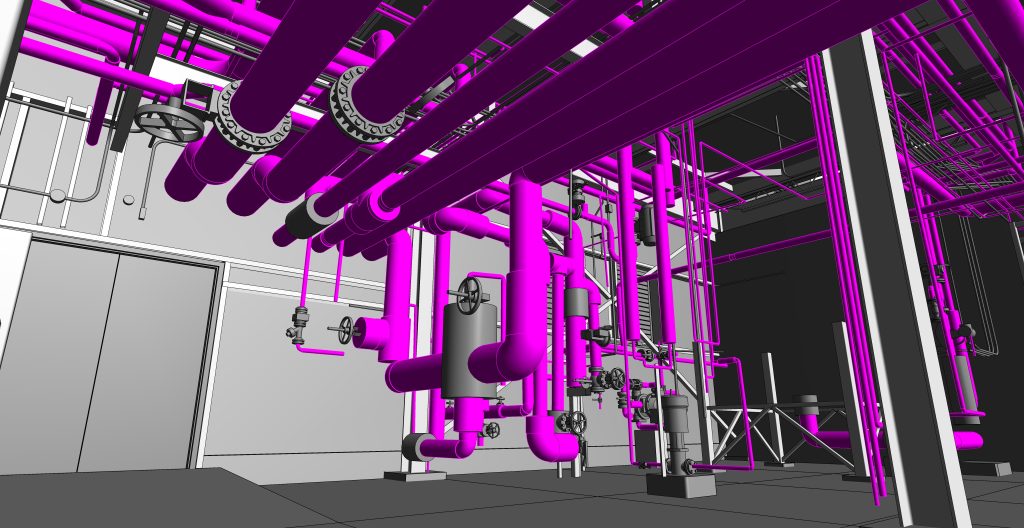
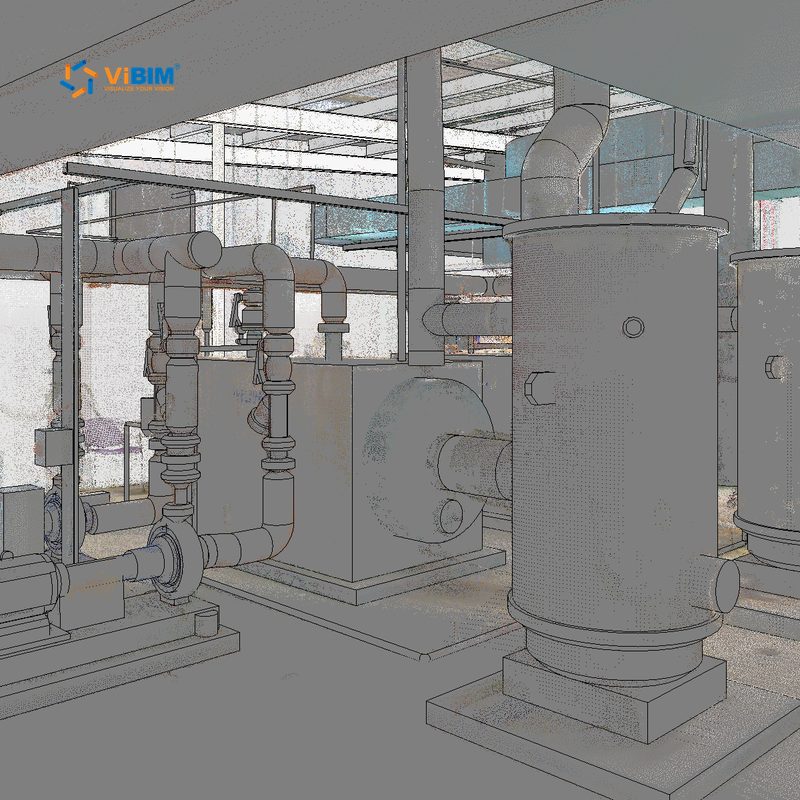
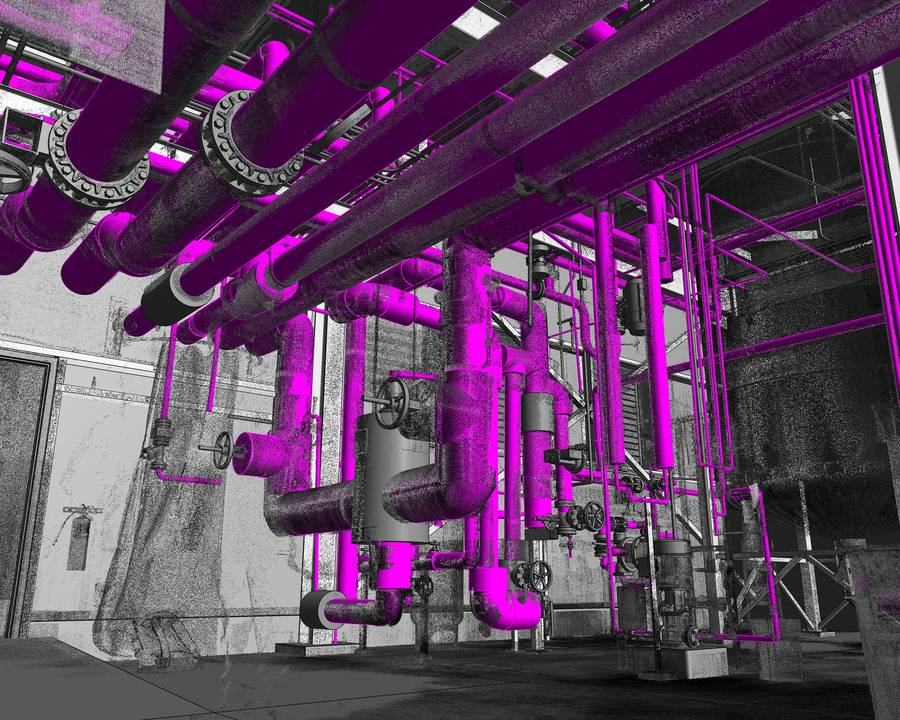
Dense piping, cable trays, valves and electrical connections are modeled as connected systems around the equipment they serve. Delivered on a factory in the US.
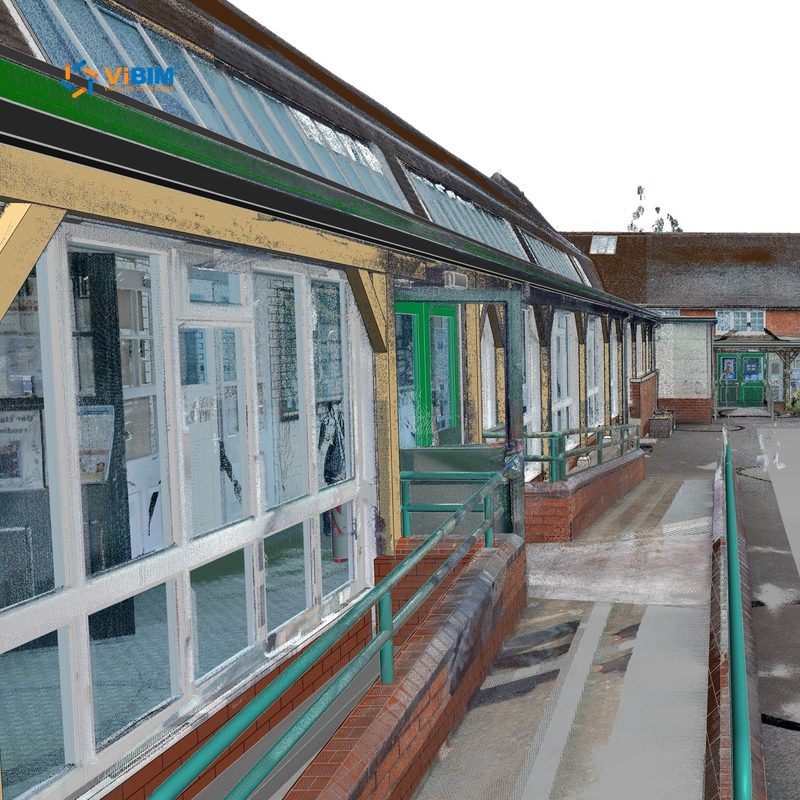
Education
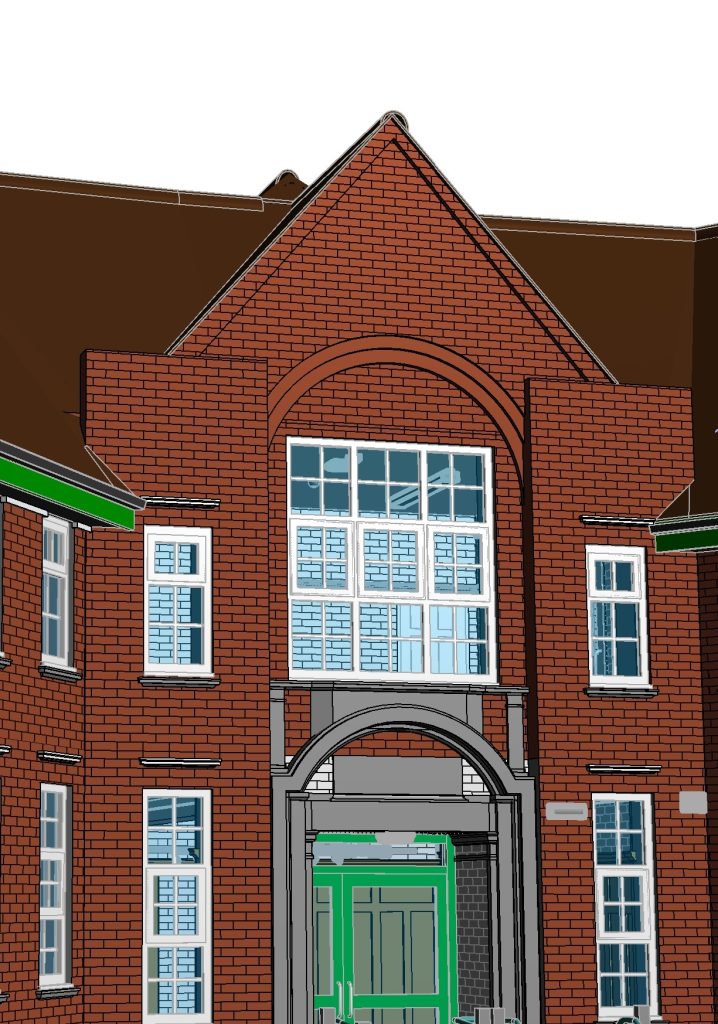
Every element across a multi-building campus is assigned the correct Revit category, family type and material. Delivered on a school in the UK.
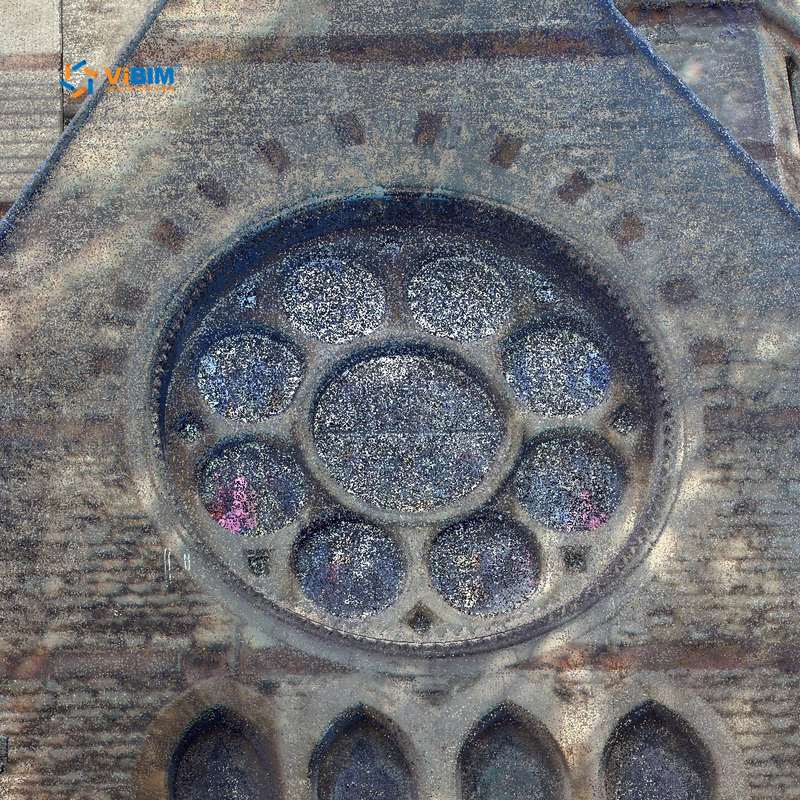
Heritage & Cultural
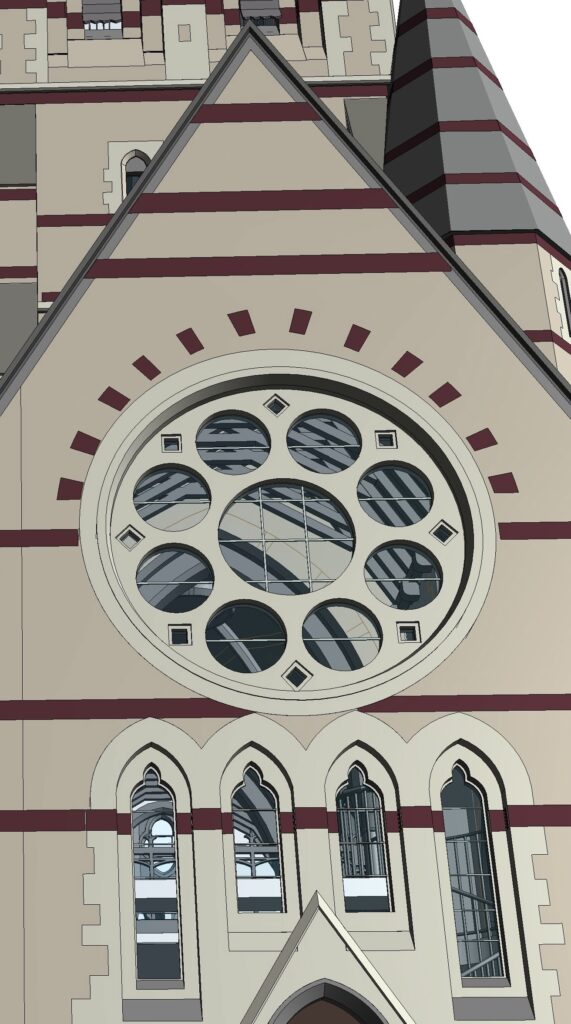
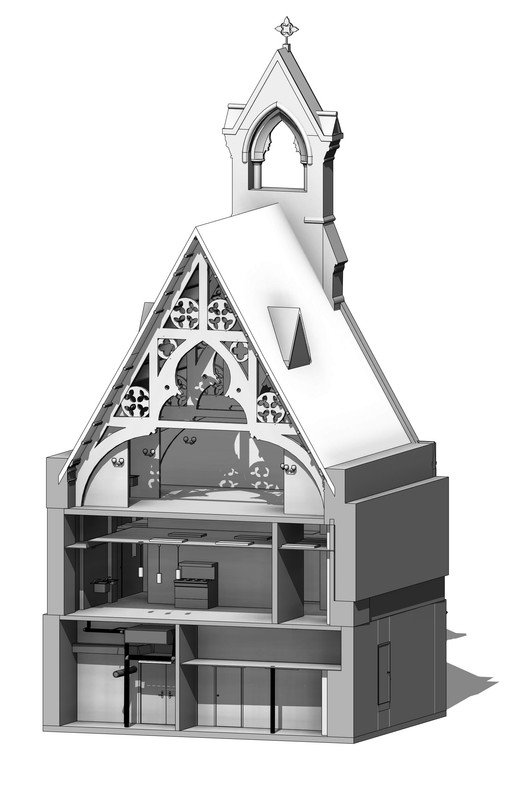
Ornate details and vaulted domes are modeled as custom Revit families with each material zone defined, up to LOD 400 for conservation work. Delivered on a historic church in the UK.
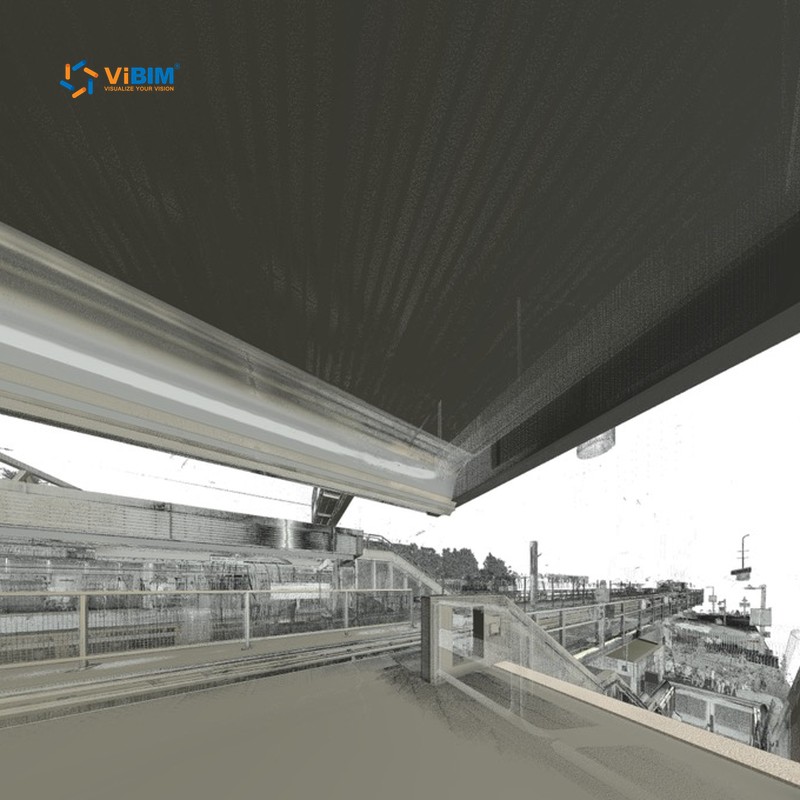
Transportation & Infrastructure
Platforms, tracks and bridge structures are modeled across street and below-grade levels, with rail alignment held to the tolerance the project specifies. Delivered on a train station in Canada.
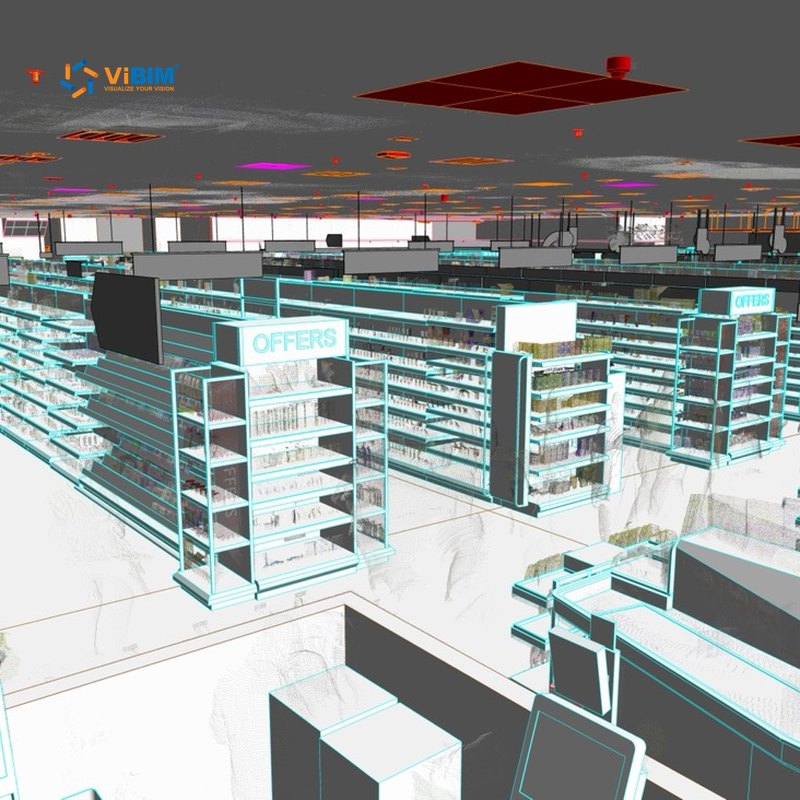
Hospitality & Retail
Store architecture, structure and MEP are modeled in the client’s own Revit families and reconciled against the original drawings where the building has changed. Delivered on a supermarket in the US.
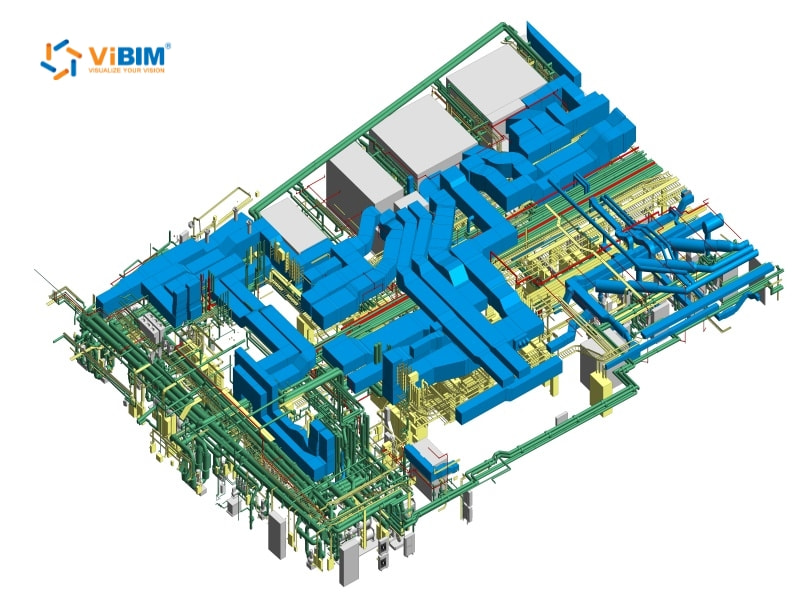
Data Center
Racks, MEP and clearances are modeled for capacity and clash planning.
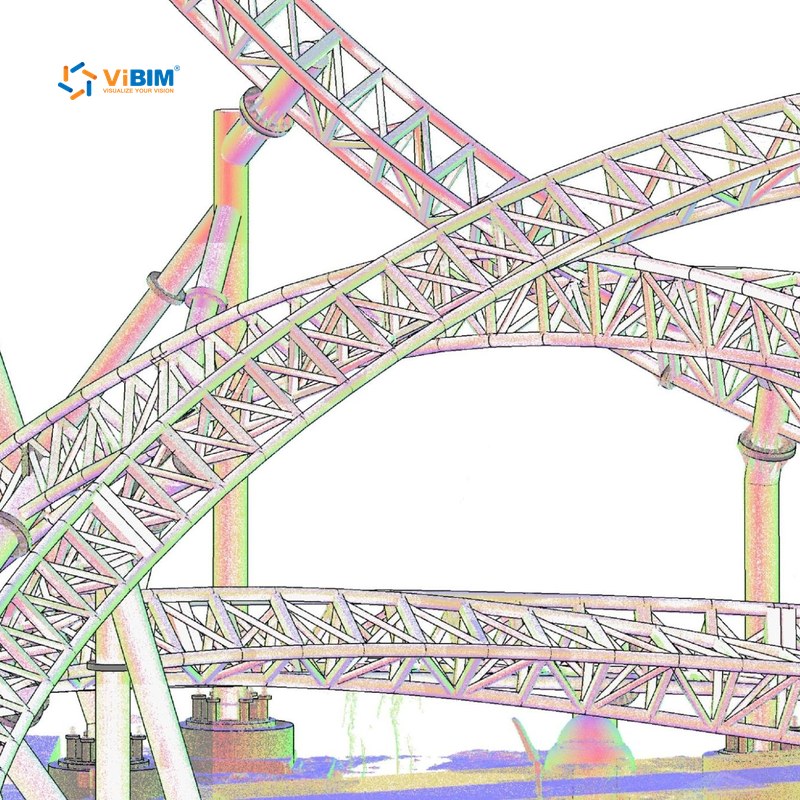
Recreation & Public Spaces
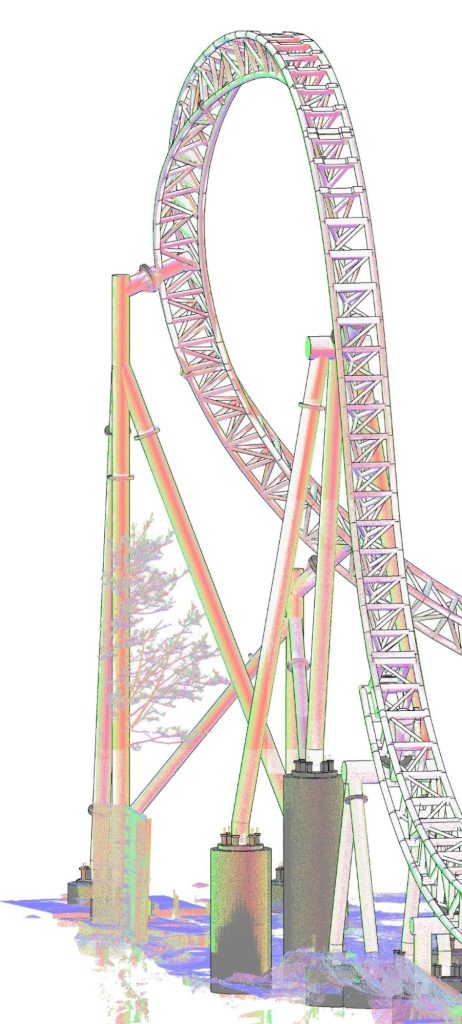
Curved, non-standard structures such as ride tracks are modeled as element-based Revit geometry rather than surface meshes, so the owner can assess structural integrity and plan maintenance. Delivered on a roller coaster in Canada.
Each card shows what is modeled for that industry and names the project ViBIM delivered, where there is one.
Laser scan to BIM services from ViBIM support existing-building projects at every stage, from design and construction to operations and long-term records. Each use case starts from the same point cloud, turned into a BIM model of existing conditions, so design, coordination and handover decisions are based on as-built data rather than outdated drawings. The main scan to BIM use cases are listed below:

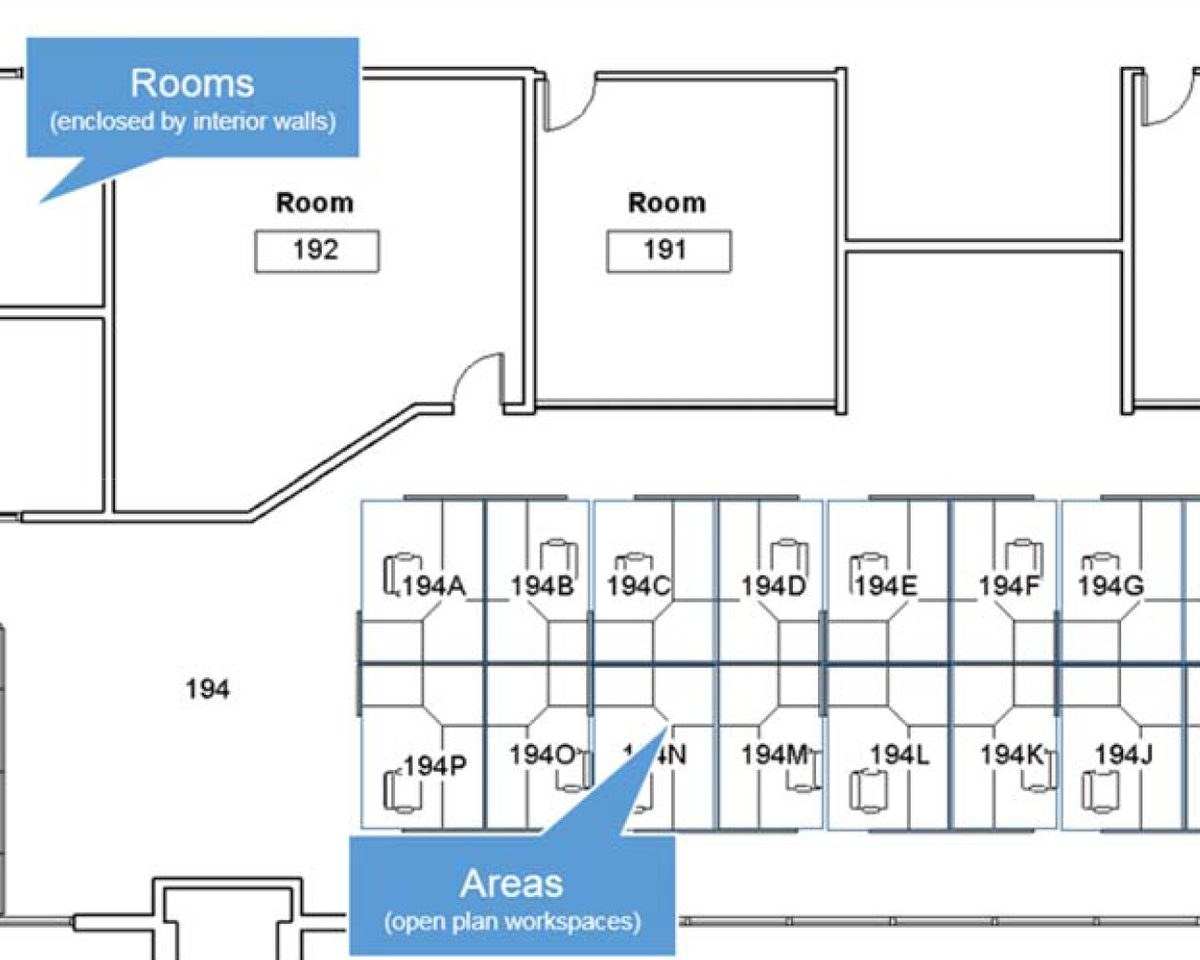
Architects design the renovation over an as-built Revit model of the existing walls, floors, openings, and levels, most often at LOD 300. Demolition and new work are drawn against measured conditions, so fewer surprises surface once the old fabric is opened up.
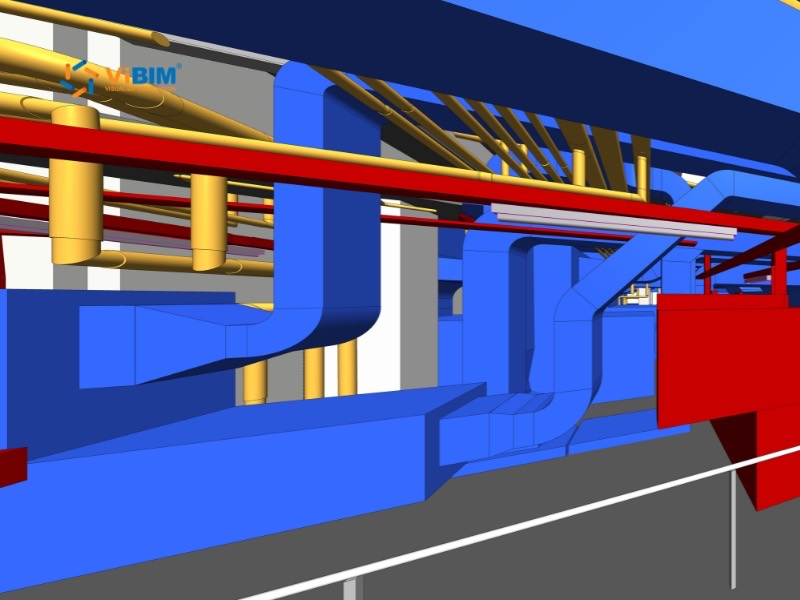
Engineers route new MEP or structural systems through a model of the existing structure, ducts, and piping, at LOD 350 where MEP coordination is critical. Duct, pipe, and beam runs are checked against real clearances in the model, so new systems fit the existing envelope before fabrication.
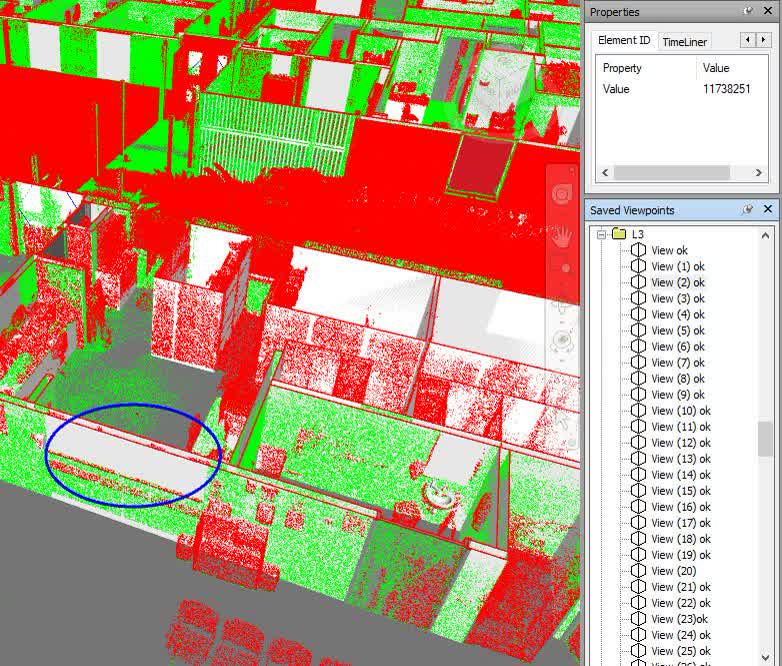
The scan-based model is combined with the new design in Navisworks, where clash detection flags where new work meets existing structure or MEP systems. Each conflict is logged as an issue in BIMcollab, and the design team resolves it on screen rather than on site.
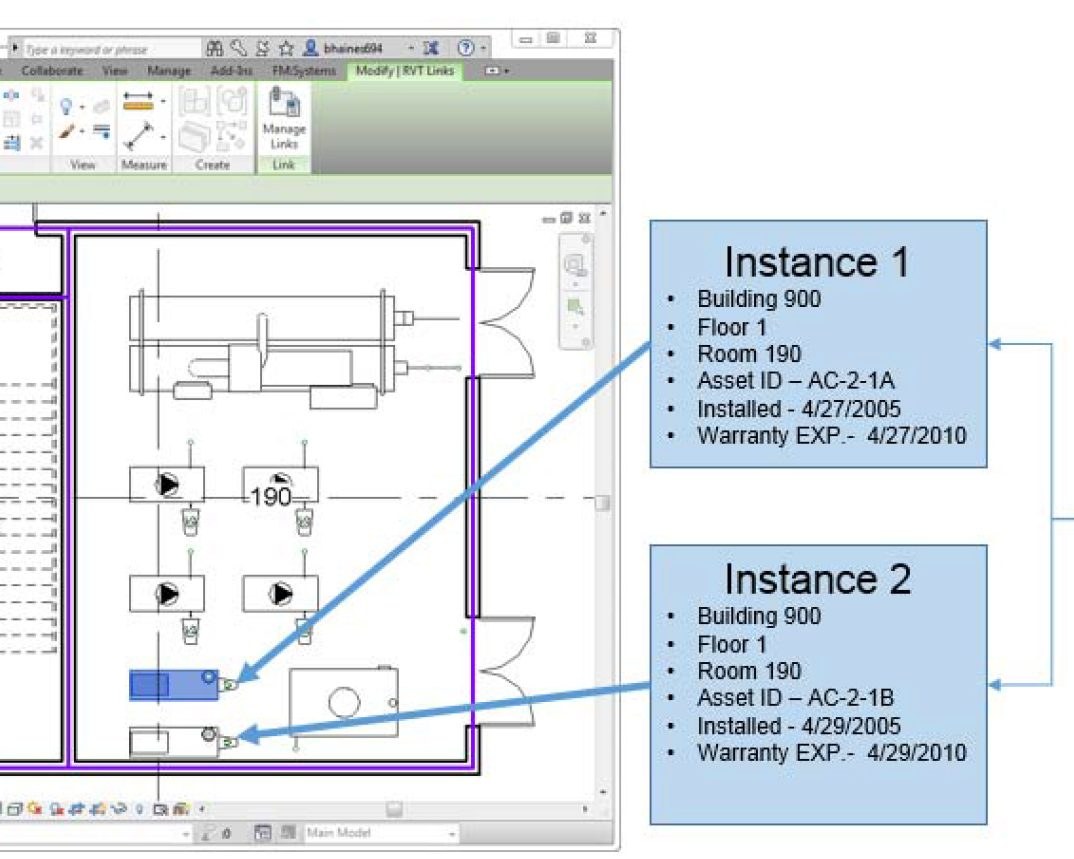
At handover, the as-built model gives owners the rooms and assets in the agreed scope as selectable model elements, each placed where the scan shows it. Facility teams then locate equipment, plan maintenance, and manage space from that one record instead of scattered paper files.
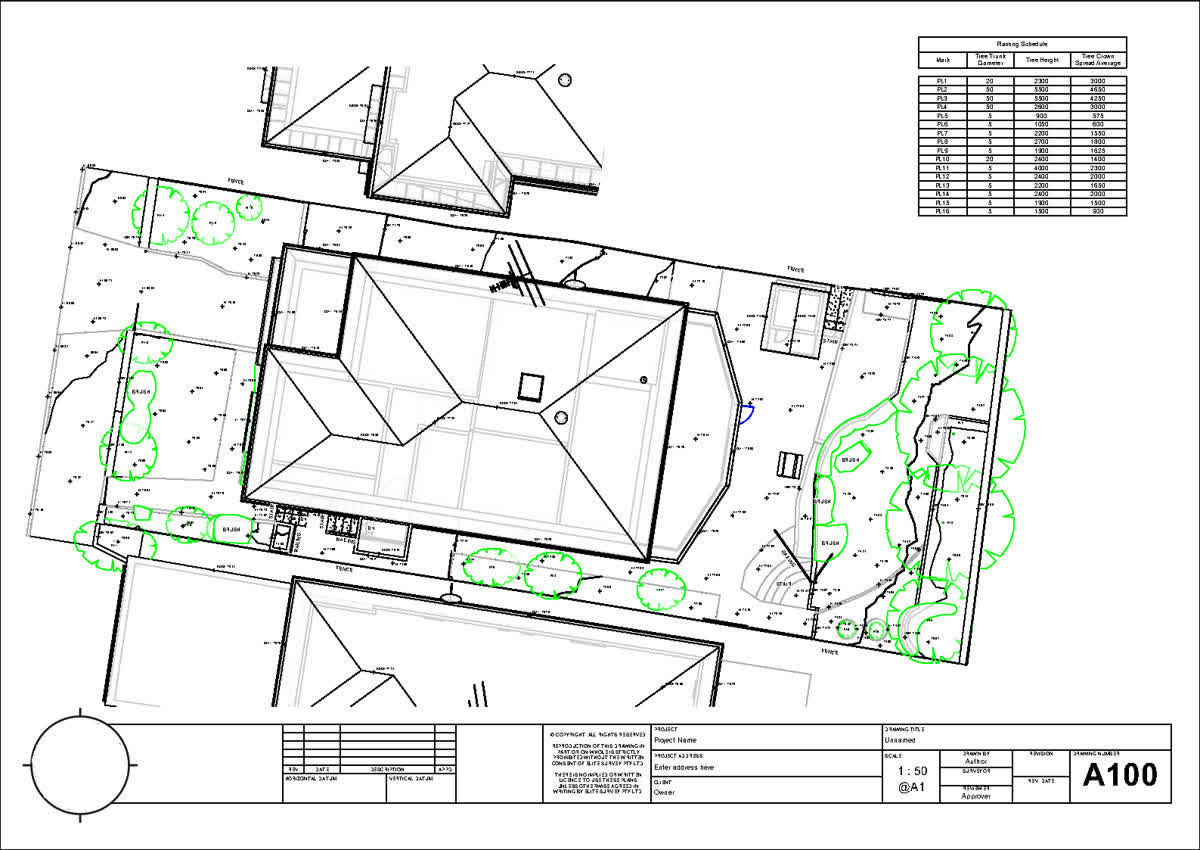
Where original drawings are missing or out of date, the as-built model and drawings provide dimensioned documentation of the building in its current state. Owners use that documentation to support permit submissions, and later project teams start from it instead of commissioning a new survey.
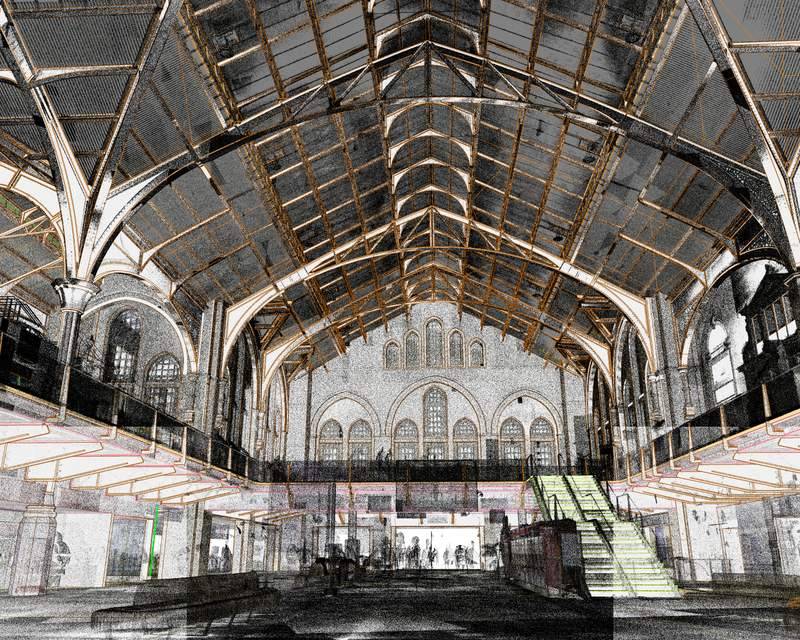
Detailed historic geometry is modeled from the point cloud, with custom Revit families matched to ornate items captured in the scan. Conservation teams plan restoration from that measured record and keep it as an archive of the building as it stood.
Floor areas in square feet, room dimensions, and ceiling heights are read from the modeled rooms and checked against the scan. Owners and leasing teams plan space from those figures, with no site visit and no manual re-measure.
Featured scan to BIM projects are drawn from the 1,000+ BIM projects ViBIM has delivered since 2014 for survey and AEC firms across five markets. They range from single buildings to large multi-building complexes, and each one turns registered point cloud data into a coordinated as-built Revit model. A selection of recent scan to BIM projects is shown below:
Choosing ViBIM as your scan to BIM services provider comes down to on-time delivery, fast turnaround time, high accuracy and reliability, responsive communication and continuous improvement. They are backed by an expert team that built ViBIM’s scan to BIM standards, a delivery date committed before modeling starts and a five-year warranty on the modeling itself. The five reasons AEC and survey firms choose ViBIM as their scan to BIM services company are listed below:
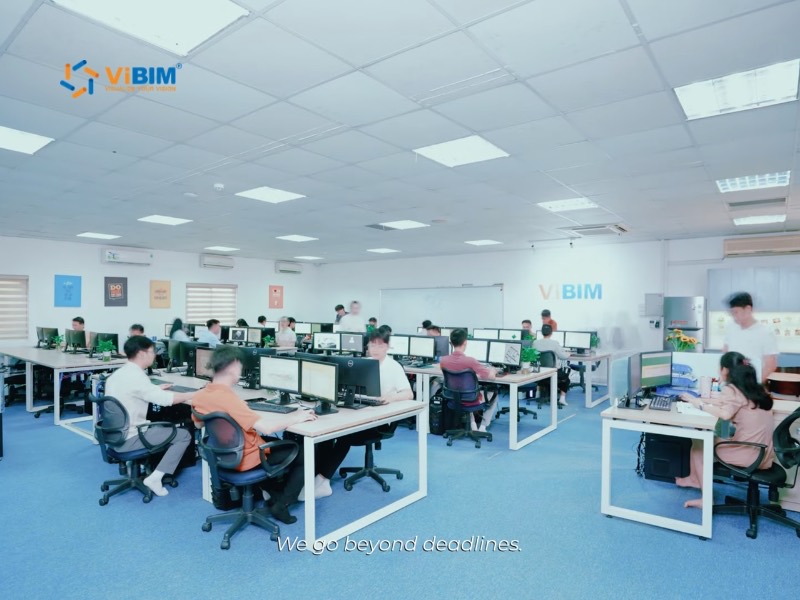




On-time delivery is committed as a fixed date at scope sign-off, calculated from modeling hours rather than a calendar estimate, and 99% of projects ship on or before it. Because the date is set before modeling starts, your own design and submission schedule can be planned against it.

Fast turnaround time comes from automation written on the Revit API and Dynamo, which absorbs the repetitive point cloud work and holds turnaround 30% below the industry average. The saved hours come out of scripting, so both QC layers still run in full at that pace.

High accuracy and reliability are warranted for five years from final delivery, with any error or omission traced to ViBIM’s modeling corrected free of charge. The element-by-element check behind that warranty runs under ISO 19650 and PAS 1192, and a claim gets a technical response inside 24 hours.

Responsive communication runs through one dedicated project manager who stays with your project from kickoff to handover and works a window that overlaps your working day. Scope questions, secure file transfer and any later warranty claim all move on that same project thread, so nothing restarts with a new contact.

Continuous improvement feeds each completed project back into ViBIM’s BIM standardization system, where automation scripts, modeling conventions and QC checklists are revised before the next project runs on them. Each delivery therefore starts from a tighter baseline than the one before it.
ViBIM’s expert team is introduced below:

Pham Thanh is the founder and CEO of ViBIM, which he grew from three employees into a 30-strong BIM outsourcing team. Contributed to Vietnam’s first national BIM Guidelines (Ministry of Construction, 2017). MBA, Solvay Brussels School of Economics and Management (2012); Bachelor of Architecture, ABAC University (2008); BIM Management Certificate, BCA Academy, Singapore (2014).

Do Van Yen is ViBIM’s Architectural Team Leader and one of its first three specialists, working with the founder since 2011. Has led architectural BIM modeling since 2014 and helped build the company’s Scan to BIM services and standards from the start. Civil Engineering, University of Transport and Communications.

Nguyen Tien Trung is ViBIM’s Structural Team Leader and manages the company’s BIM standardization system, leading structural modeling on its largest, most complex projects. Construction Engineering, Hanoi University of Civil Engineering (2019).

Truong Van Huong is ViBIM’s MEP Team Leader, leading mechanical, electrical and plumbing BIM modeling and coordination. Brings years of hands-on MEP design and implementation experience to large, complex project delivery. Bachelor’s in Electrical Engineering, specializing in Electrical Systems (2018).

Truong Quoc Trung is ViBIM’s Project Manager and one of its first-generation modelers, with the company since 2018. Runs its medium to large-scale BIM projects end to end and mentors new modelers. Practical Engineer’s degree in Civil Engineering, Construction Technical College No. 1 (2017).
Scan to BIM services from ViBIM are scoped per project, with turnaround, engagement model and pricing set by building size, LOD and deliverable type. A free trial model is open to every new client, so you can confirm quality and timeline before committing to the full scope. How ViBIM scopes turnaround, engagement and pricing is set out below:
Scan to BIM turnaround depends on building size, LOD and deliverable complexity. Typical turnaround by project size is shown below:
| Project hours | Estimated turnaround (business days) |
|---|---|
| 10-100 | 1-4 days |
| 100-200 | 4-7 days |
| 200-300 | 7-8 days |
| 300-500 | 8-12 days |
| 500-700 | 12-13 days |
| 700-900 | 13-15 days |
| 900-1,200 | 15-20 days |
| 1,200-1,500 | 20-22 days |
| 1,500-2,000 | 22-29 days |
Every project gets its own estimate within 12 to 24 hours of a scope review.
Getting started with ViBIM takes three steps. The three steps to start are:
A typical project runs 1 to 3 weeks end to end, with payment by SWIFT, Wise or corporate e-banking. Before you have a point cloud, we can prepare a preliminary quote from TruView files, site photos, Google Maps links, existing 2D drawings, and a short project brief.
Scan to BIM pricing is driven by six factors rather than a flat per-square-foot rate. Pricing is scoped per project, quoted on an hourly-rate basis or as a lump-sum. The six factors that move the price are:
Ready to scope your scan to BIM project?
Get a quote scoped to your LOD and deliverables in 12 to 24 hours, and a free trial model on your own scan.

Scan to BIM outsourcing services let firms in the United States, the United Kingdom, Canada, Australia, and the European Union outsource point cloud to BIM modeling to ViBIM instead of hiring in-house. The modeling workflow runs from your point cloud, so no market needs a ViBIM site visit. The team works from Hanoi, Vietnam, 8 AM to 11 PM (GMT+7), overlapping the UK, EU, and Australian workday and the US East Coast morning. Messages sent in that window get a reply within one hour. The markets ViBIM serves are shown below:

United States

United Kingdom

Canada

Australia

European Union
Scan to BIM services in the USA from ViBIM cover 50 states, Washington DC, Irvine, Chicago, and Boston across the West, Midwest, South, and Northeast:

Alaska
Arizona
California
Colorado
Hawaii
Idaho
Montana
Nevada
New Mexico
Oregon
Utah
Washington
Wyoming
Irvine
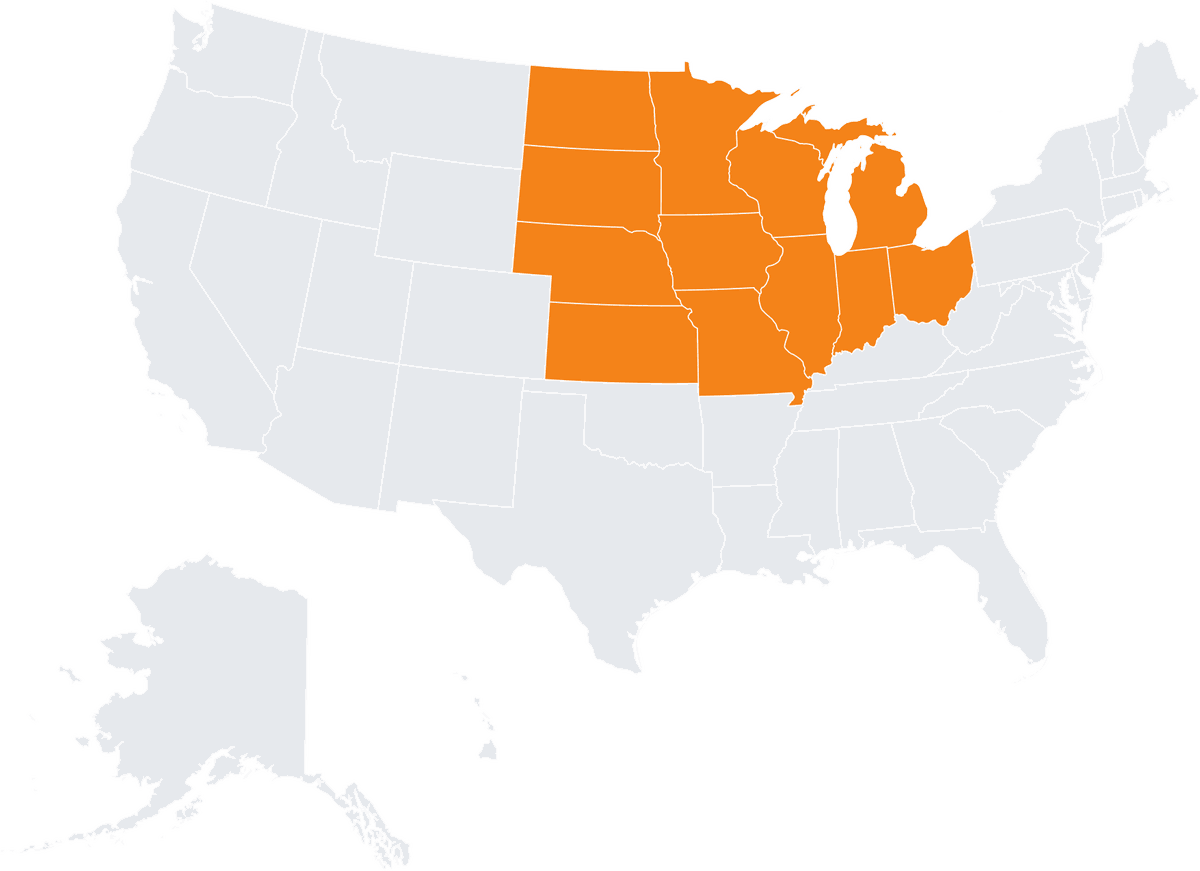
Illinois
Indiana
Iowa
Kansas
Michigan
Minnesota
Missouri
Nebraska
North Dakota
Ohio
South Dakota
Wisconsin
Chicago
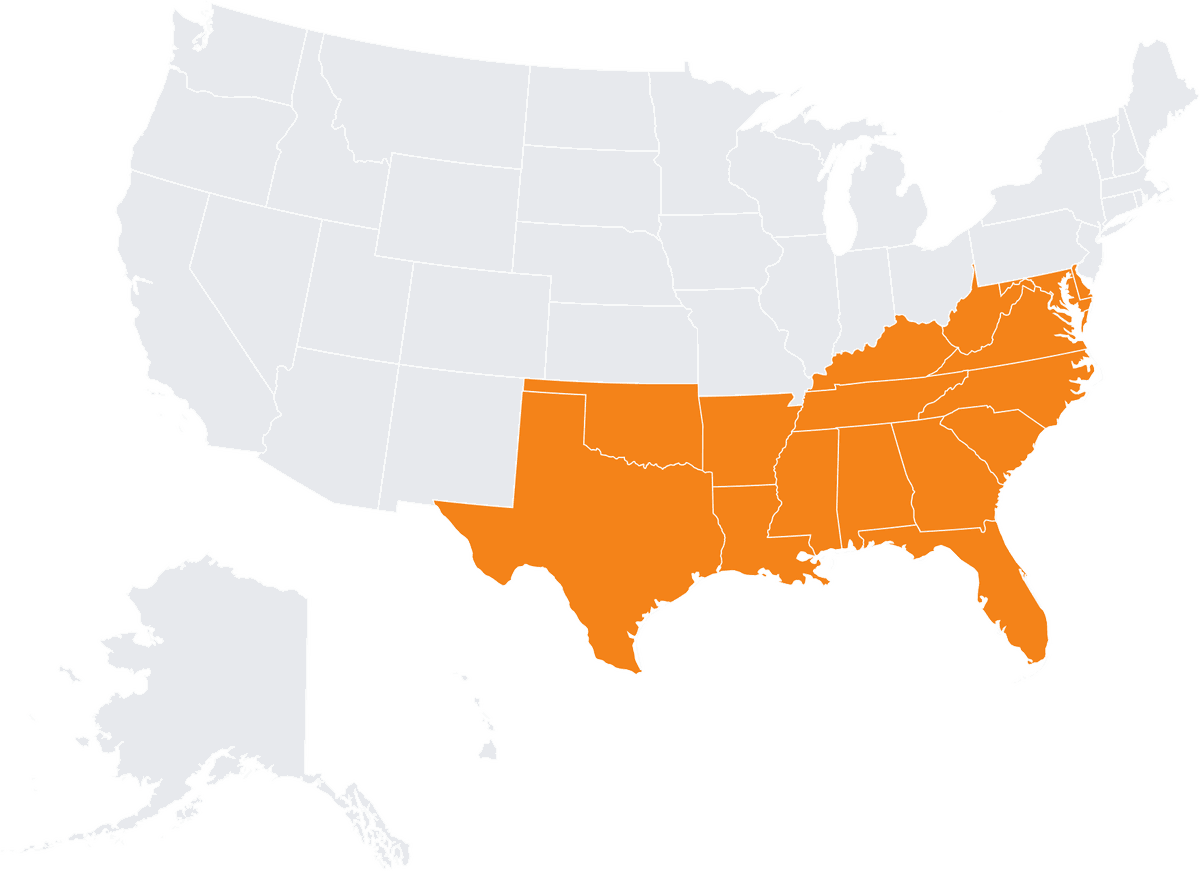
Alabama
Arkansas
Delaware
Florida
Georgia
Kentucky
Louisiana
Maryland
Mississippi
North Carolina
Oklahoma
South Carolina
Tennessee
Virginia
West Virginia

Connecticut
Maine
Massachusetts
New Hampshire
New Jersey
New York
Pennsylvania
Rhode Island
Vermont
Boston
Free scan to BIM review checklists from ViBIM show what to check in an architectural, structural, MEP, or topography model before you accept it. The four scan to BIM checklists available to download are below:
Common questions about ViBIM’s scan to BIM services are grouped by topic below:
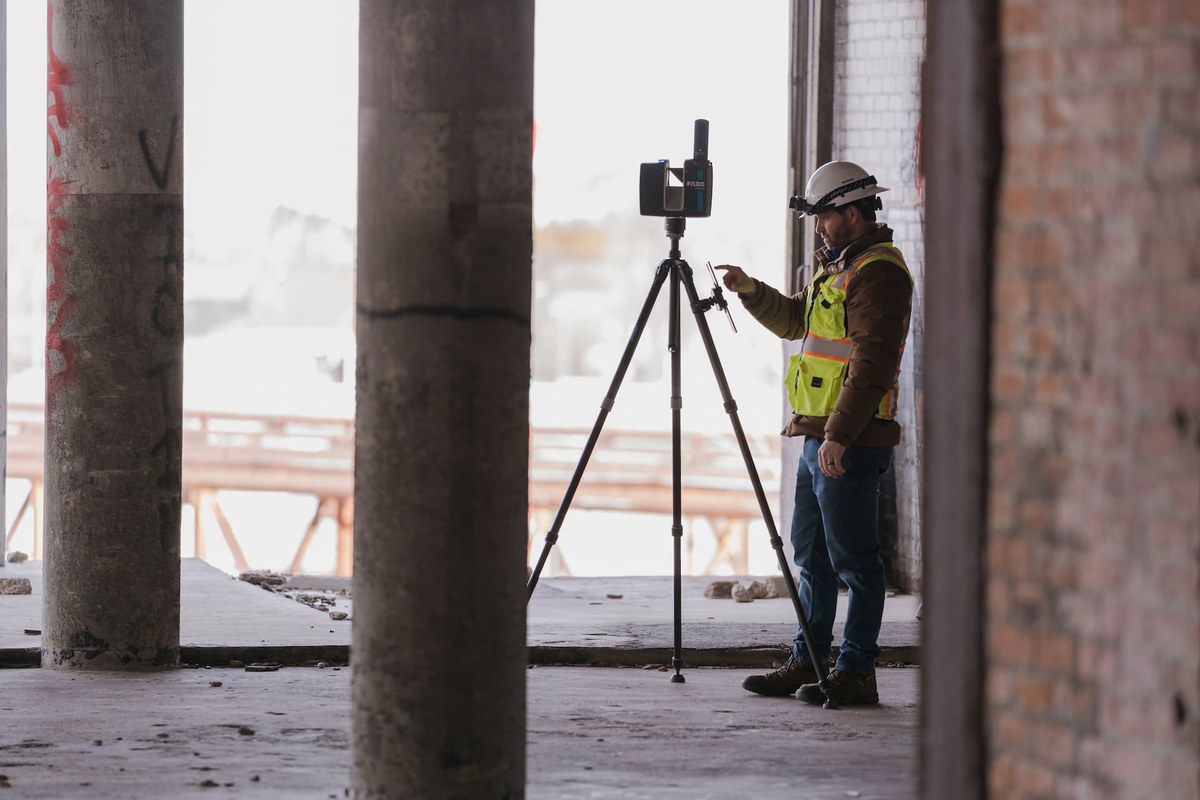
START WITH A FREE TRIAL
Share your point cloud and project scope. We return a free trial model on your own data, plus a fixed quote, before you commit to anything.
Free trial model on your sample data
Scope, timeline and quote in 12–24 hours
NDA on request · secure file transfer
The ViBIM scan to BIM guides below cover the workflow, the benefits, Revit modeling, point cloud to BIM conversion and software.
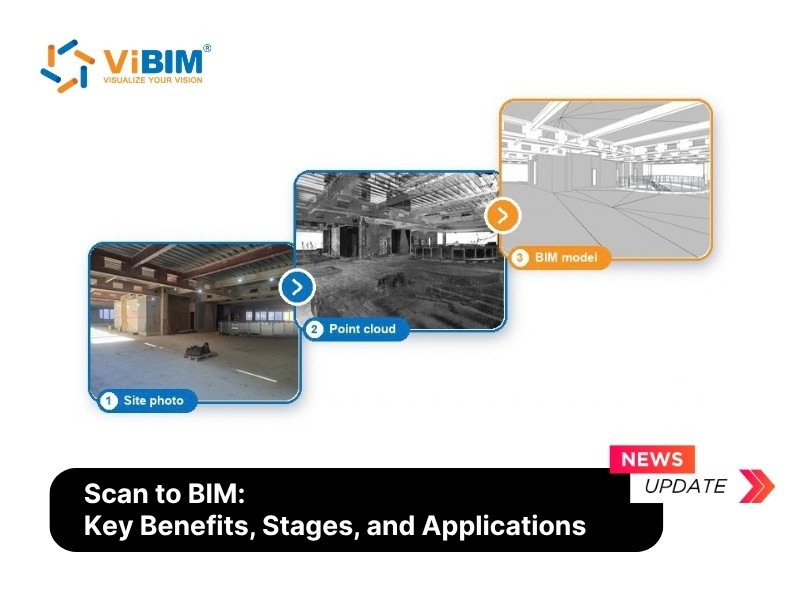
Scan to BIM: Key Benefits, 4-Stage Process, and Applications
Scan to BIM gives a project team an accurate, intelligent BIM model of a building that already stands, built from a 3D laser scan of its current condition. The process...
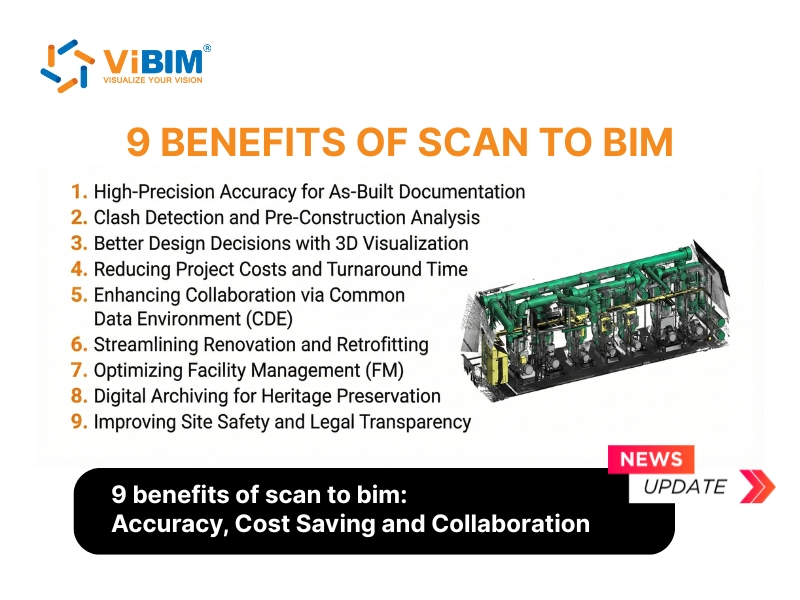
9 Benefits of Scan to BIM: Accuracy, Cost Saving and Collaboration
Scan to BIM is the technical process of transforming high-density point cloud data captured via...
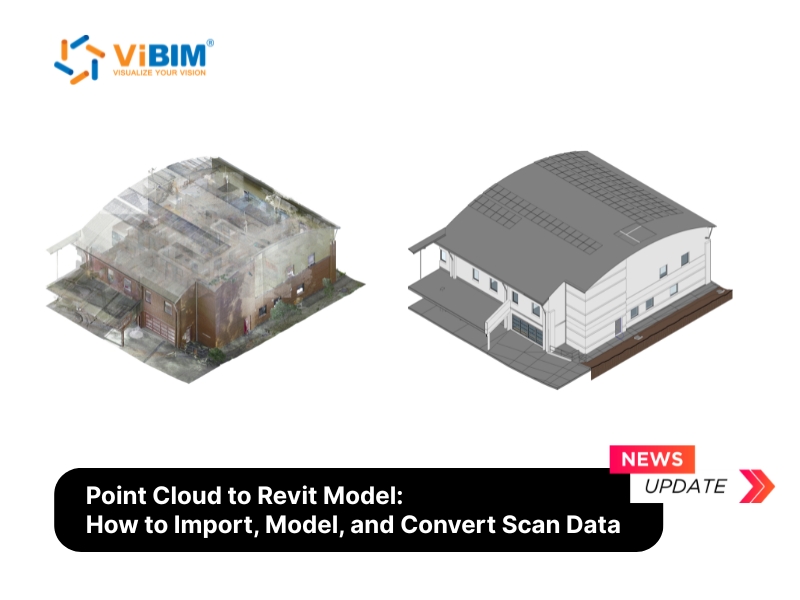
Point Cloud to Revit Model: How to Import, Model, and Convert Scan Data
Point cloud to Revit modeling is the process of converting laser scan data into a...
Point Cloud to BIM: Conversion Benefits, Stages, Software, and Accuracy
Point cloud to BIM converts raw 3D laser-scanned data into an intelligent, parametric Building Information...
15 Best Scan to BIM Software Tools From Registration to Modeling
Scan to BIM software is a specialized category of AEC digital tools designed to convert...