

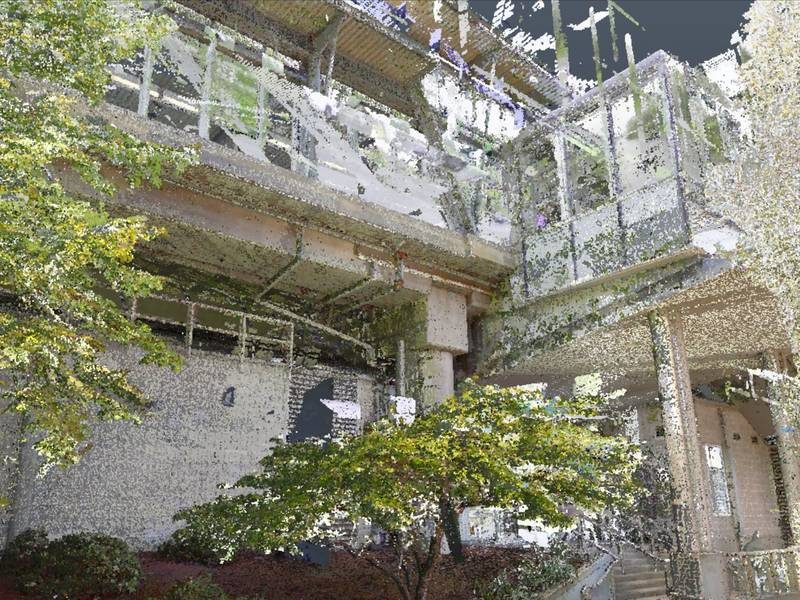
As-built BIM modeling services deliver highly accurate Revit models from point cloud data, reflecting the true built condition of completed facilities across architectural, structural, and MEP systems. Survey and laser scanning firms commission these models from ViBIM for facility owners, contractors, engineers, and asset managers who need an up-to-date and reliable digital record. With proven expertise in LOD 500 modeling and metadata integration, ViBIM turns each model into a database ready for facility management (FM) systems, not just a geometric representation.
Facility teams get asset IDs, manufacturer details, maintenance schedules, and warranty information on the modeled equipment. Rooms and zones carry names, numbers, and areas. Before handover, ViBIM’s QC team measures the geometry against the point cloud and checks every required data field. ViBIM hands over the model in native Revit, with IFC files, COBie or Excel data, and 2D drawings as your handover requirements state. Owners then use one robust digital handover package for operations, maintenance, renovation planning, and regulatory compliance.
As Seen On
 Coruzant Technologies
— ViBIM scan to BIM case study, modeling ultra-dense MEP systems for a US factory.
Coruzant Technologies
— ViBIM scan to BIM case study, modeling ultra-dense MEP systems for a US factory.
 The Architect's Diary
— ViBIM cited for point cloud to BIM expertise in federated BIM coordination.
The Architect's Diary
— ViBIM cited for point cloud to BIM expertise in federated BIM coordination.
 BizzBuzz
— ViBIM cited for scan to BIM precision on renovation and retrofit projects.
BizzBuzz
— ViBIM cited for scan to BIM precision on renovation and retrofit projects.
 TechBullion
— ViBIM experts break down LOD 300 vs LOD 350 for scan to BIM models.
TechBullion
— ViBIM experts break down LOD 300 vs LOD 350 for scan to BIM models.
 Urban Splatter
— ViBIM featured as a scan to BIM company across architecture, structure and MEP.
Urban Splatter
— ViBIM featured as a scan to BIM company across architecture, structure and MEP.
 Today News
— ViBIM named a Revit outsourcing partner for electrical BIM modeling from point cloud data.
Today News
— ViBIM named a Revit outsourcing partner for electrical BIM modeling from point cloud data.
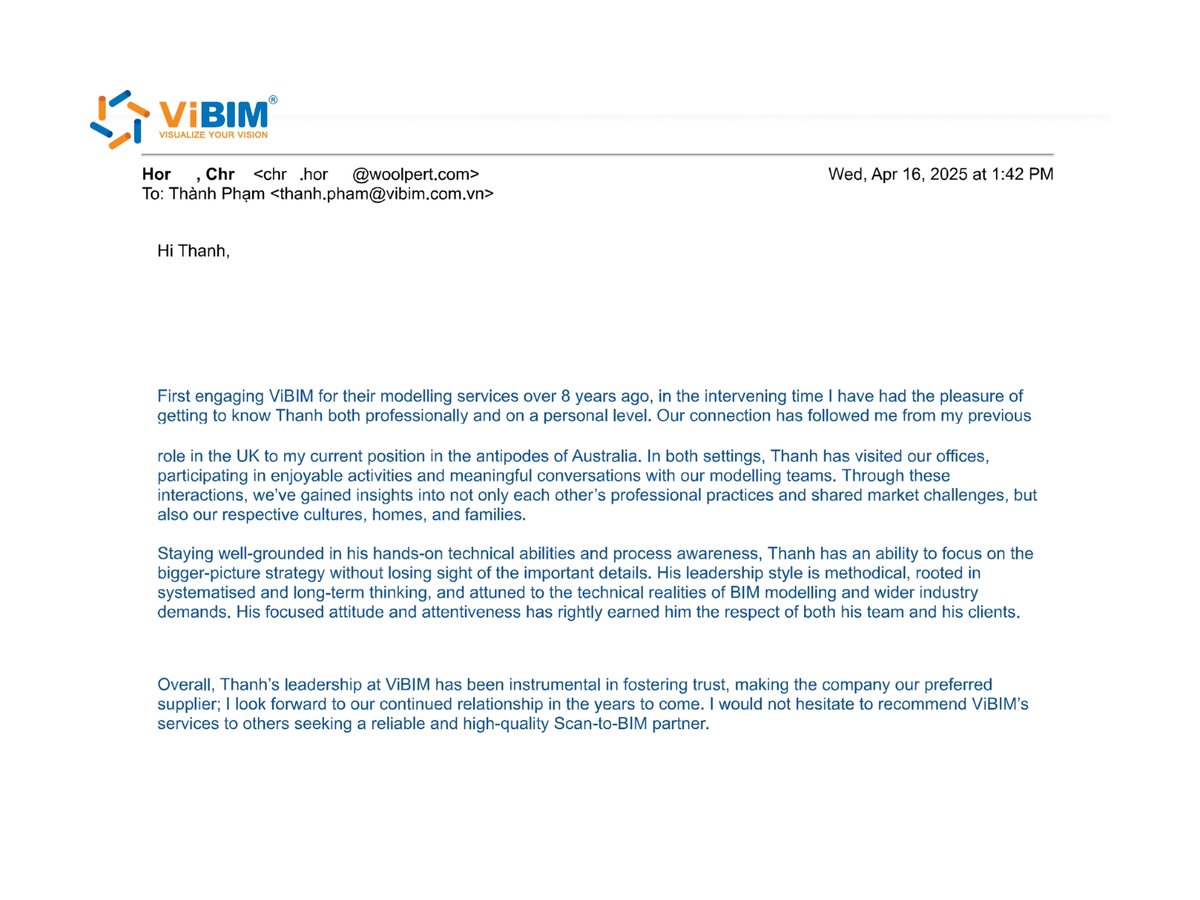
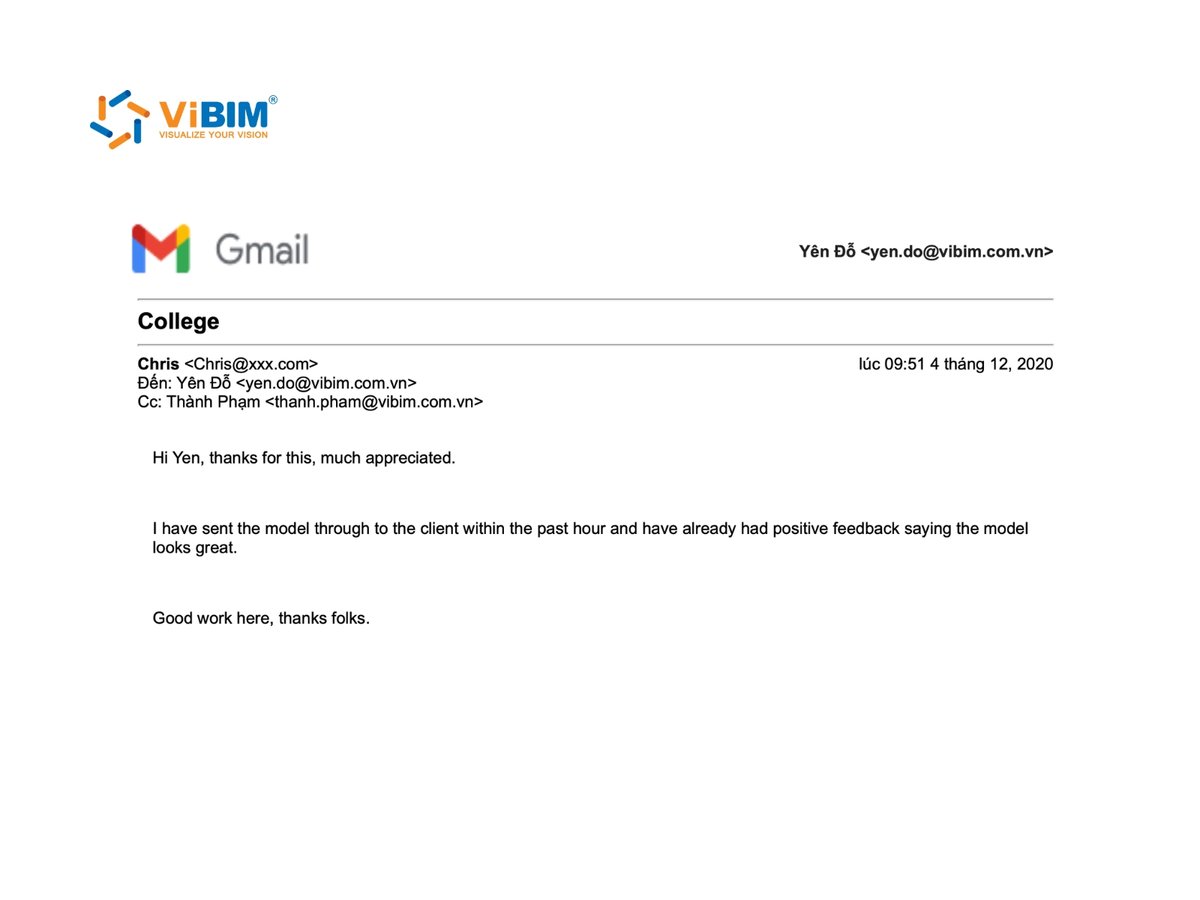
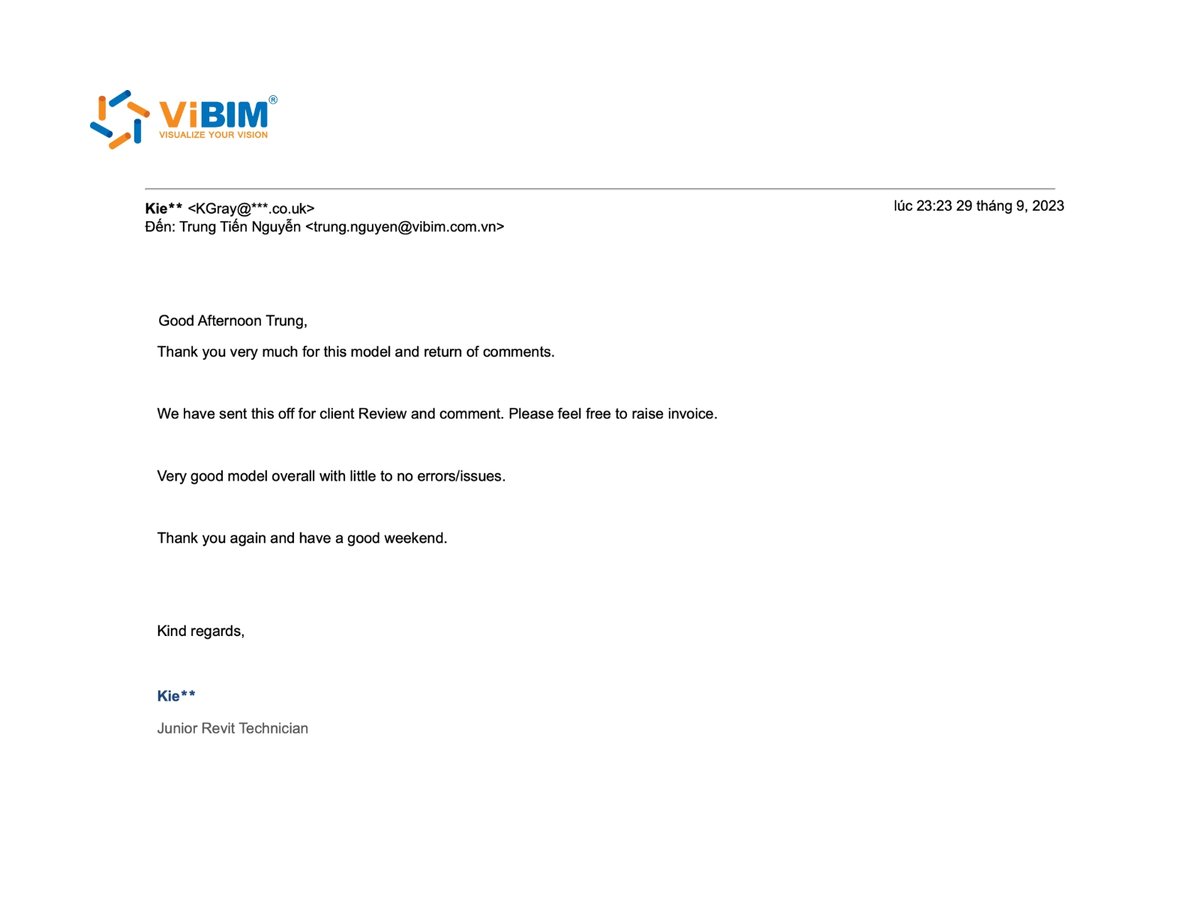
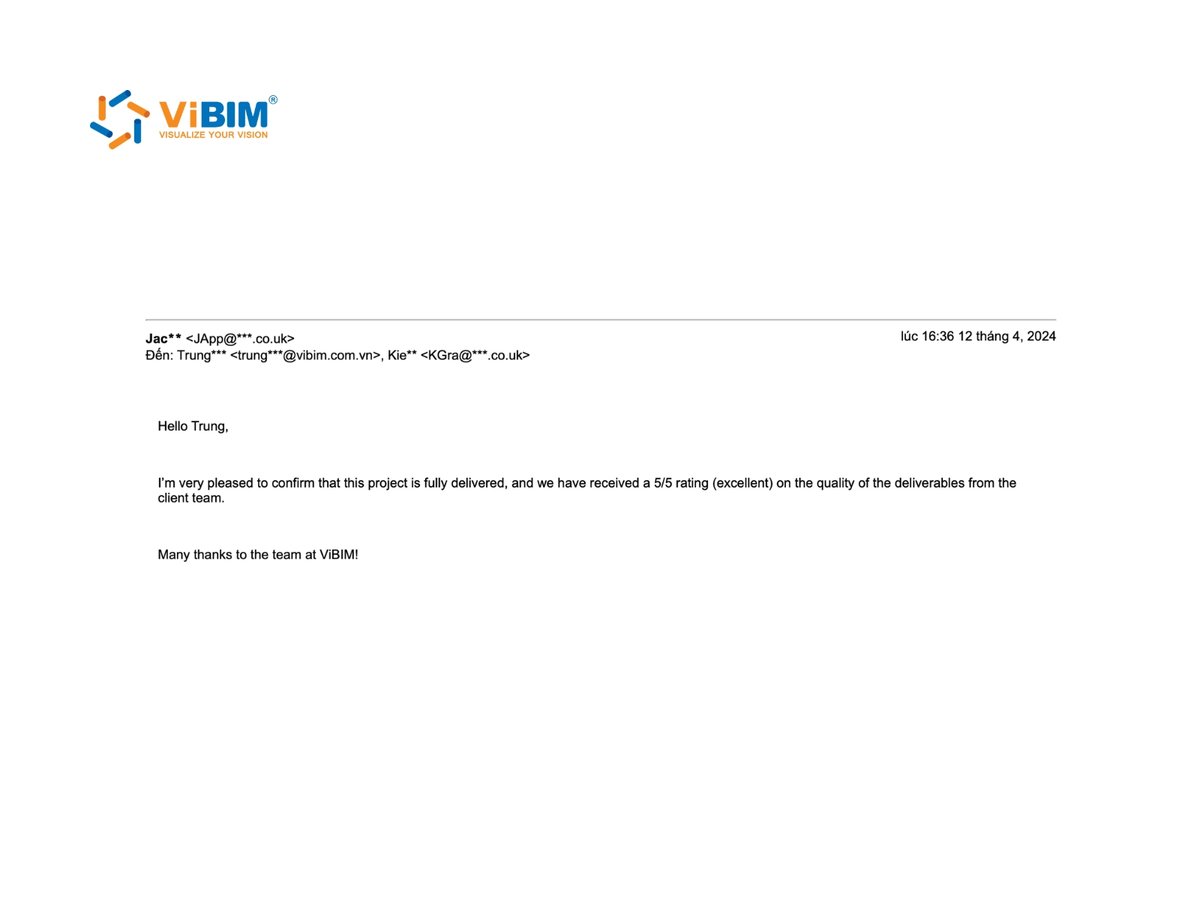
As-built BIM modeling services from ViBIM give survey and AEC firms reliable Revit models, on-time delivery, and clear communication from quote to handover.
As-built elements and data modeled for building handover include the geometry as constructed and the parameters your facility team uses. ViBIM models each element where the scan shows it, then adds the data your handover requirements call for. The five scope items are described below:
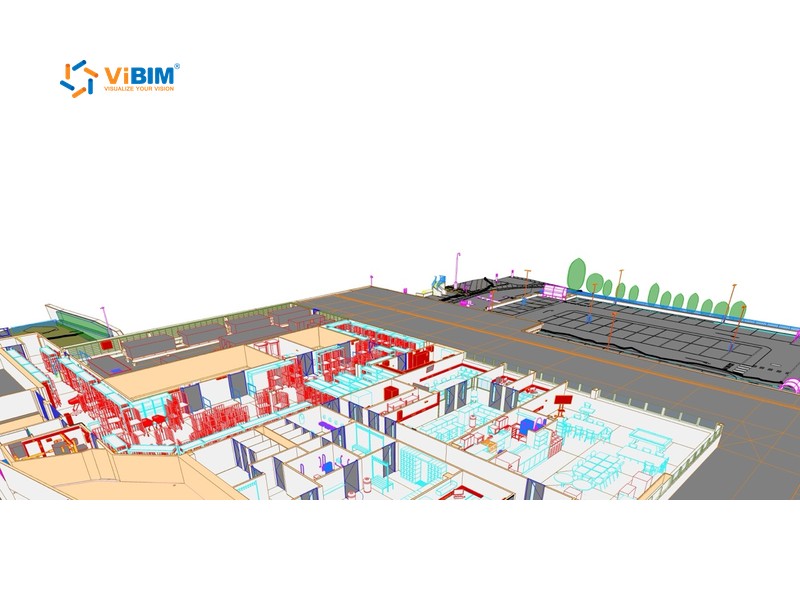
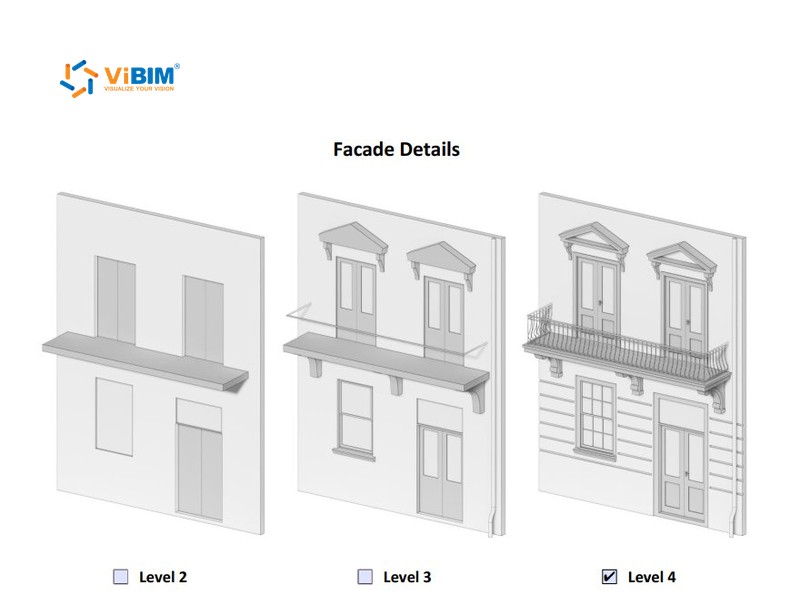
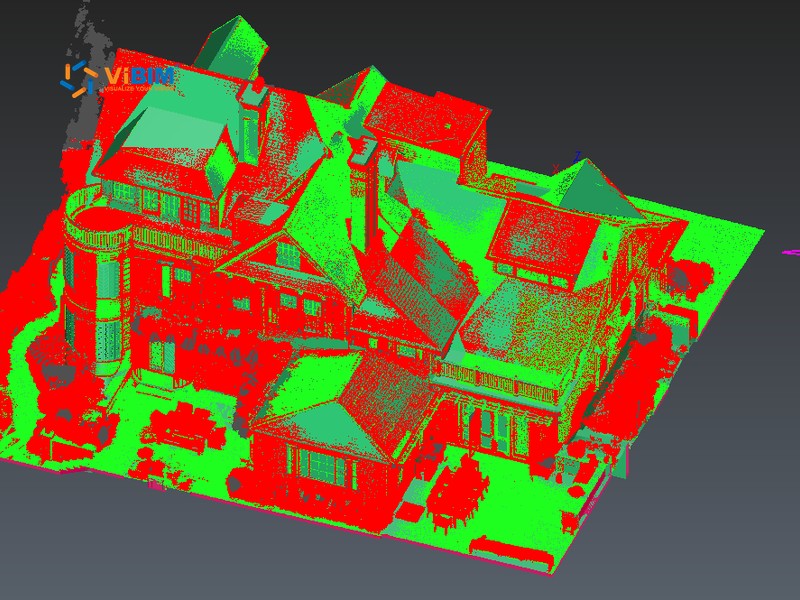
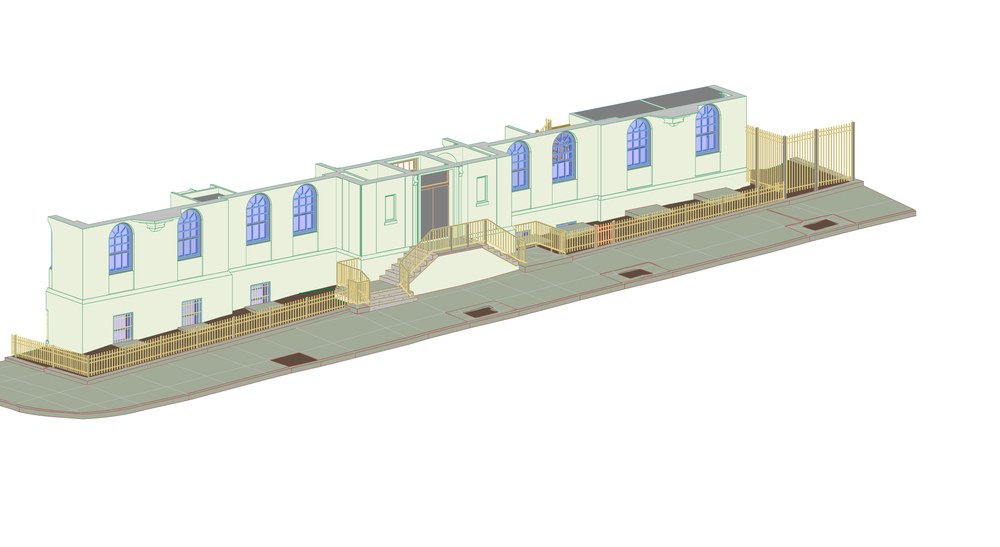
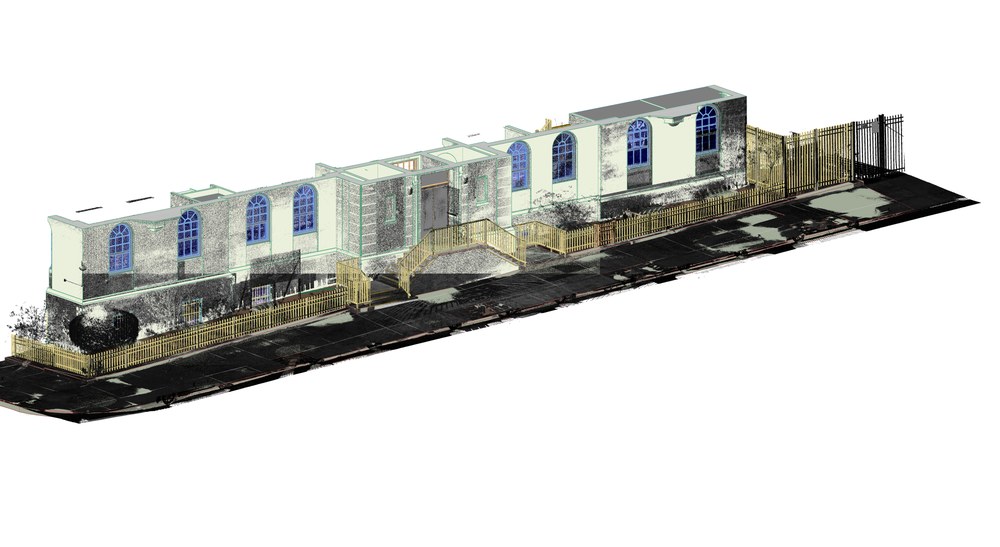
We model all essential building components, including architectural elements (walls, doors, windows, ceilings, floors), structural members (columns, beams, slabs), and comprehensive MEP systems (ductwork, piping, cable trays, major equipment). If a wall was built off its design location, we model it where the scan shows it.
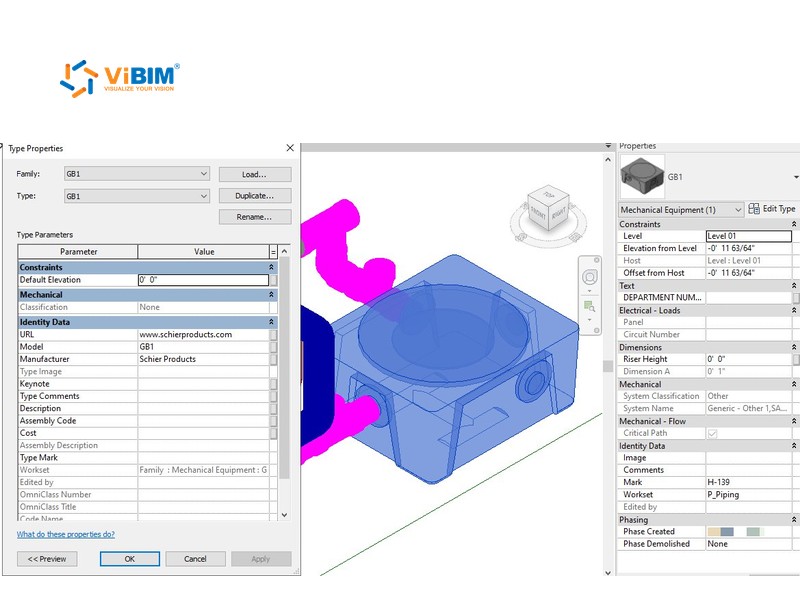
ViBIM standardizes all Revit family parameters within As-Built models, aligning them with your internal systems or specific FM software needs. This ensures data usability and facilitates smooth data transfer to various facility management platforms.
ViBIM meticulously defines rooms, spaces, and zones within the Revit model, assigning names, numbers, functional classifications, and area calculations per your facility management standards.
When your contract or handover requirements call for it, we develop field-verified BIM LOD 500 models, embedding crucial metadata for robust facility management. Non-graphical data such as asset IDs, manufacturer details, maintenance schedules, and warranty information goes directly into the model components. Values come from your records or site photos, and any missing values are listed for your team to supply.
ViBIM offers comparative analysis between As-Built BIM models and original design documents, clearly identifying construction deviations for quality assessment and accurate record-keeping. Your project team then decides which deviations to accept.
As-built BIM modeling deliverables start with a BIM as-built model in native Revit, with IFC files, structured data, and 2D drawings taken from the same model. ViBIM extracts every drawing and data export from the verified model, so all files match. Each deliverable is described below:
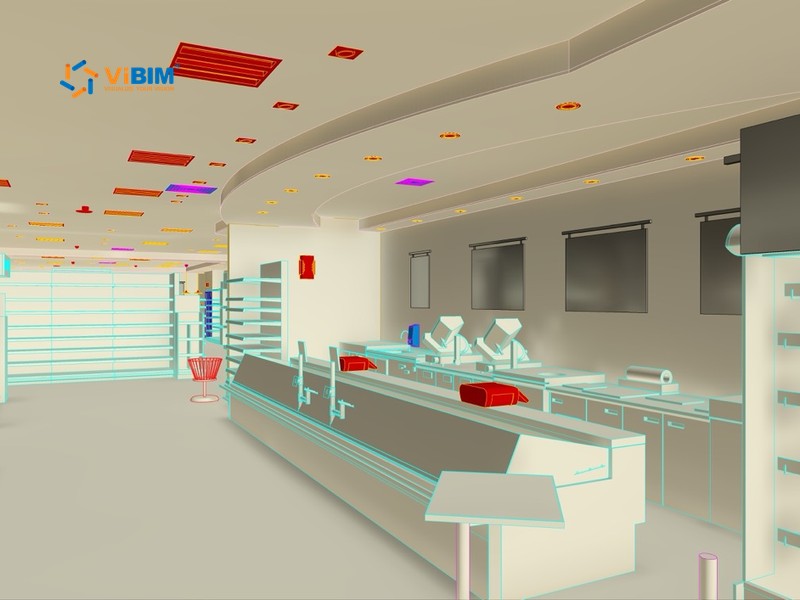
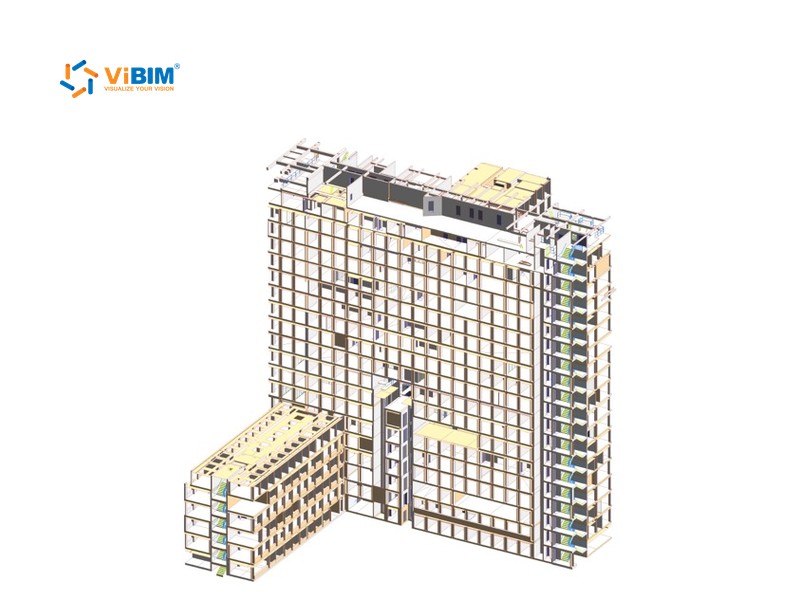
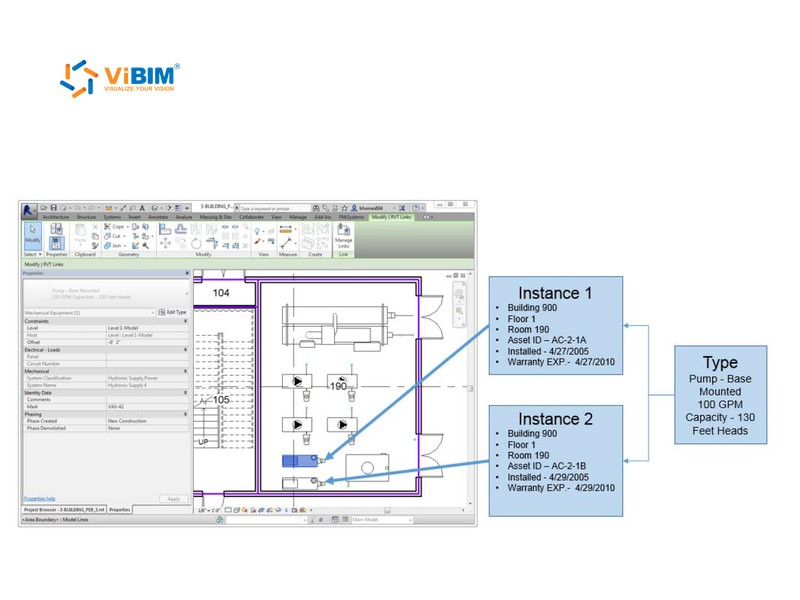
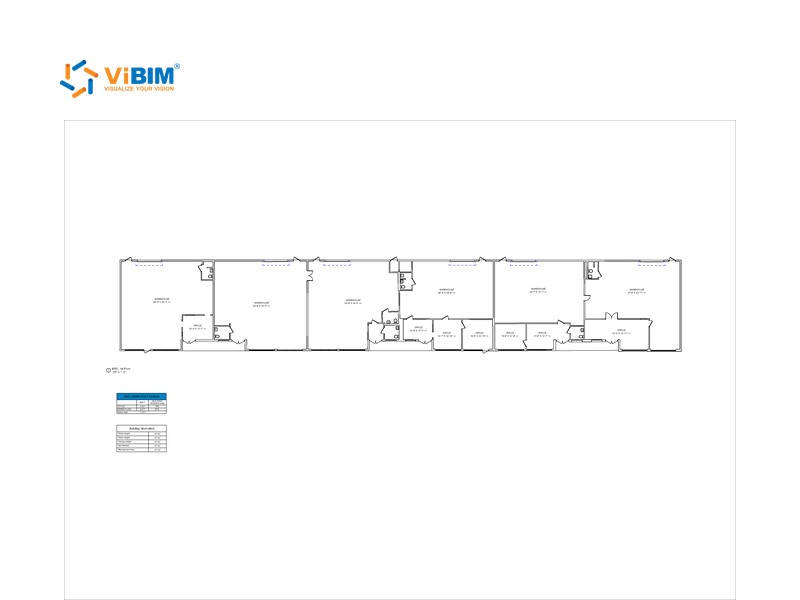

The as-built BIM modeling process runs in eight steps, from validating your point cloud and agreeing on data needs to modeling, metadata entry, checks, and handover. ViBIM enters asset data only after the geometry is modeled, so each value sits on the right element. The eight steps are explained below:
We receive your point cloud data and perform thorough quality checks for accuracy and completeness. The checks cover scan coverage, noise, and registration accuracy before modeling starts.
Our team collaborates with you to define project scope, specific As-Built requirements, LOD/LOI, and metadata needs.
We develop precise As-Built models in Revit, meticulously reflecting actual site conditions based on the validated point cloud data.
Essential non-graphical information (e.g., asset details, specifications) is integrated into the BIM elements.
Revit parameters are standardized, and the model is checked against the LOD you ordered and for data consistency.
We hold model reviews with your team and incorporate your feedback to ensure the model meets all expectations.
Final As-Built models are exported in required formats (RVT, IFC, COBie, Excel) for integration with your systems.
Comprehensive documentation is provided, along with post-delivery support for model utilization and FM integration.
Accuracy and quality control in as-built BIM modeling depend on the LOD and tolerance you set, and on how ViBIM checks the model against the scan. You set the LOD and the tolerance, usually in your handover requirements. Each control is described below:
LOD 500 describes a field-verified model. The BIMForum LOD Specification leaves LOD 500 undefined because the level adds verification rather than detail. ViBIM develops LOD 500 records when your contract or handover requirements call for them, with the point cloud as the field evidence. Where a record needs less, elements are modeled to LOD 300 or LOD 400.
Two independent reviewers compare walls, floors, structural members, and MEP runs with the point cloud at the tolerance you choose. Tolerance options are 50 mm, 30 mm, or 15 mm (about 2, 1.2, or 0.6 in). Pipes inside walls and other items the scan cannot see are modeled from your drawings and marked as such. The same reviewers check that each required data field is filled in and uses the names and codes your handover requirements set.
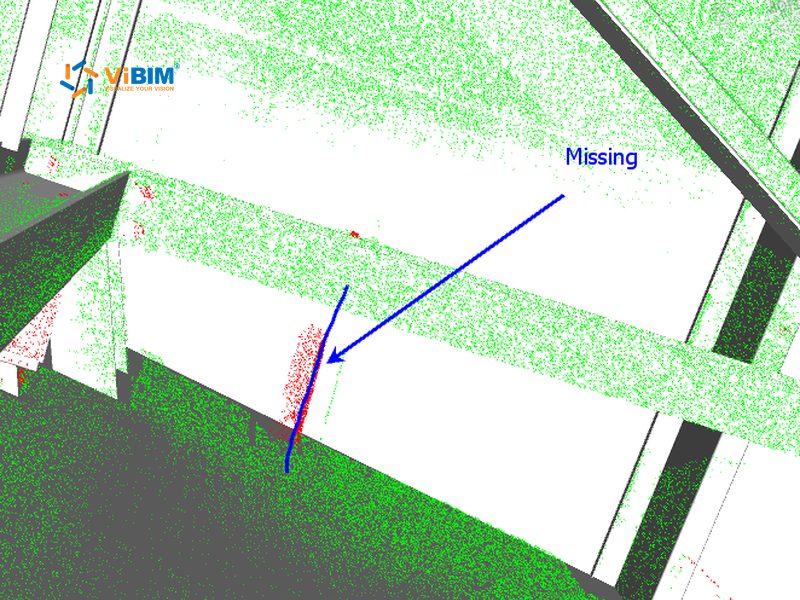
The as-built record follows your handover requirements and the industry standards listed below:
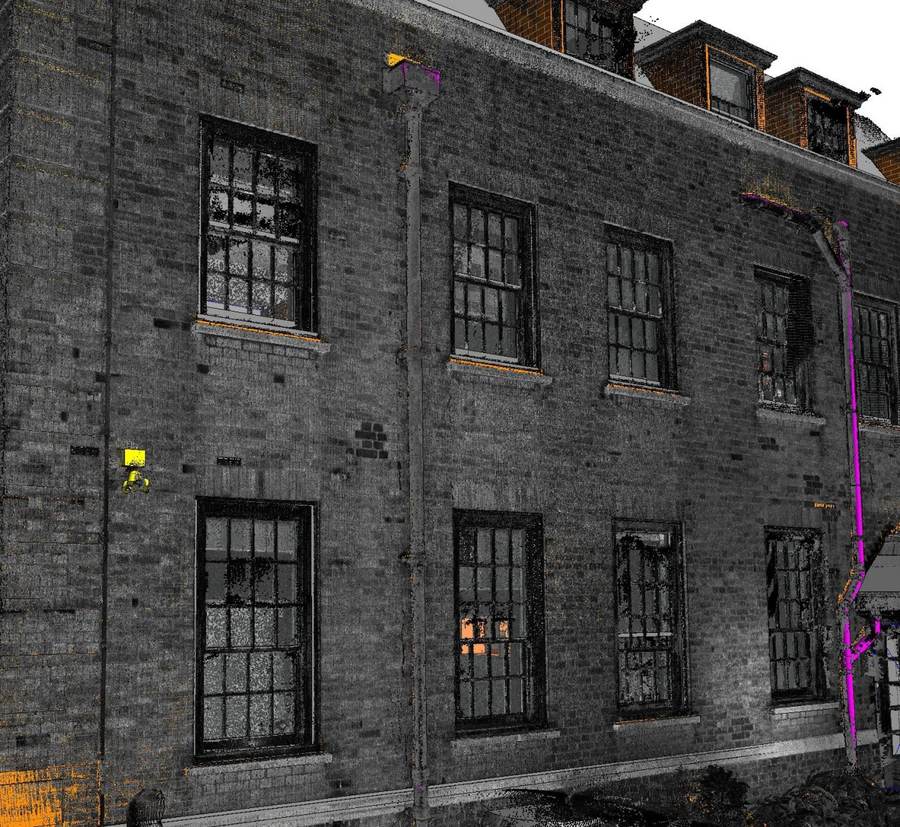
ViBIM’s featured as-built BIM modeling projects are completed buildings recorded as built from client scans. Each one counts toward the company’s 1,000+ BIM projects since 2014.
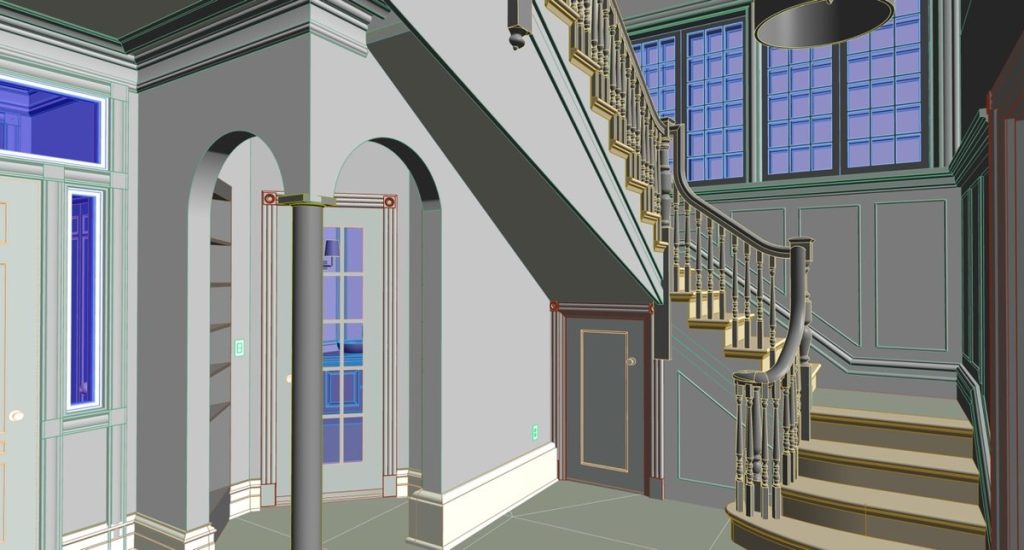
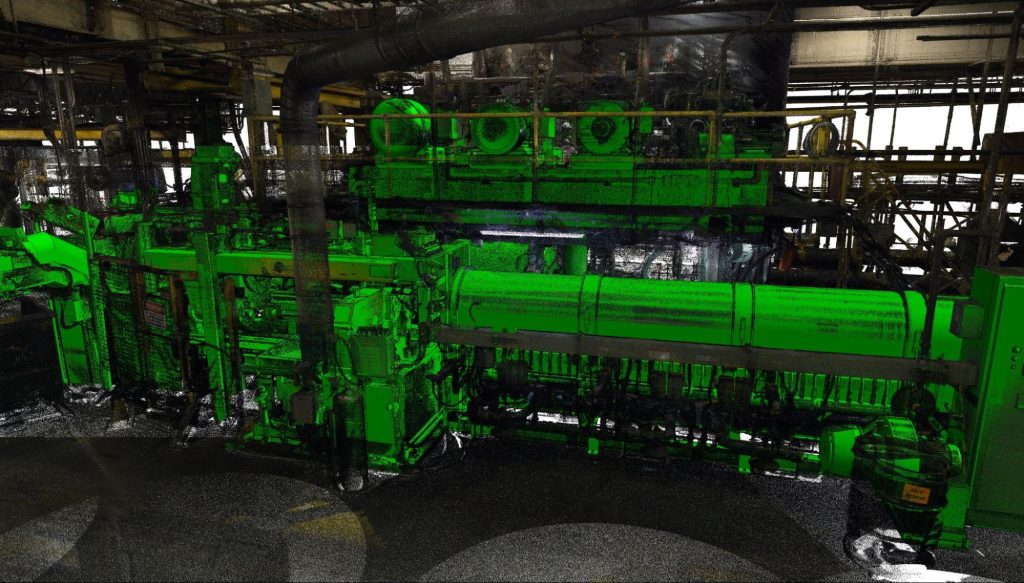
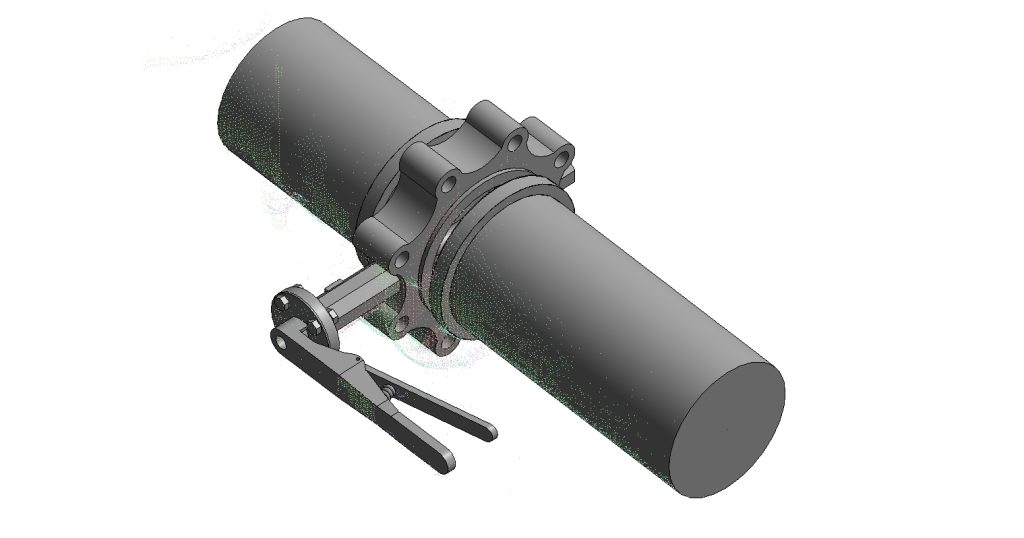

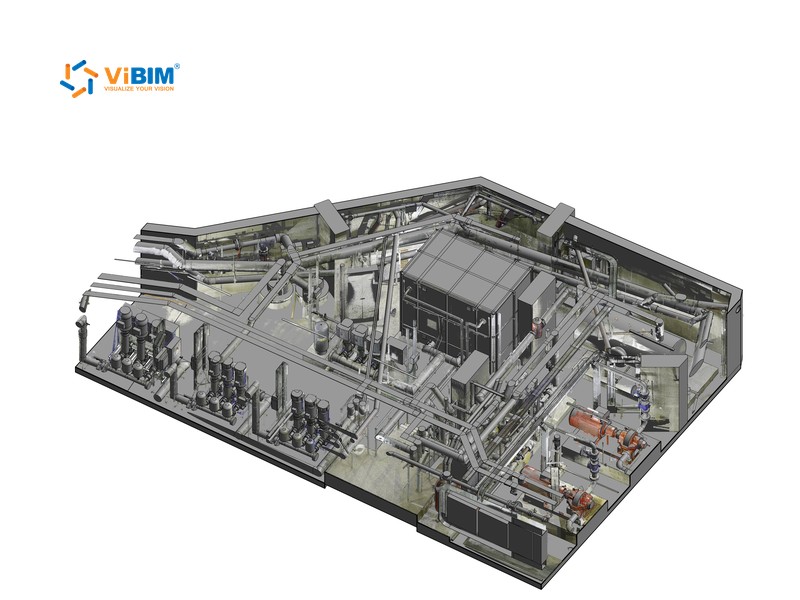
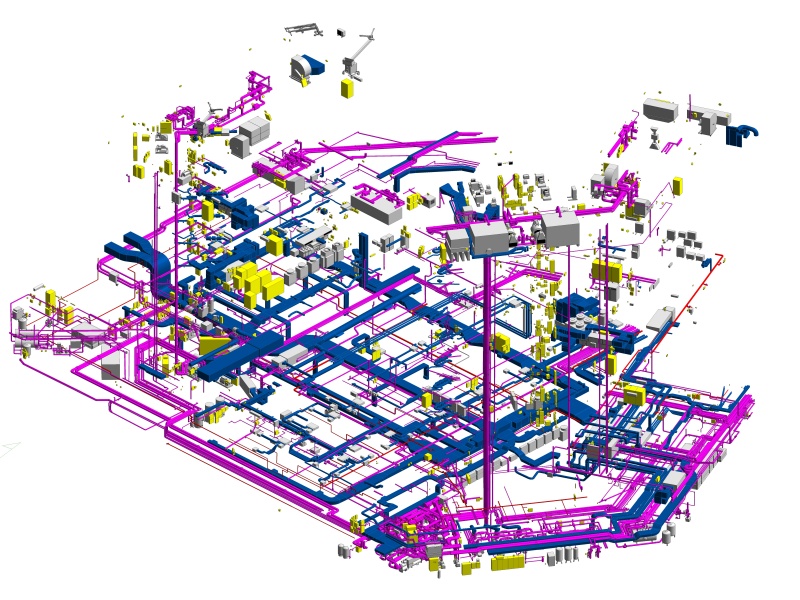
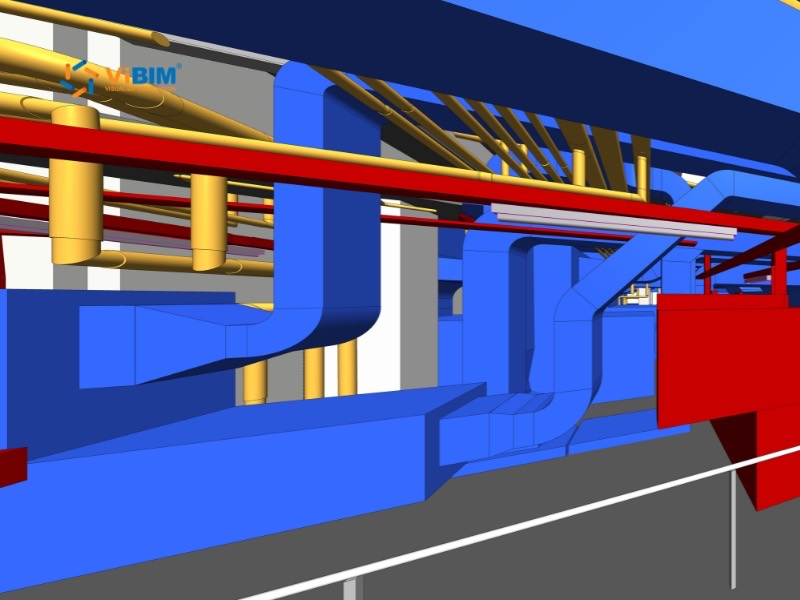
Revit Modeling for MEP Systems at Industrial Factory in the United States
View more

The advantages of choosing ViBIM’s BIM services for as-built projects are listed below:
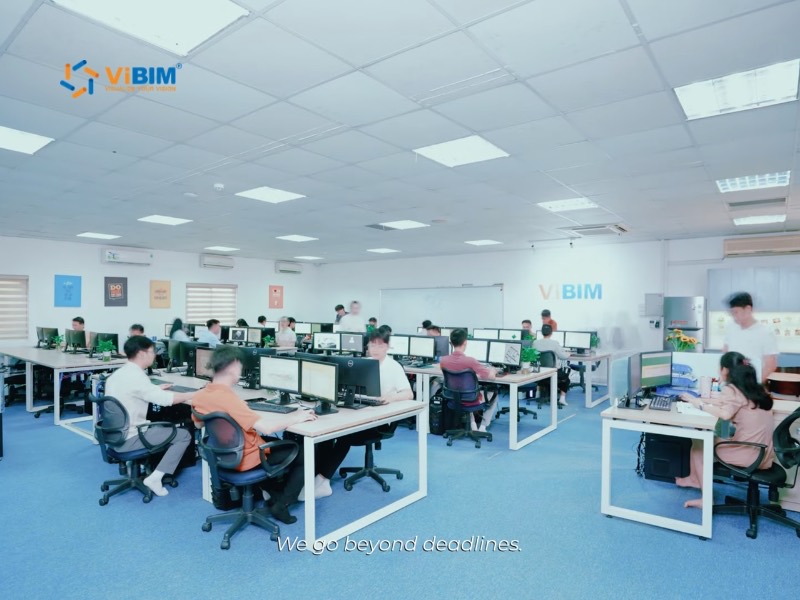




Your ViBIM project manager fixes the delivery date at scope sign-off and schedules modeling, data entry, and your review rounds to meet your handover date. 99% of ViBIM’s projects are completed exactly as scheduled.

Revit API and Dynamo routines fill repeated parameters across similar elements, such as hundreds of light fixtures or valves. That automation is part of how ViBIM delivers turnaround up to 30% faster than the industry average.

We meticulously check every stage. The modelers on your project hold architecture or civil engineering degrees and complete ViBIM’s in-house BIM training.

Questions about your as-built record get a prompt reply from ViBIM, including in the evening or over the weekend. Model reviews with your team are part of the process, so your feedback is built into the model before handover.

Automation, AI, and streamlined workflows keep improving how ViBIM models buildings and enters asset data for handover.

Pham Thanh is the founder and CEO of ViBIM, which he grew from three employees into a 30-strong BIM outsourcing team. Contributed to Vietnam’s first national BIM Guidelines (Ministry of Construction, 2017). MBA, Solvay Brussels School of Economics and Management (2012); Bachelor of Architecture, ABAC University (2008); BIM Management Certificate, BCA Academy, Singapore (2014).

Do Van Yen is ViBIM’s Architectural Team Leader and one of its first three specialists, working with the founder since 2011. Has led architectural BIM modeling since 2014 and helped build the company’s Scan to BIM services and standards from the start. Civil Engineering, University of Transport and Communications.

Nguyen Tien Trung is ViBIM’s Structural Team Leader and manages the company’s BIM standardization system, leading structural modeling on its largest, most complex projects. Construction Engineering, Hanoi University of Civil Engineering (2019).

Truong Van Huong is ViBIM’s MEP Team Leader, leading mechanical, electrical and plumbing BIM modeling and coordination. Brings years of hands-on MEP design and implementation experience to large, complex project delivery. Bachelor’s in Electrical Engineering, specializing in Electrical Systems (2018).

Truong Quoc Trung is ViBIM’s Project Manager and one of its first-generation modelers, with the company since 2018. Runs its medium to large-scale BIM projects end to end and mentors new modelers. Practical Engineer’s degree in Civil Engineering, Construction Technical College No. 1 (2017).
An as-built BIM modeling quote is priced from building area, disciplines, LOD, and handover data. ViBIM replies within 12–24 hours of receiving four items from your team. The items are listed below:
For an existing conditions model without handover data, ViBIM’s scan to BIM services let you order each discipline on its own. If owner records are confidential, ViBIM signs an NDA before the first upload.
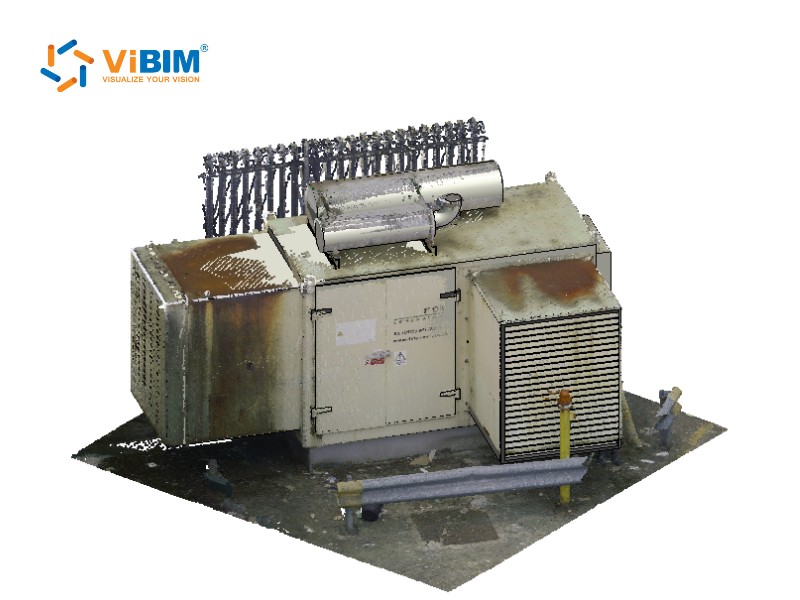
Ready to Start Your As-Built BIM Modeling Project?
Share the scan with the asset fields your client expects, and we’ll return scope, price, and a delivery date.

For as-built BIM modeling across the USA and worldwide, ViBIM hands over data in the format each owner’s contract sets, from COBie spreadsheets to custom asset registers. That format comes from your handover requirements, not from the country. The markets ViBIM serves are shown below:

United States

United Kingdom

Canada

Australia

European Union
The US states and cities we serve are shown below:
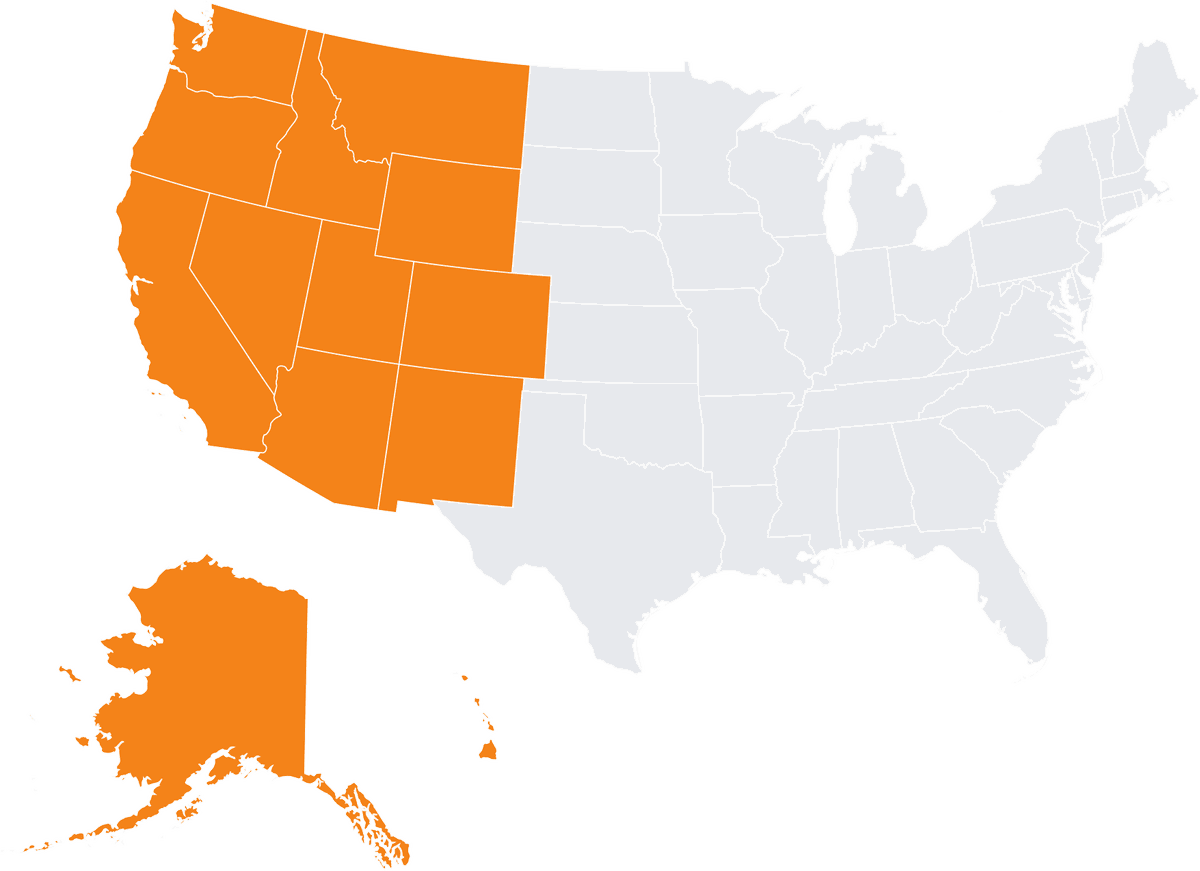
Alaska
Arizona
California
Colorado
Hawaii
Idaho
Montana
Nevada
New Mexico
Oregon
Utah
Washington
Wyoming
Irvine
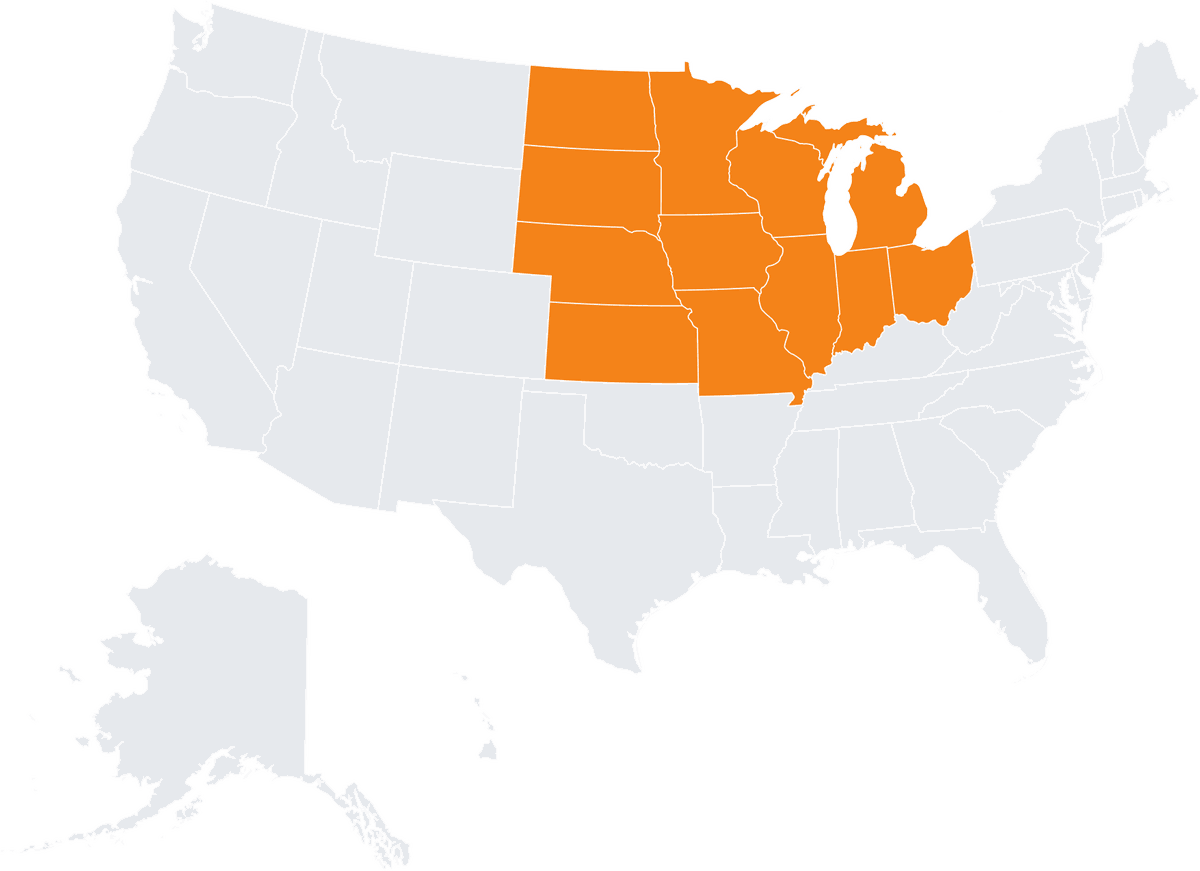
Illinois
Indiana
Iowa
Kansas
Michigan
Minnesota
Missouri
Nebraska
North Dakota
Ohio
South Dakota
Wisconsin
Chicago
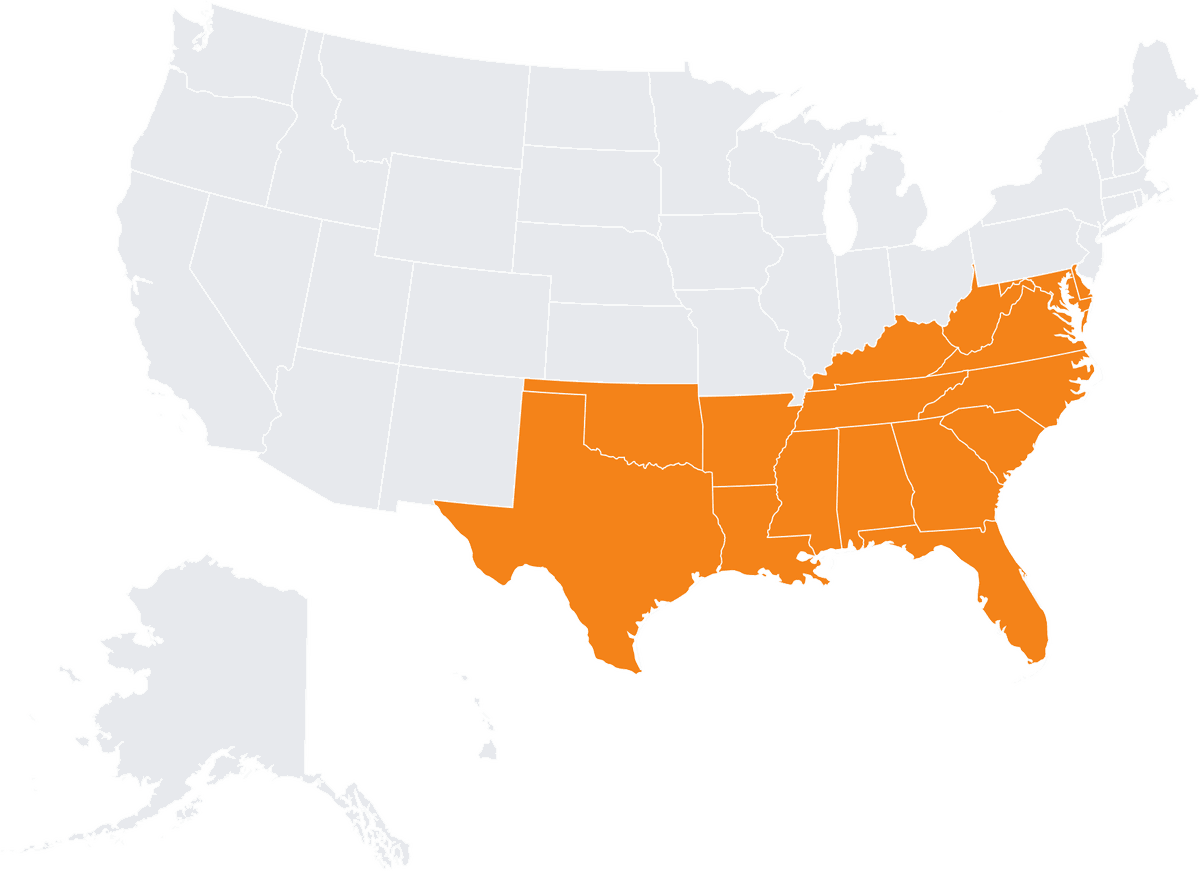
Alabama
Arkansas
Delaware
Florida
Georgia
Kentucky
Louisiana
Maryland
Mississippi
North Carolina
Oklahoma
South Carolina
Tennessee
Virginia
West Virginia

Connecticut
Maine
Massachusetts
New Hampshire
New Jersey
New York
Pennsylvania
Rhode Island
Vermont
Boston
As-built BIM supports facility management, project close-out, and later renovations with an accurate record of the constructed building. Owners and facility teams work from what was actually built, not from design files that no longer match it. Each use is described below:
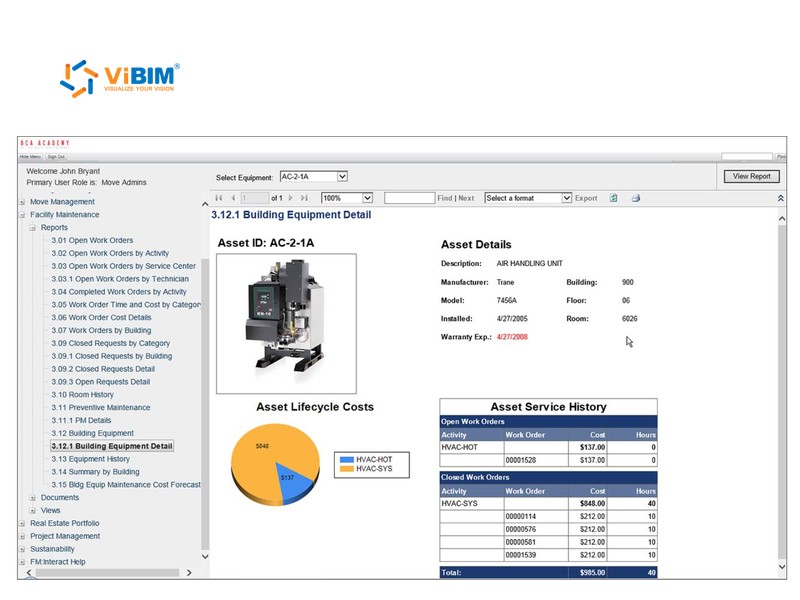
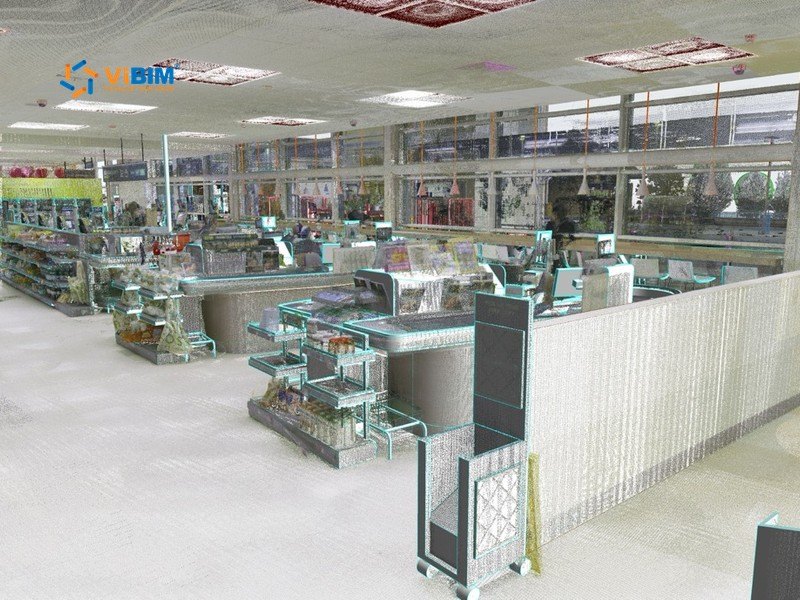
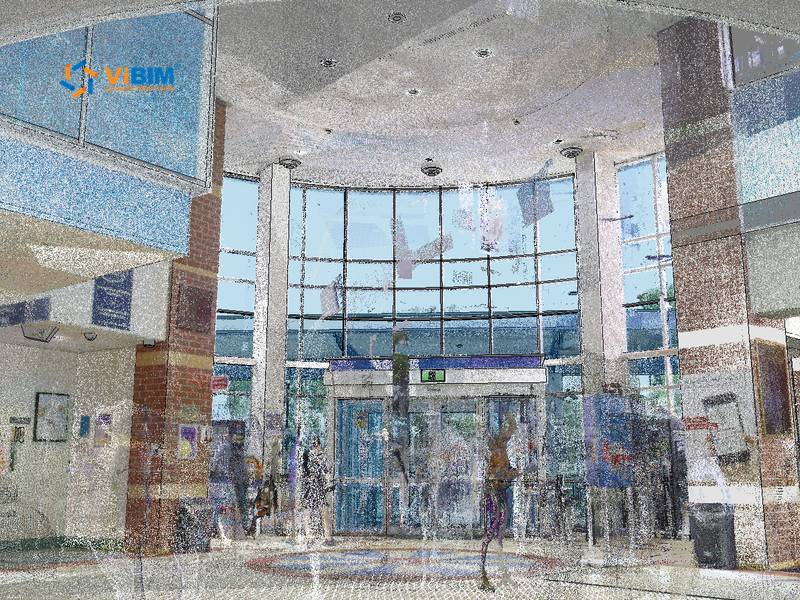
Facility managers get detailed geometric and asset information for efficient maintenance, repairs, and operational planning. Asset data loads into FM software and CMMS platforms without retyping. To map fields to your asset register, or to add FM data to a Revit model you already have, see ViBIM’s BIM for facility management services.
Owners receive a comprehensive digital as-built record for project close-out and owner acceptance. The same record supports legal and auditing requirements with an accurate and verifiable account of the constructed asset.
Designers start later renovations or expansions from an accurate existing conditions model, which reduces the cost and time of measuring the building again.
As-built BIM from point clouds FAQs cover the service itself, models versus drawings, LOD choice, timing, FM data import, and model updates.
As-built BIM (Building Information Modeling) is the process of creating a 3D digital model that accurately represents a building or structure as it has actually been constructed. The model includes any modifications or deviations made during the construction process. The resulting model, developed up to LOD 500, accurately reflects the final conditions and includes detailed geometric and non-geometric data crucial for facility management, operations, and record-keeping.
An as-built BIM model holds the modeled elements in 3D with their data, such as asset IDs and room numbers. As-built drawings show selected plans, sections, and elevations on sheets. ViBIM can deliver both in one project, with the drawings taken from the model so they match. For drawings alone, see its as-built drawing services.
Request LOD 500 when your contract or handover requirements ask for a field-verified record. Request LOD 400 when you need fabrication-level detail, with equipment and fittings modeled as the actual products rather than generic stand-ins.
Delivery time depends on the estimated modeling hours. Projects of up to 100 hours take 1 to 4 business days, and projects of 1,500 to 2,000 hours take 22 to 29 business days. Your quote states the schedule for your building and data scope.
ViBIM prepares the Excel or COBie export with the field names and classifications your FM or CMMS system requires. Your FM team confirms the import, since each system applies its own validation rules.
No. The model records the building as scanned and does not change on its own after alterations. Send a new scan of the changed areas, and ViBIM quotes the update.
START WITH A FREE TRIAL
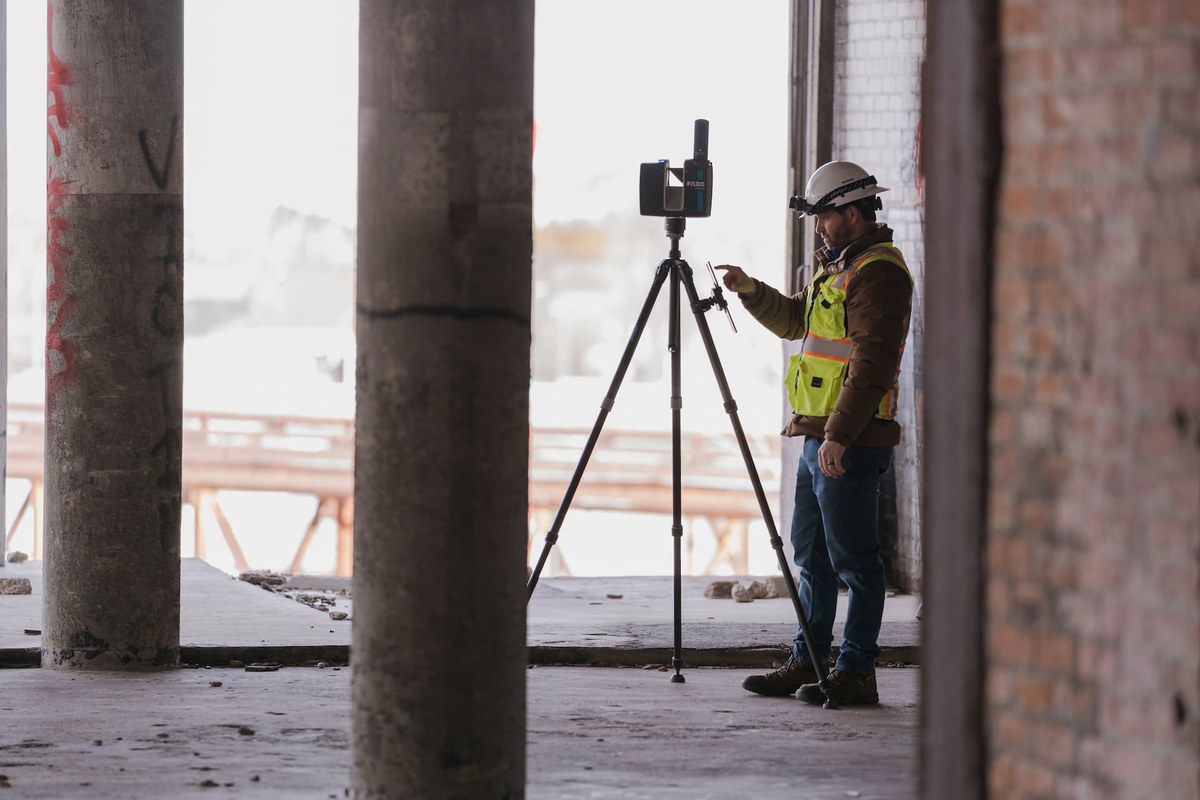
Share your point cloud and project scope. We return a free trial model on your own data, plus a fixed quote, before you commit to anything.

Free trial model on your sample data
Scope, timeline and quote in 12–24 hours
NDA on request · secure file transfer