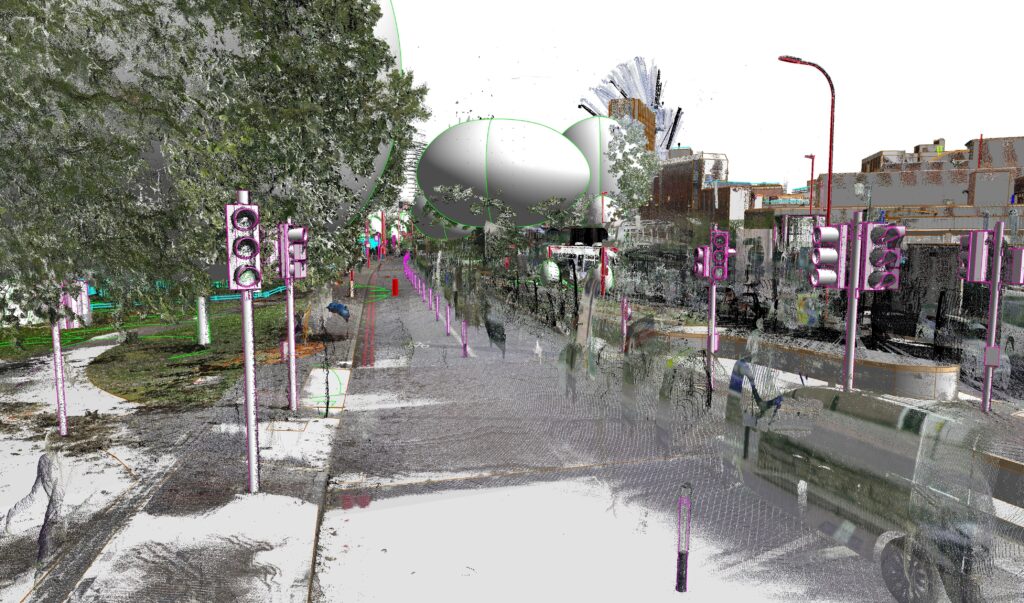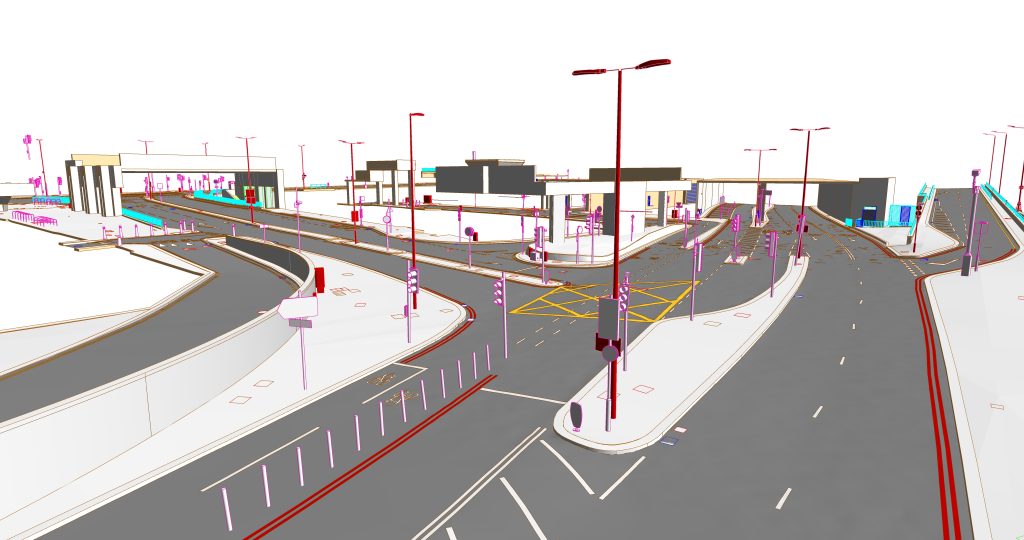

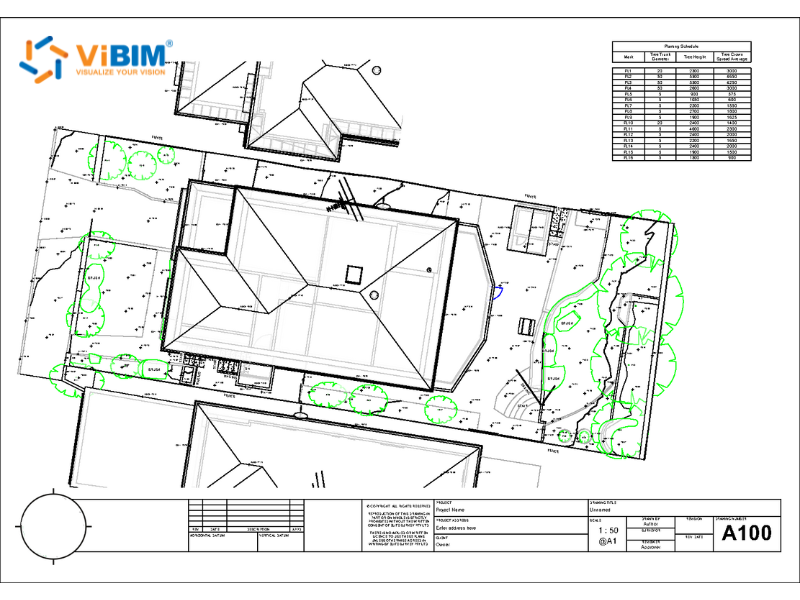
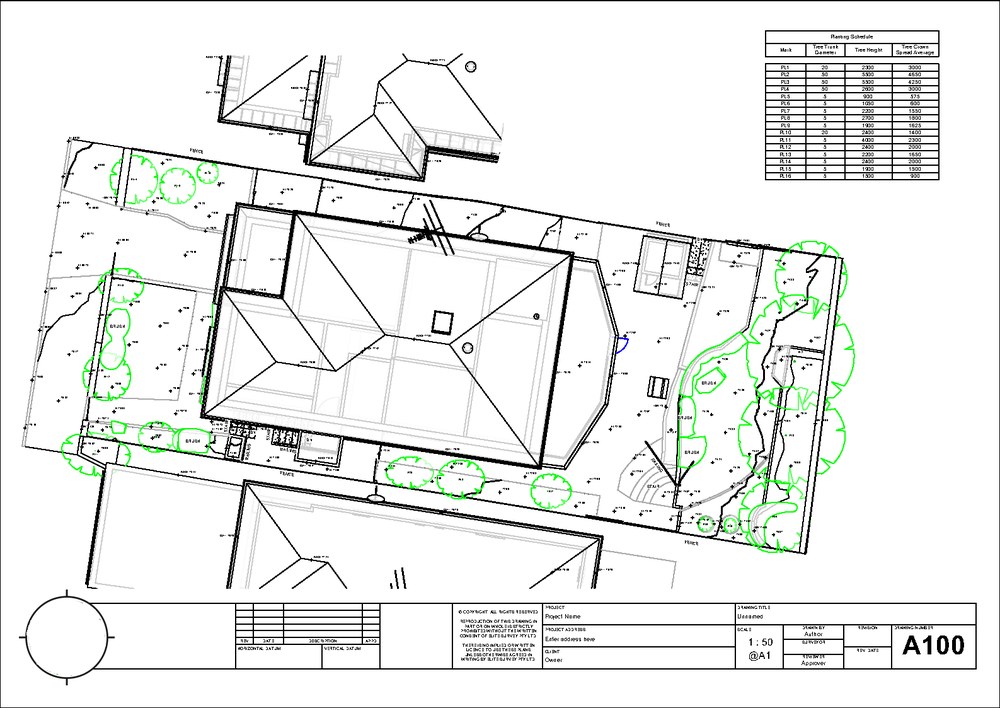
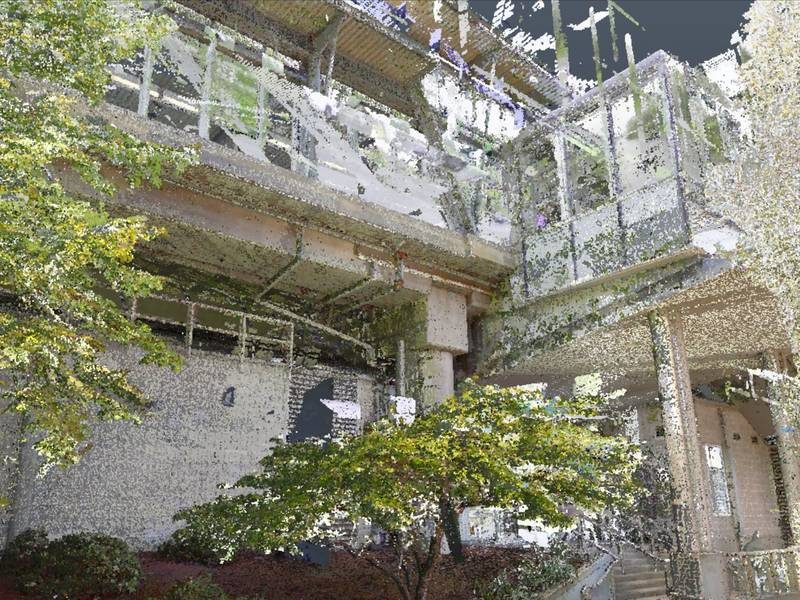
As-built drawing services deliver accurate and fully coordinated 2D drawings of existing buildings, drawn from a Revit model built directly from point cloud data. ViBIM prepares these drawings for surveyors, architectural firms, general contractors, and facility managers, working from the high-resolution point cloud or Revit model you provide. Reviewers check that every detail aligns with verified spatial data and adheres strictly to both your project-specific standards and ViBIM’s rigorous internal quality protocols.
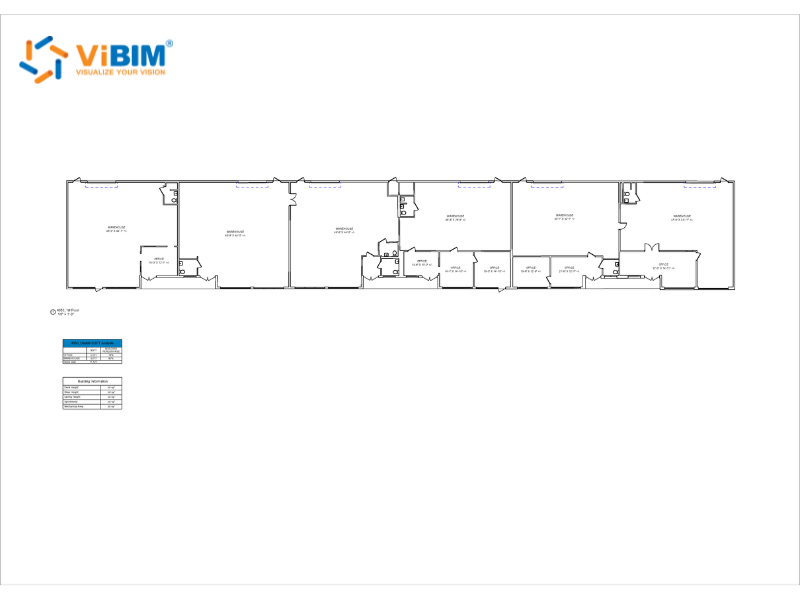
The drawing sets include complete architectural documentation for renovation, historic preservation, and existing-building projects. Sheets can show detailed floor plans, building elevations, reflected ceiling plans, interior dimensions, and comprehensive MEP system layouts. All documentation is provided in multiple formats including CAD (.dwg), Revit (.rvt), and PDF to support diverse project workflows and client requirements.
As Seen On
 Coruzant Technologies
— ViBIM scan to BIM case study, modeling ultra-dense MEP systems for a US factory.
Coruzant Technologies
— ViBIM scan to BIM case study, modeling ultra-dense MEP systems for a US factory.
 The Architect's Diary
— ViBIM cited for point cloud to BIM expertise in federated BIM coordination.
The Architect's Diary
— ViBIM cited for point cloud to BIM expertise in federated BIM coordination.
 BizzBuzz
— ViBIM cited for scan to BIM precision on renovation and retrofit projects.
BizzBuzz
— ViBIM cited for scan to BIM precision on renovation and retrofit projects.
 TechBullion
— ViBIM experts break down LOD 300 vs LOD 350 for scan to BIM models.
TechBullion
— ViBIM experts break down LOD 300 vs LOD 350 for scan to BIM models.
 Urban Splatter
— ViBIM featured as a scan to BIM company across architecture, structure and MEP.
Urban Splatter
— ViBIM featured as a scan to BIM company across architecture, structure and MEP.
 Today News
— ViBIM named a Revit outsourcing partner for electrical BIM modeling from point cloud data.
Today News
— ViBIM named a Revit outsourcing partner for electrical BIM modeling from point cloud data.
As-built drawing services from ViBIM give survey and AEC firms reliable Revit models, on-time delivery, and clear communication from quote to handover.
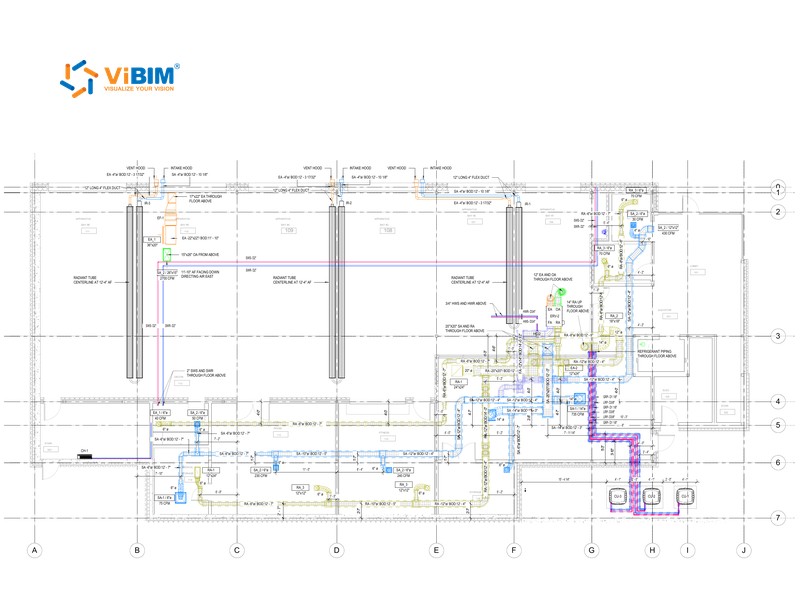
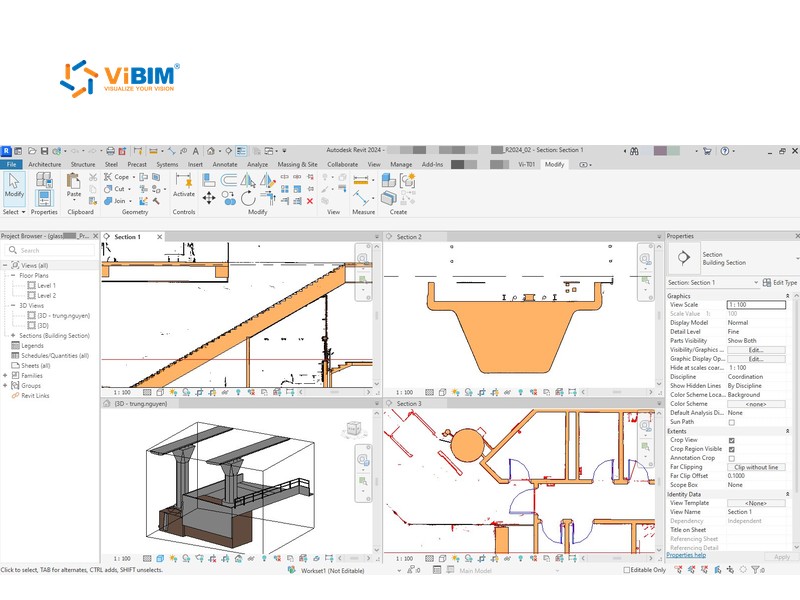
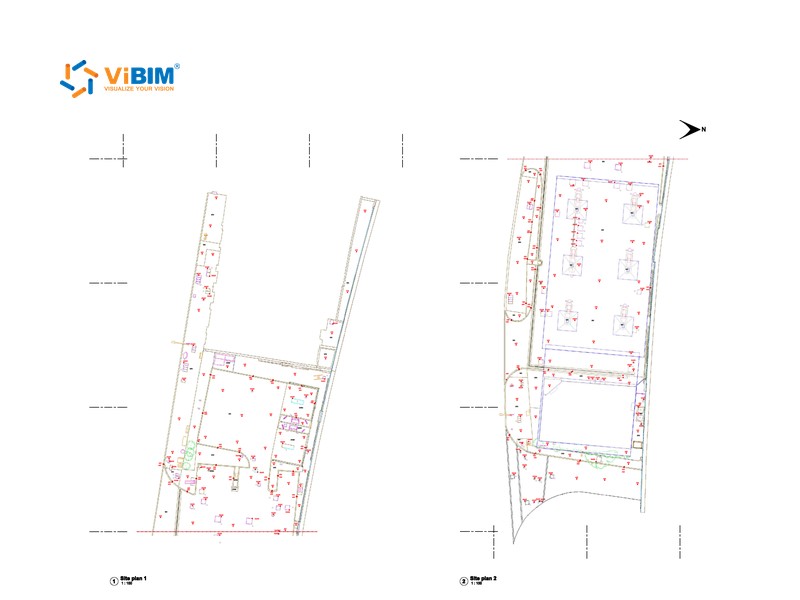
As-built drawing sets prepared from point cloud data cover architectural, MEP, structural, and site documentation, all taken from the same Revit model. ViBIM issues only the disciplines and sheets your project lists. The four drawing sets are described below:
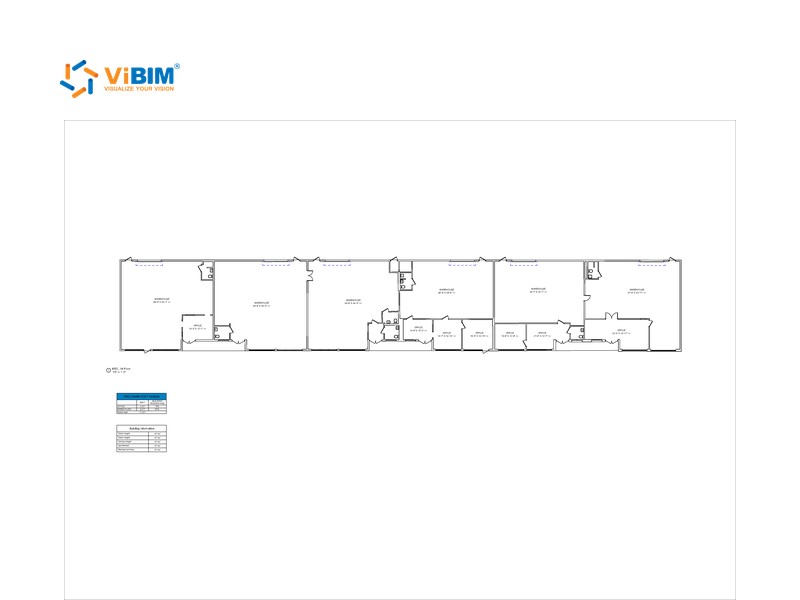
ViBIM delivers comprehensive architectural as-built services including detailed floor plans, building elevations, interior and exterior wall configurations, door and window schedules, room tags, and space planning documentation. Our architectural documentation captures all building elements with precise dimensions and clear annotation systems that support renovation planning, space management, and regulatory compliance activities.
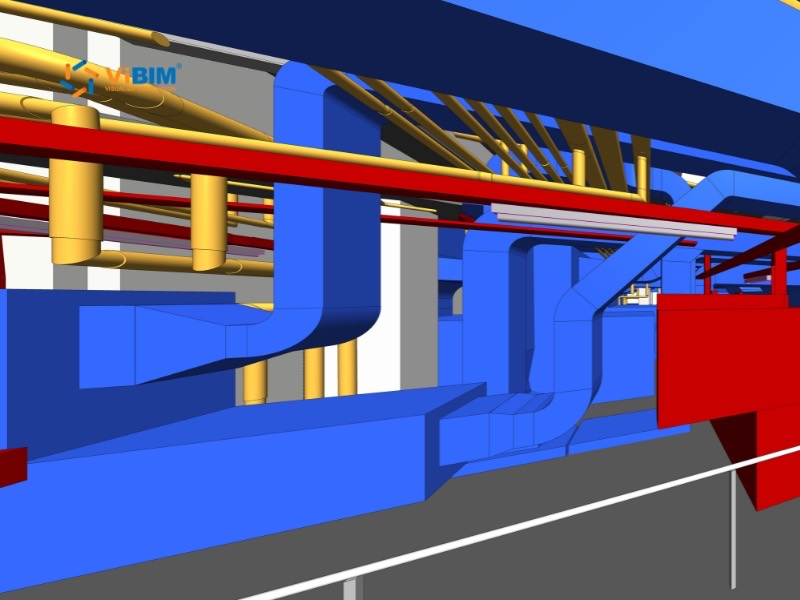
Our MEP as-built services encompass complete mechanical, electrical, and plumbing system documentation including HVAC equipment layouts, electrical layouts, plumbing systems, and fire protection layouts. ViBIM provides comprehensive MEP documentation that captures all system elements with precise routing information and clear annotation systems.
ViBIM’s structural documentation includes framing systems, beam and column layouts, and connection details derived directly from point cloud data. Our structural as-built drawings show accurate member sizes that support retrofit planning and compliance verification for renovation and infrastructure projects. Foundations, hidden members, and material specifications come from your drawings or records, since a scan shows only visible geometry.
ViBIM turns point cloud data into comprehensive site as-built documentation, with detailed topographic models and 2D drawings of the areas around buildings. Our services include modeling and documentation of sidewalks, curbs, driveways, internal roads, parking lots, courtyards, and landscaped areas directly adjacent to buildings. Each drawing features precise coordinates, survey markers visible in the scan, and clear annotations.
As-built drawing deliverables are Revit sheets, DWG files, and PDF sets in the formats your team works with. ViBIM sets them up to your title block and drawing standards. Each deliverable is described below:
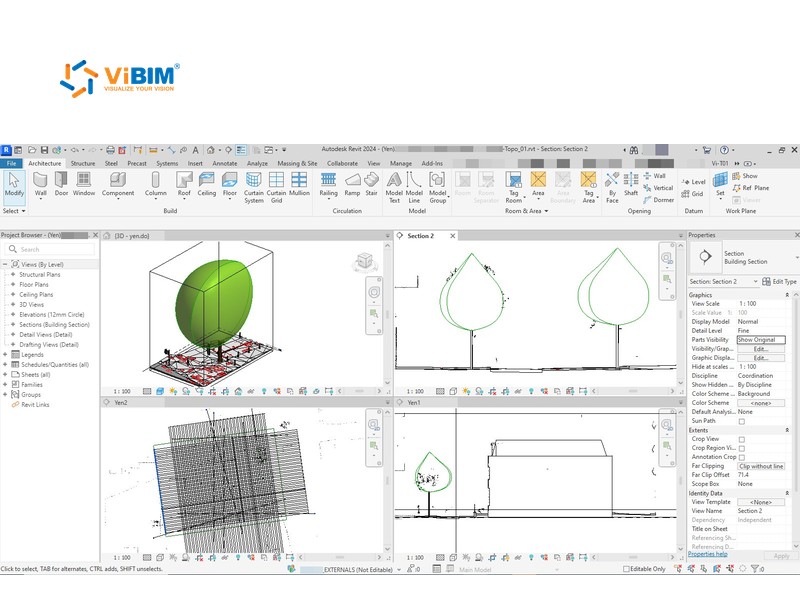
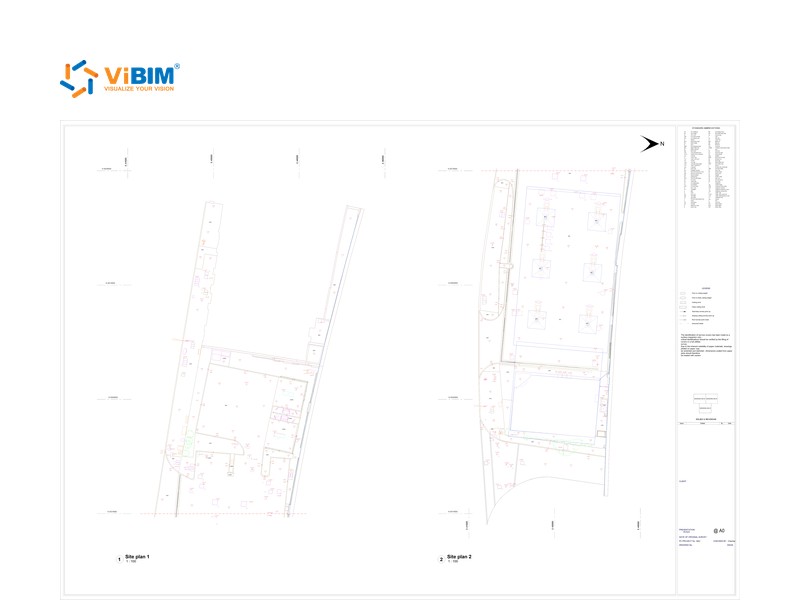
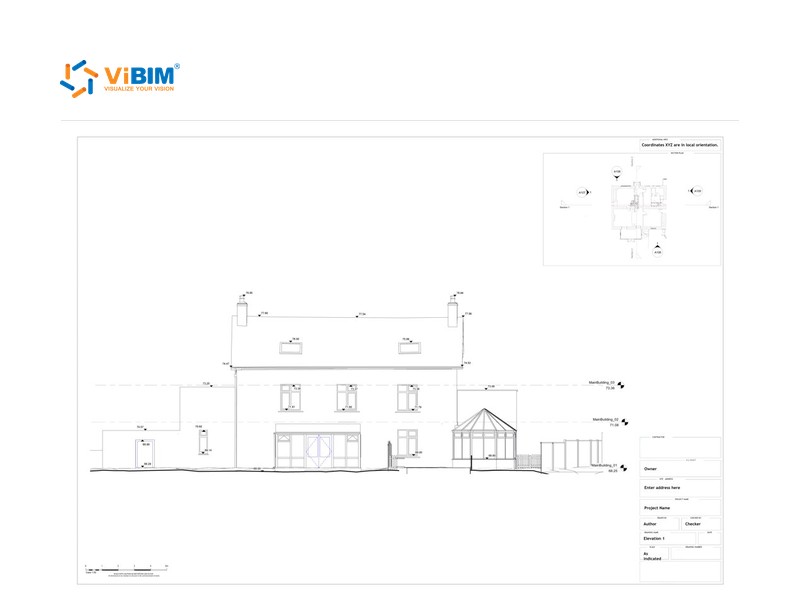
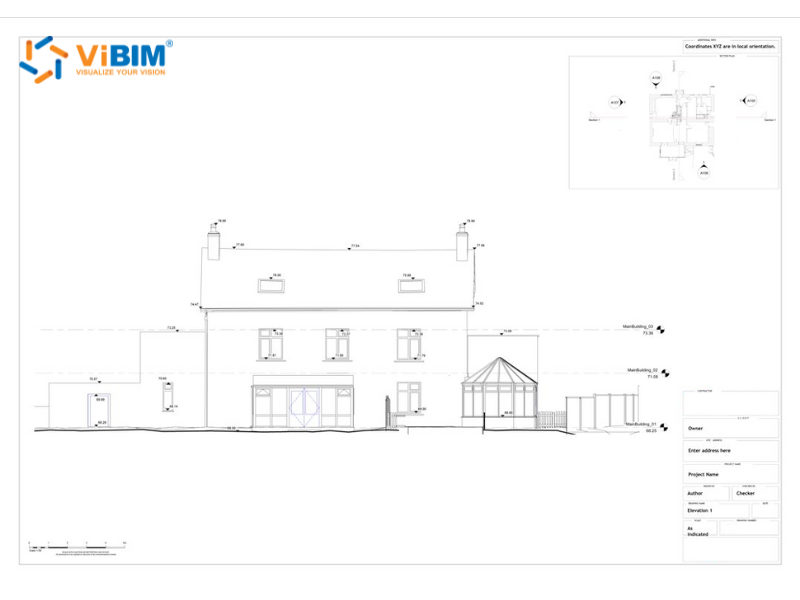
The as-built drawing process builds and checks the Revit model first, then sets up sheets, views, and annotation before a final quality review. ViBIM draws every sheet from the verified model. The six steps are explained below:
ViBIM reviews your point cloud and sheet list, then builds the Revit model that every sheet will come from. If your team already has a Revit model, ViBIM first checks that it has the elements and detail your sheets need.
Sheets are created in Revit using required paper sizes such as A1, A3, and ANSI formats, with title blocks customized to reflect the project name, client logo, project number, issue dates, and other metadata according to client standards. ViBIM sends one sample sheet for your approval before setting up the full set.
ViBIM develops standardized view templates that control line weights, hatch patterns, object visibility, and annotation styles. The templates keep every drawing type and scale consistent. All view templates are tested and validated before application to ensure they produce the desired visual results.
Tags for doors, windows, and other building elements, grid and level heads, text notes, and dimension styles are set up to your rules and local drafting standards. Every element is then labeled and dimensioned accurately across the drawing set.
Plans, sections, elevations, and details are placed on sheets at 1:50, 1:100, or other standard scales.
Once views are placed, our team meticulously adds final annotations, symbols, spot elevations, and any other client-requested details. This detailing stage includes rigorous verification of all dimensional information, ensuring annotation accuracy and overall visual consistency.
Concurrently, the sheets undergo a comprehensive internal quality assurance and quality control (QA/QC) review. The review systematically checks all drawing elements against the source point cloud data and the 3D model to confirm accuracy. We also verify full compliance with client-specific standards and established industry best practices before any submission.
In as-built drawings taken from a Revit model, accuracy and level of detail come from that model, since each sheet shows only what the model holds. You choose the tolerance and LOD. ViBIM’s reviewers then check each sheet against the model and the scan. Each control is described below:
Each sheet goes to two independent reviewers, who check its dimensions, levels, and spot elevations against the model and the point cloud. When ViBIM models from your scan, the model follows the tolerance you pick, whether 50 mm, 30 mm, or 15 mm (about 2, 1.2, or 0.6 in), or a custom value from your spec. Walls, pipes, or framing the scan cannot see are drawn from your records and noted on the sheet.
The model’s LOD sets how much detail the sheets can show. At LOD 300, doors, windows, and MEP runs appear at their measured size and position. On a 36,100 m² UK site, ViBIM built an LOD 400 site model to a ±25 mm (about 1 in) spec and drew a full archival sheet set from it.
As-built drawing standards can vary significantly depending on the client, region, or project type. ViBIM customizes all 2D outputs based on client-provided standards, ensuring technical clarity and consistency. Our as-built drawing outputs can comply with standards related to:
ViBIM ensures all drawings reflect real-world conditions and meet the visual and documentation standards expected for your project.
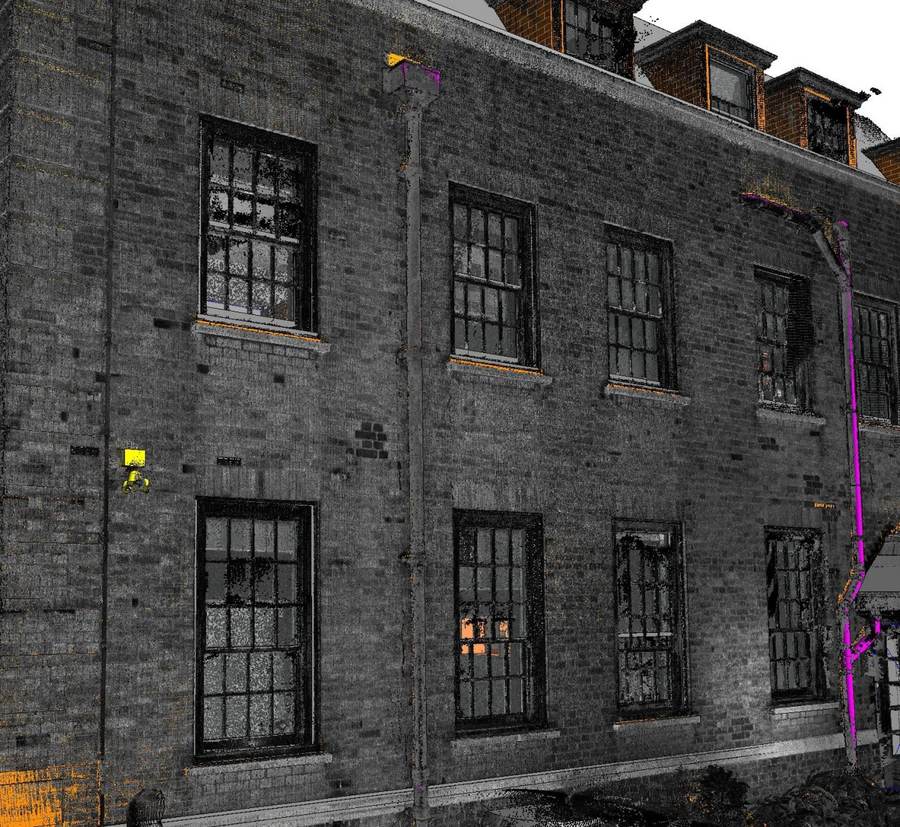
ViBIM’s featured as-built drawing projects show sheet sets produced from Revit models built from client scans and drawn to each client’s standards. The company’s 1,000+ BIM projects since 2014 include the sheet sets shown here.
The advantages of choosing ViBIM’s 3D BIM modeling services for as-built drawing projects are listed below:
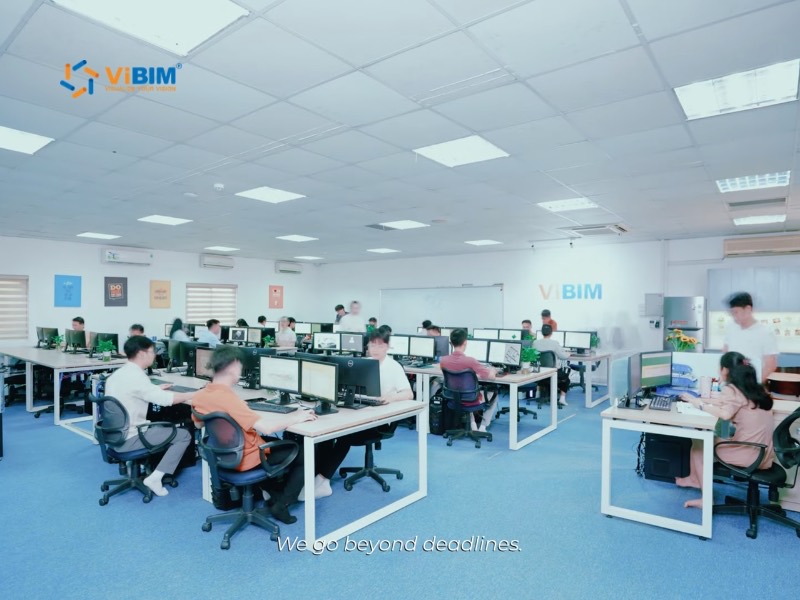




The sheet list and issue date are agreed with your ViBIM project manager before any sheet is drawn. With a 99% on-time delivery record, ViBIM maintains exceptional delivery reliability with a proven track record of meeting critical project schedules and client deadlines across all project types and complexities.

View templates, tags, and title blocks are set up once and applied to every sheet. Our streamlined processes deliver service up to 30% faster than the industry average while maintaining full quality and accuracy requirements.

High accuracy is standard at ViBIM. Creating 3D models from point cloud data before 2D drawing generation ensures our documentation reflects true on-site conditions precisely. Customized outputs accommodate client-specific standards while maintaining consistency with international documentation requirements and industry best practices.

Dedicated project managers respond to your inquiries promptly and keep in contact throughout the drawing process. You review one sample sheet first, so tag, dimension, and layer questions are settled before ViBIM draws the full set.

ViBIM refines its workflows and invests in staff training to keep improving its as-built drawing services.

Pham Thanh is the founder and CEO of ViBIM, which he grew from three employees into a 30-strong BIM outsourcing team. Contributed to Vietnam’s first national BIM Guidelines (Ministry of Construction, 2017). MBA, Solvay Brussels School of Economics and Management (2012); Bachelor of Architecture, ABAC University (2008); BIM Management Certificate, BCA Academy, Singapore (2014).

Do Van Yen is ViBIM’s Architectural Team Leader and one of its first three specialists, working with the founder since 2011. Has led architectural BIM modeling since 2014 and helped build the company’s Scan to BIM services and standards from the start. Civil Engineering, University of Transport and Communications.

Nguyen Tien Trung is ViBIM’s Structural Team Leader and manages the company’s BIM standardization system, leading structural modeling on its largest, most complex projects. Construction Engineering, Hanoi University of Civil Engineering (2019).

Truong Van Huong is ViBIM’s MEP Team Leader, leading mechanical, electrical and plumbing BIM modeling and coordination. Brings years of hands-on MEP design and implementation experience to large, complex project delivery. Bachelor’s in Electrical Engineering, specializing in Electrical Systems (2018).

Truong Quoc Trung is ViBIM’s Project Manager and one of its first-generation modelers, with the company since 2018. Runs its medium to large-scale BIM projects end to end and mentors new modelers. Practical Engineer’s degree in Civil Engineering, Construction Technical College No. 1 (2017).
An as-built drawing quote follows the sheet list, disciplines, and drawing standards your team sends. ViBIM replies with a price and schedule within 12–24 hours. The items are listed below:
If you also need a fuller Revit model, with more disciplines or element data, ViBIM can price it in the same quote through its scan to BIM services, using the same point cloud.
Ready to Start Your As-Built Drawing Project?
Send your scan or model with an example sheet, and we’ll quote the full drawing set with an issue date.

As-built drawing services across the USA and worldwide follow the sheet sizes and scales of your market. ANSI or ARCH sheets at feet-and-inch scales suit US sets, and ViBIM switches to ISO A sheets and metric scales for UK or Australian sets. The markets ViBIM serves are shown below:

United States

United Kingdom

Canada

Australia

European Union
The US states and cities we serve are shown below:
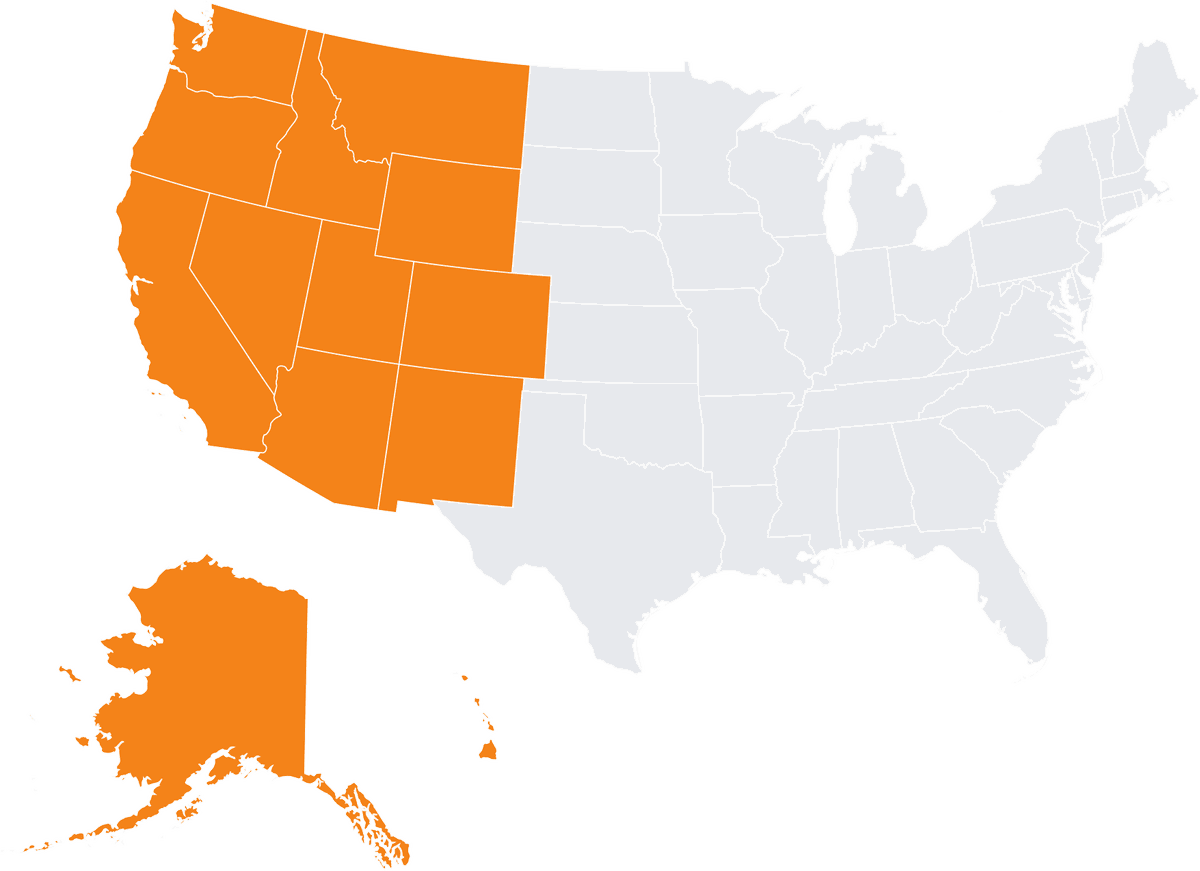
Alaska
Arizona
California
Colorado
Hawaii
Idaho
Montana
Nevada
New Mexico
Oregon
Utah
Washington
Wyoming
Irvine
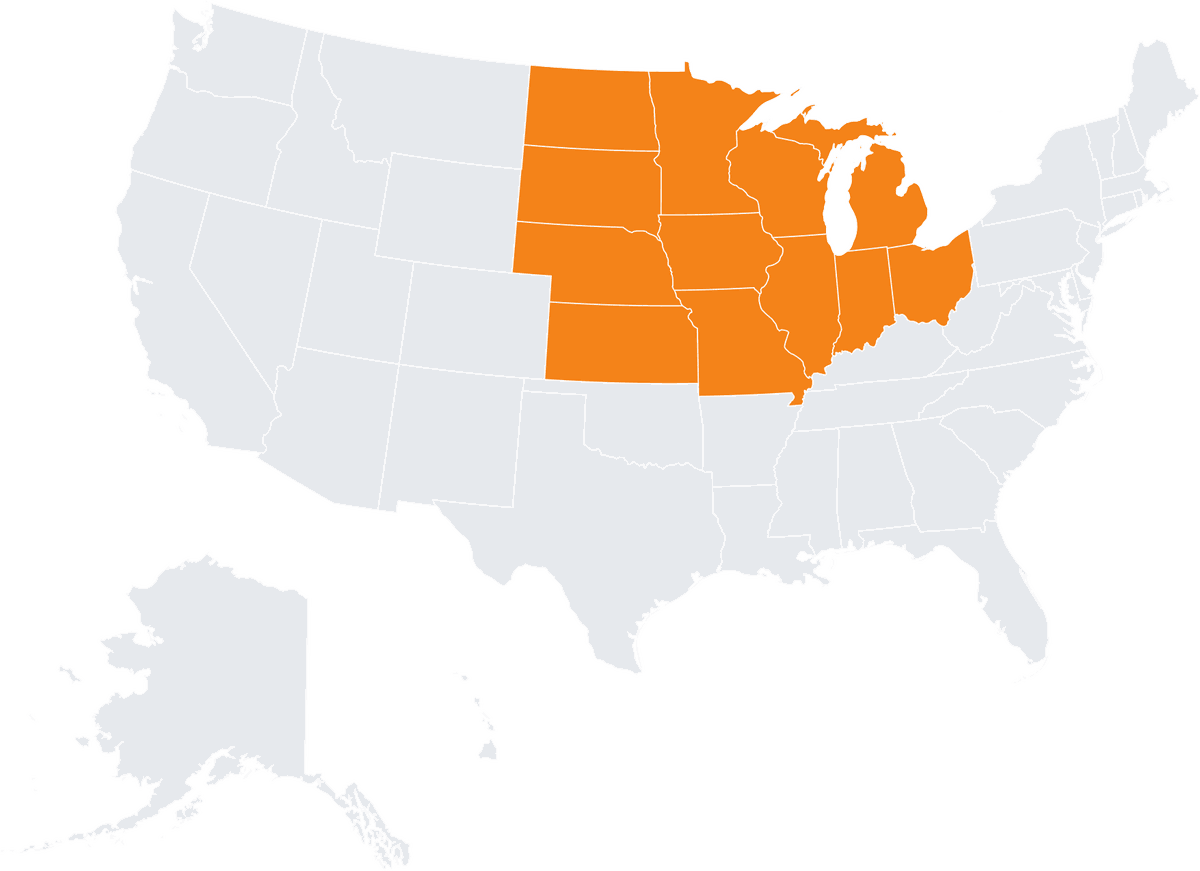
Illinois
Indiana
Iowa
Kansas
Michigan
Minnesota
Missouri
Nebraska
North Dakota
Ohio
South Dakota
Wisconsin
Chicago
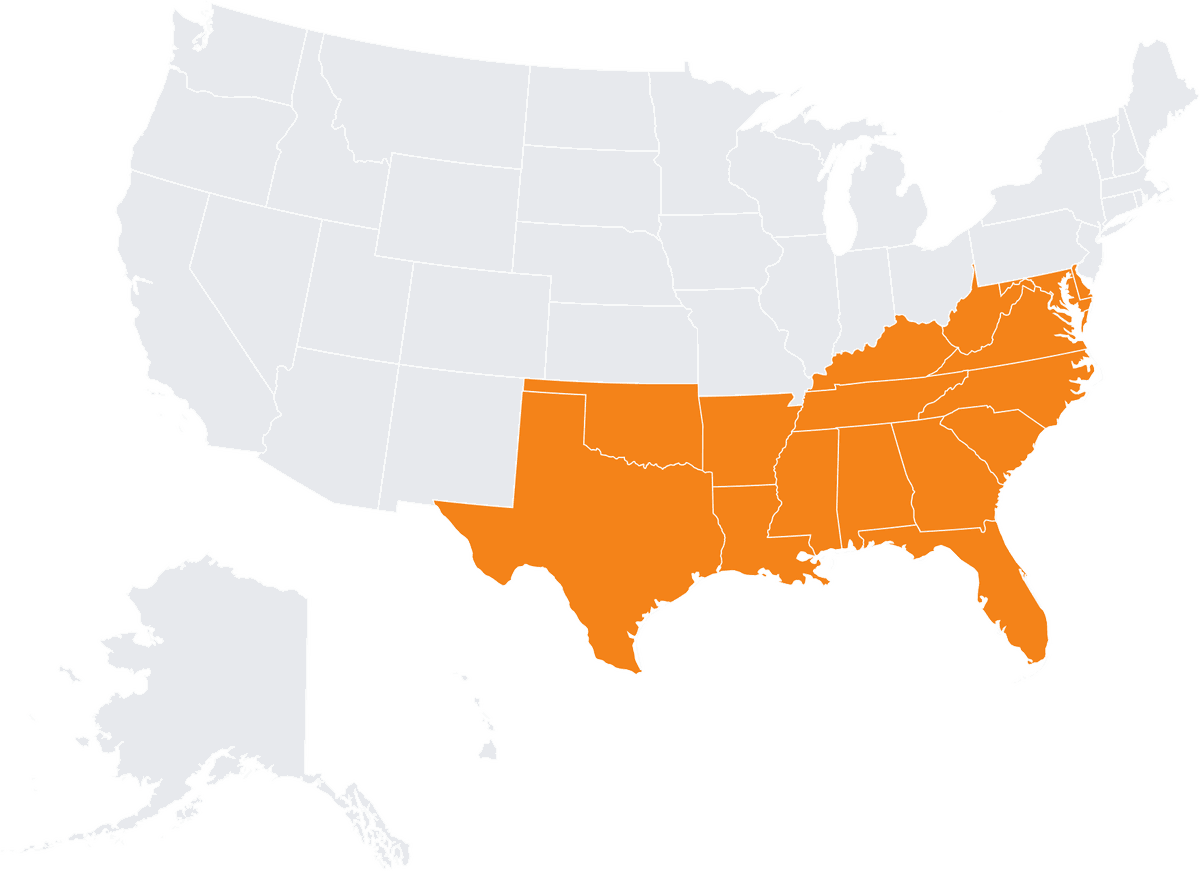
Alabama
Arkansas
Delaware
Florida
Georgia
Kentucky
Louisiana
Maryland
Mississippi
North Carolina
Oklahoma
South Carolina
Tennessee
Virginia
West Virginia

Connecticut
Maine
Massachusetts
New Hampshire
New Jersey
New York
Pennsylvania
Rhode Island
Vermont
Boston
As-built drawings support renovation and facility work by providing an accurate record of a structure’s final as-is state, which often differs from original design plans due to on-site modifications. Architects, contractors, and facility teams then work from the same verified sheets. Each use is described below:
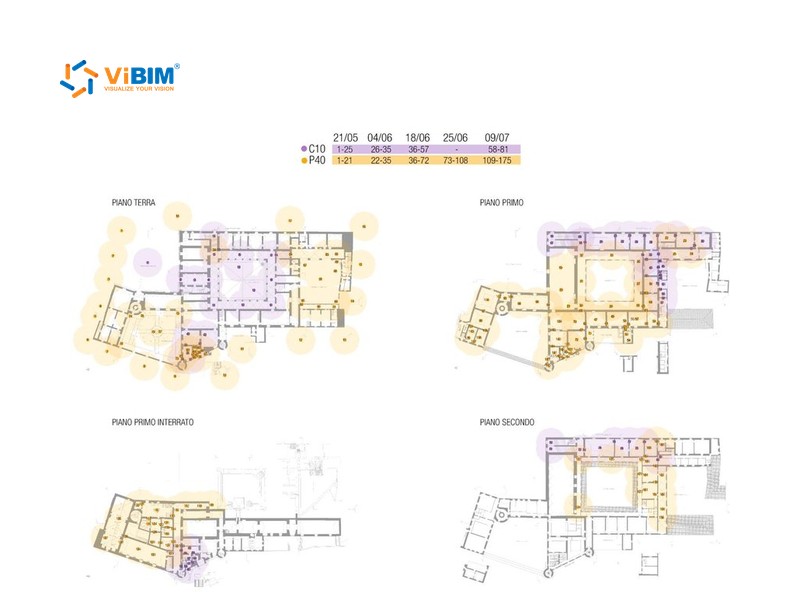
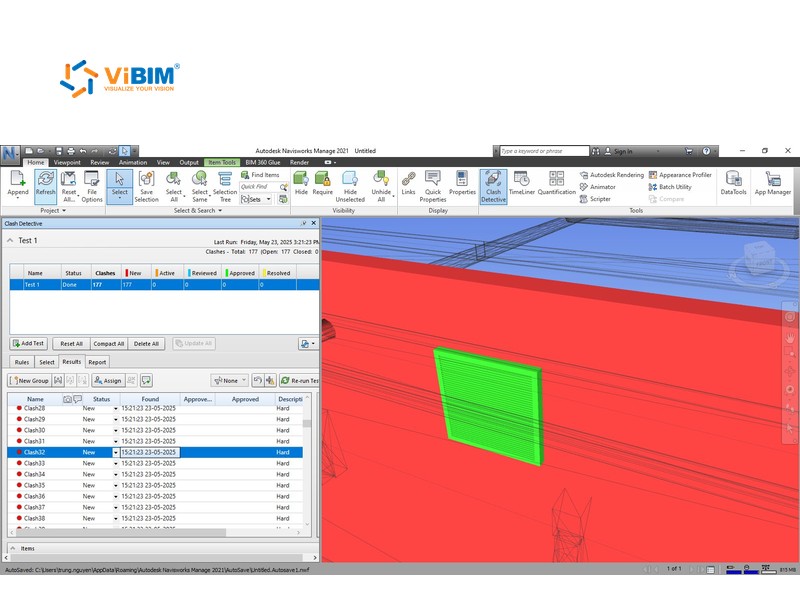
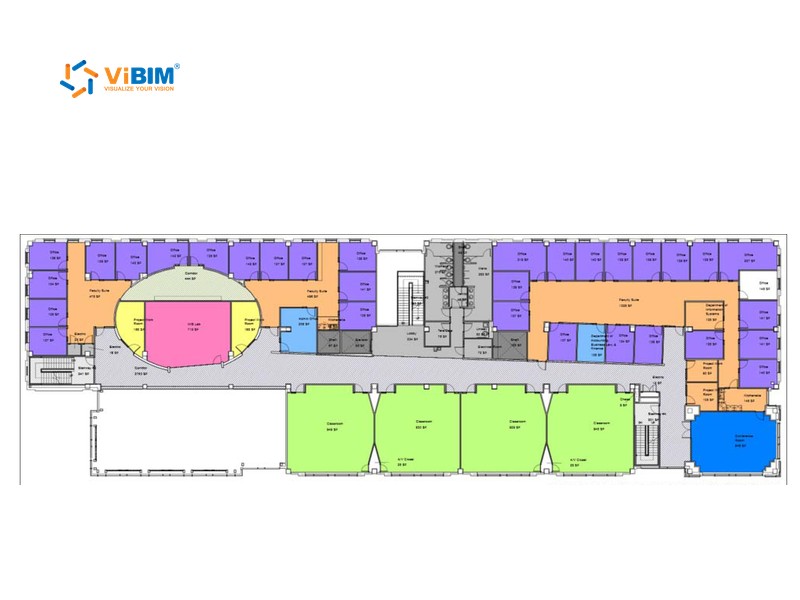
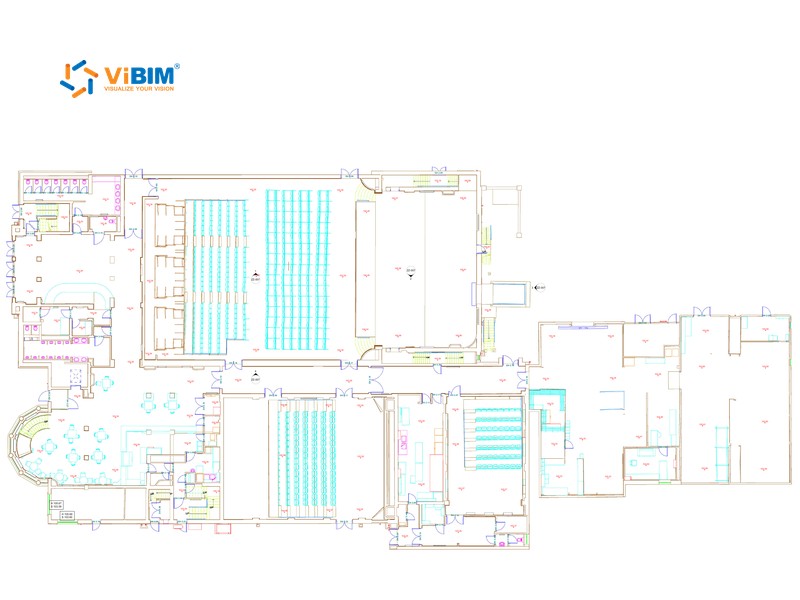
Precise drawings based on laser scan data show what is actually on site, so your team plans the work with fewer surprises. Accurate documentation prevents delays and cost increases that occur when actual conditions differ from documented assumptions during construction phases.
When the 2D drawings come from the Revit model, they stay aligned with it, avoiding the mismatches that happen when drawings are drafted separately. Unified documentation provides all project teams with consistent reference information, avoiding confusion and miscommunication from multiple, conflicting sources.
Comprehensive as-built drawings support maintenance planning, emergency response procedures, and operational decision-making throughout the building lifecycle.
Verified drawings of existing conditions help your team check code compliance and get regulatory approval for renovation and modification projects.
As-built drawings from point clouds FAQs cover what the drawings are, the files ViBIM starts from, and how the sheets relate to the BIM model and your CAD standards.
As-built drawings record a building as it was actually built, including changes made on site after the design drawings were issued. ViBIM produces them as plans, sections, elevations, and schedules taken from a Revit model of your building.
Not always. If your team has a Revit model that matches the building, ViBIM checks that it has the elements and detail your sheets need, then draws the sheets from it. Sheets drawn from your own model are checked against that model, and your team stays responsible for its accuracy. A point cloud from your scanning team is needed when existing conditions must be measured.
The drawings show selected 2D views on sheets, while an as-built BIM model holds the modeled elements in 3D with their data. Sheets suit teams that review, print, or permit in 2D, and the model suits teams that need element data.
Usually BIM drawing services. ViBIM draws the sheets from a Revit model, so plans, sections, and elevations stay consistent with each other. DWG files are exported from the same sheets for teams that work in AutoCAD. If you only need 2D sheets, ViBIM can also draft them in DWG directly from the point cloud.
Yes. Send your title block, an example sheet, and your layer or tag rules, and ViBIM sets up one sample sheet for your approval before drawing the full set.

START WITH A FREE TRIAL
Share your point cloud and project scope. We return a free trial model on your own data, plus a fixed quote, before you commit to anything.

Free trial model on your sample data
Scope, timeline and quote in 12–24 hours
NDA on request · secure file transfer