
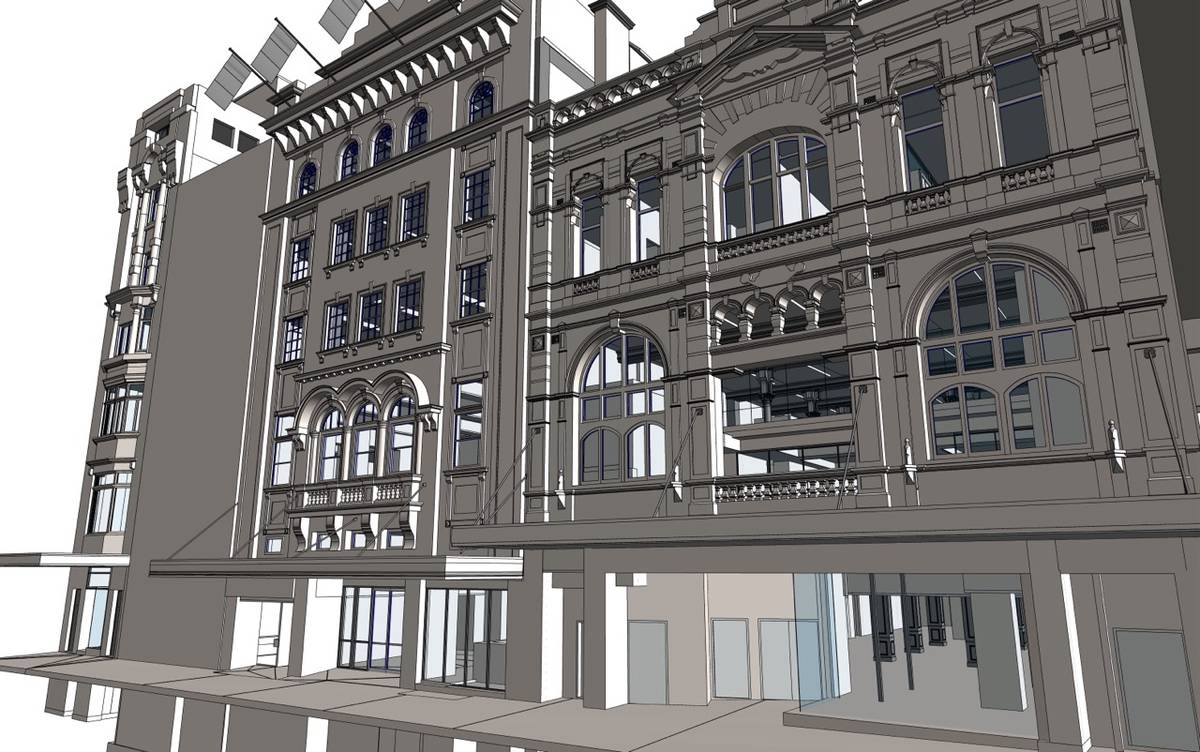
Scan to BIM for facility management services deliver precise BIM models from point cloud data, with the asset information facility teams need to run a building. ViBIM specializes in creating comprehensive facility management BIM models, providing facility managers with accurate digital representations of their physical assets.
ViBIM’s specialists develop detailed Revit models with embedded information about building components, including manufacturer details, maintenance requirements, warranty information, and lifecycle data. Facility managers can then access critical information about building systems, equipment specifications, maintenance schedules, and spatial configurations from a single source. Survey and AEC firms send a scan or an existing Revit model, and ViBIM maps each field to the owner’s Master Tag Register or asset requirements. ViBIM’s reviewers check asset locations against the scan before the data goes out in COBie, IFC, or Excel for the CAFM or CMMS platform. Owners get smoother handovers from construction to operations, less information loss, and reliable data foundations for long-term facility management.
As Seen On
 Coruzant Technologies
— ViBIM scan to BIM case study, modeling ultra-dense MEP systems for a US factory.
Coruzant Technologies
— ViBIM scan to BIM case study, modeling ultra-dense MEP systems for a US factory.
 The Architect's Diary
— ViBIM cited for point cloud to BIM expertise in federated BIM coordination.
The Architect's Diary
— ViBIM cited for point cloud to BIM expertise in federated BIM coordination.
 BizzBuzz
— ViBIM cited for scan to BIM precision on renovation and retrofit projects.
BizzBuzz
— ViBIM cited for scan to BIM precision on renovation and retrofit projects.
 TechBullion
— ViBIM experts break down LOD 300 vs LOD 350 for scan to BIM models.
TechBullion
— ViBIM experts break down LOD 300 vs LOD 350 for scan to BIM models.
 Urban Splatter
— ViBIM featured as a scan to BIM company across architecture, structure and MEP.
Urban Splatter
— ViBIM featured as a scan to BIM company across architecture, structure and MEP.
 Today News
— ViBIM named a Revit outsourcing partner for electrical BIM modeling from point cloud data.
Today News
— ViBIM named a Revit outsourcing partner for electrical BIM modeling from point cloud data.
Scan to BIM for facility management services from ViBIM give survey and AEC firms reliable Revit models, on-time delivery, and clear communication from quote to handover.
Facility management data and models prepared from point cloud data combine as-built geometry with the asset fields, spaces, and tags your FM platform reads. ViBIM sets up each field to match your Asset Information Requirements (AIR) or Master Tag Register (MTR), the list of asset tags your team uses. The five scope items are described below:
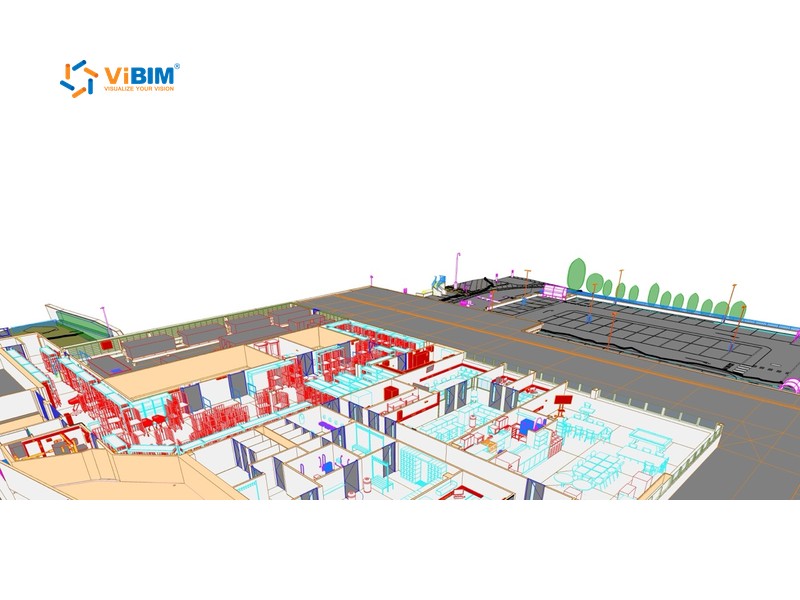
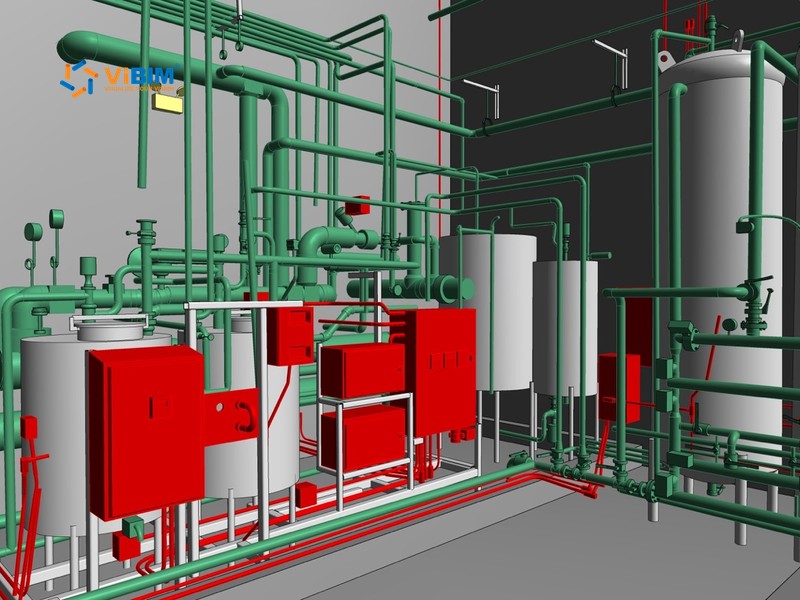
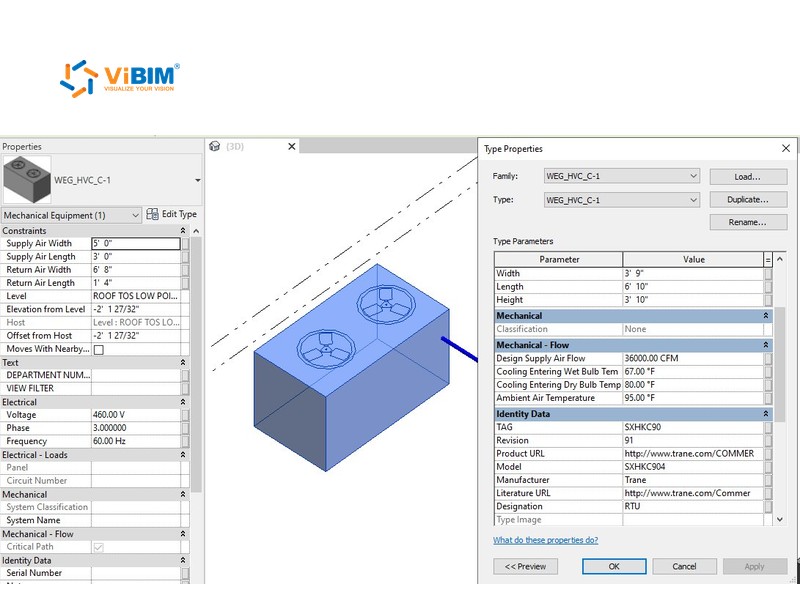
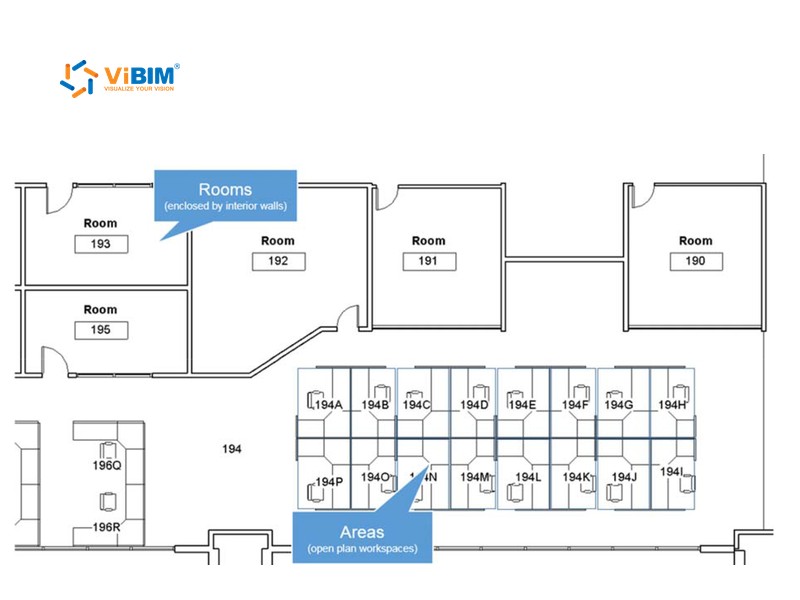
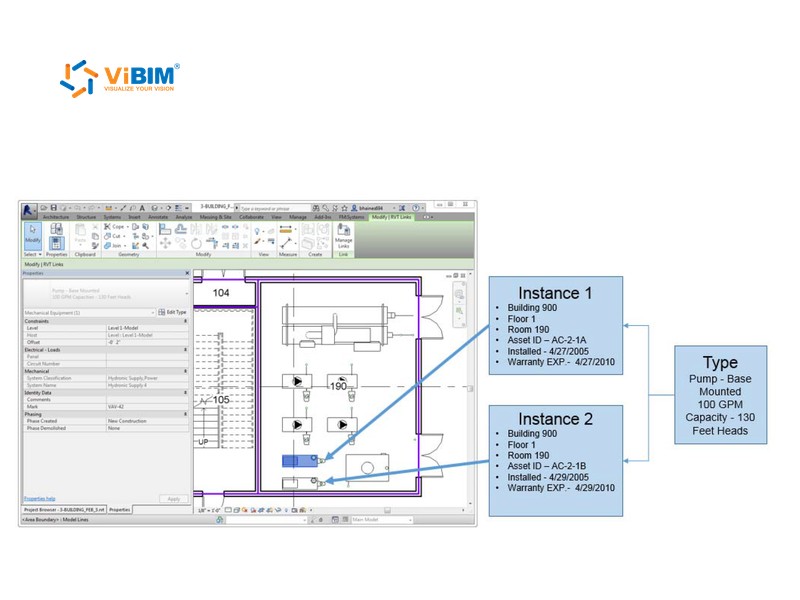
Our Revit modeling services create detailed Revit models based on laser-scanned point cloud data that capture the precise as-built conditions of facility infrastructure. All architectural, structural, and MEP elements are modeled to reflect actual dimensions, spatial locations, and component relationships as they exist in the physical environment.
Our modeling methodology incorporates industry-standard naming conventions, systematic category assignments, and logical model hierarchies that facilitate direct integration with Computer-Aided Facility Management (CAFM) and Computerized Maintenance Management System (CMMS) platforms.
Based on client-specific requirements and Asset Information Requirements (AIR), we embed essential asset data directly into the BIM model. The data can include equipment IDs, model numbers, maintenance zones, location codes, serial numbers, and other critical lifecycle data.
We accurately define and name rooms, areas, and maintenance zones using Revit spaces and zone configurations that align with facility management organizational structures.
Specialized tags and annotations are incorporated into models to identify critical equipment, access panels, shut-off valves, and service points that require regular attention from facility management personnel.
Scan to BIM for facility management deliverables are a Revit model with FM parameters, an Excel asset workbook, COBie or IFC files, and handover documentation. ViBIM configures the COBie and IFC exports for the FM platform or database you use. Each deliverable is described below:
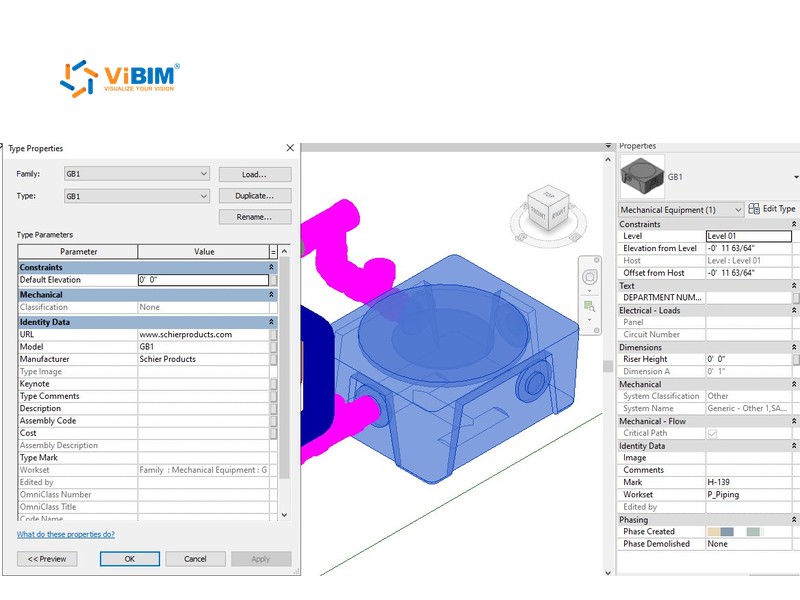
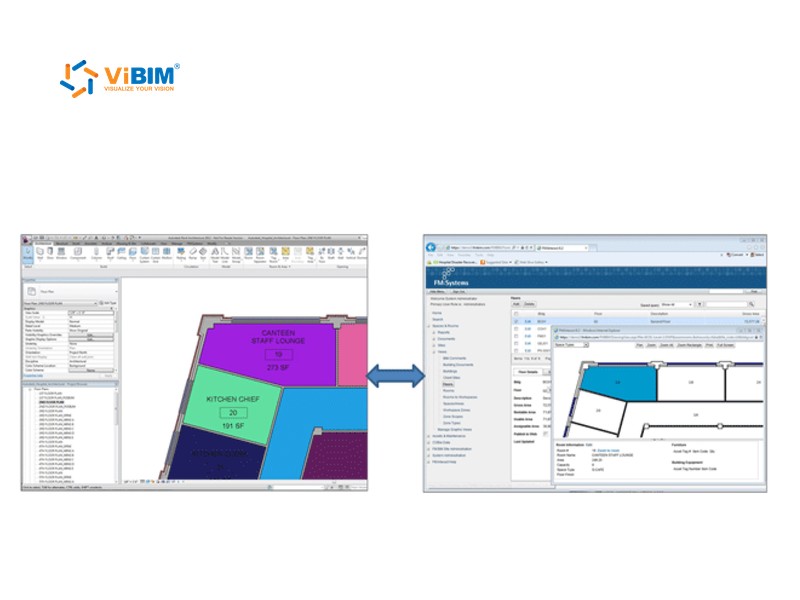
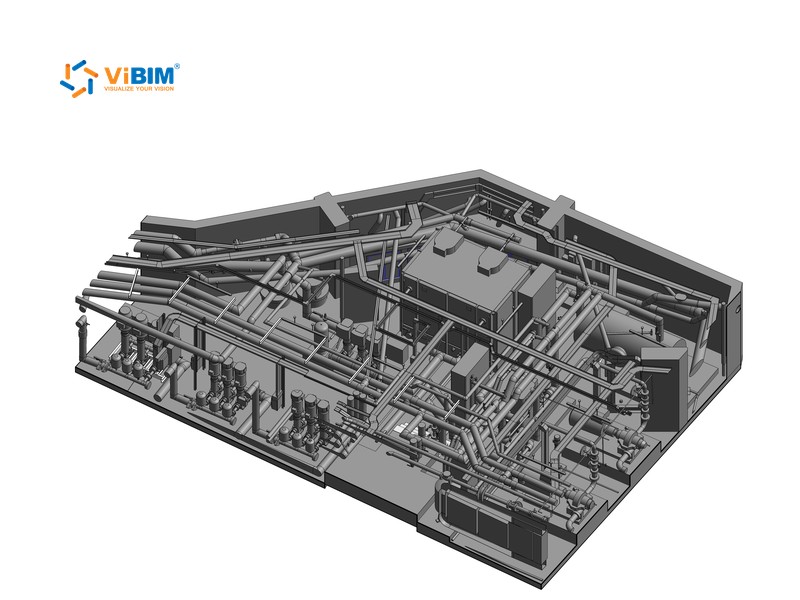
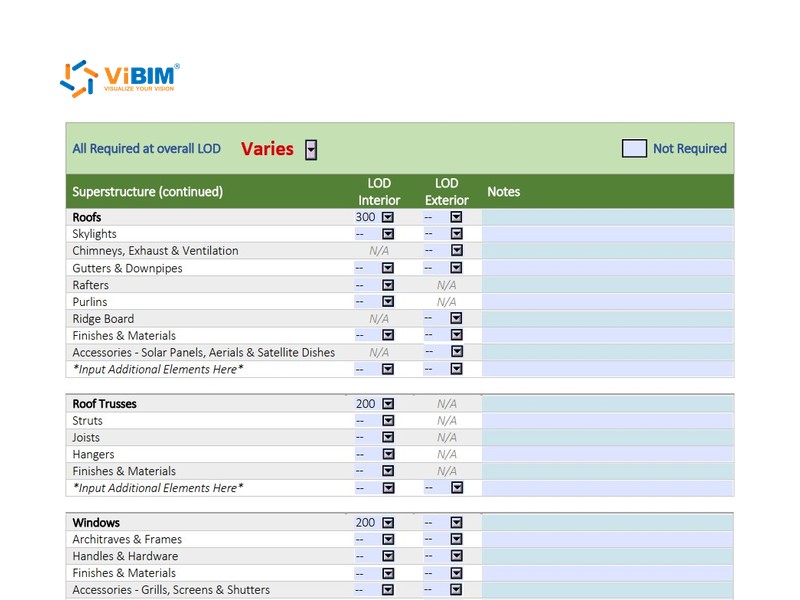

In the scan to BIM for facility management process, ViBIM sets the FM fields with you, fills them in Excel, and syncs them back to Revit before checks and handover. If you send a scan, ViBIM models the building before the data steps start. The eight steps are explained below:
We define the standards and requirements with you first. The scope identifies the building components needing FM data, the required parameter sets (e.g., dimensions, serial numbers, zone classifications, warranty details), and the desired output formats (Revit, COBie, Excel, IFC). The same step confirms which CAFM or CMMS platform will import the data, and in which format.
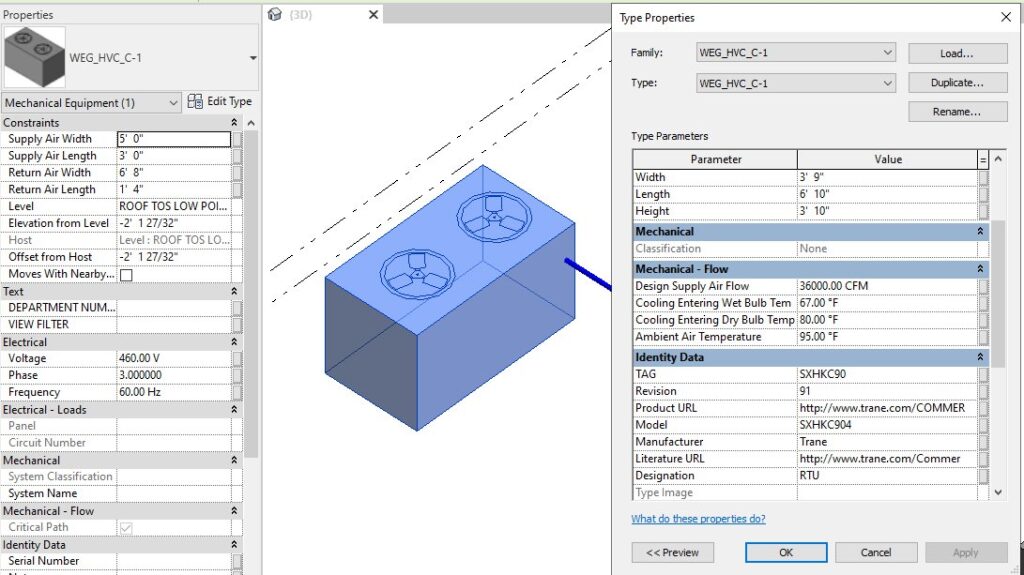
Using specialized tools, often Revit add-ins, ViBIM exports all relevant parameter information from Revit families within categories pertinent to FM (such as Doors, Windows, Mechanical Equipment, Electrical Fixtures, Plumbing Fixtures, etc.) into an Excel spreadsheet.
Refining the extracted data involves establishing a logical grouping system for parameters (e.g., by physical attributes, technical specifications, maintenance information) and standardizing field names. Irrelevant or redundant data is filtered out, and the information is structured according to FM logic or the client’s Master Tag Register.
Essential FM data is populated into the structured Excel template. ViBIM integrates information from client-provided technical documents, drawings, and asset registers, supplemented by precise as-built details (dimensions, locations) extracted and verified from the point cloud data to ensure comprehensive asset information.
After completing the Excel sheet, ViBIM uses a synchronization tool (data linker) to import all information back into the Revit families within the project model. Data is classified to the correct parameters (type/instance), format, and category, ensuring all information is accurately stored for FM readiness. The same tool keeps the Excel sheet and the Revit model in sync, streamlining FM information management.
ViBIM verifies data completeness and accuracy, checks the data against the COBie or IFC import requirements of your FM platform, and resolves mismatches between the model and source data.
The BIM model is exported in formats tailored to client needs. Deliverables can include native Revit (.rvt) files with parametric families, COBie spreadsheets, standardized IFC files (IFC2x3/IFC4), or consolidated Excel summaries.
ViBIM ensures a smooth handover with comprehensive documentation. The documentation includes model usage guides, parameter mapping logic, and reference tables for categories and component coding.
Accuracy, LOD, and quality control in scan to BIM for FM cover both the geometry and the asset data. You set the tolerance, LOD, and required fields, and ViBIM’s reviewers check each one before delivery. Each control is described below:
ViBIM applies comprehensive validation checklists and client-specific standards to verify that all required information fields are populated, parameter values maintain consistency, and geometric accuracy remains within acceptable tolerances relative to source scan data. Reviewers also check each element against the LOD you ordered.
When you send a scan, two ViBIM reviewers locate each tagged asset, room, and access panel against the point cloud, so maintenance staff find them where the model shows them. Checks run at 50 mm, 30 mm, or 15 mm (about 2, 1.2, or 0.6 in), whichever tolerance you set. Where valves or pipes sit above the ceiling, ViBIM places them from your drawings and flags them as not verified by the scan.
At ViBIM, all models derived from point cloud data are developed under a rigorously structured quality and compliance framework. We follow the standards and client requirements for FM-ready BIM listed below:
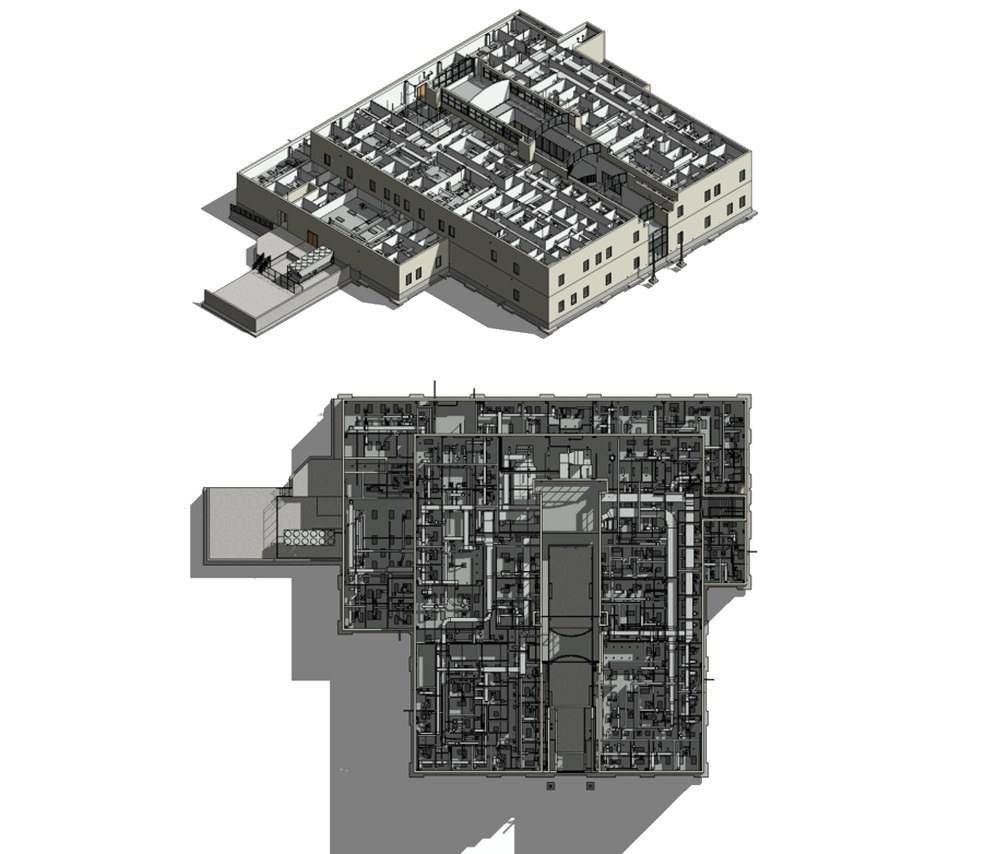
ViBIM’s featured scan to BIM for FM projects show operating buildings modeled from client scans, with equipment data ready for maintenance teams. The company has delivered 1,000+ BIM projects since 2014, including these FM models.
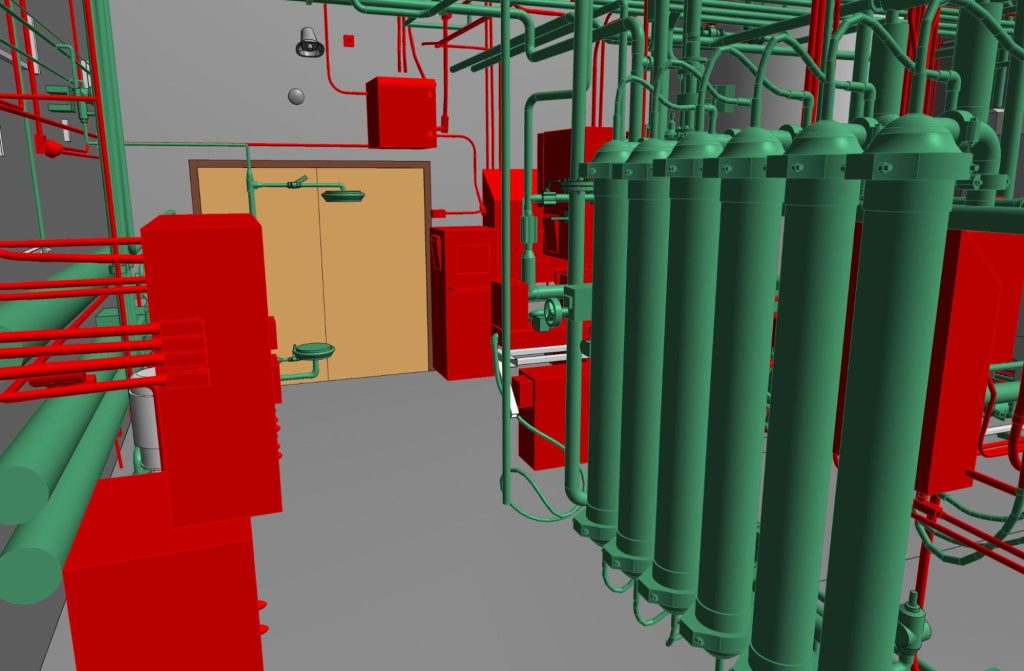
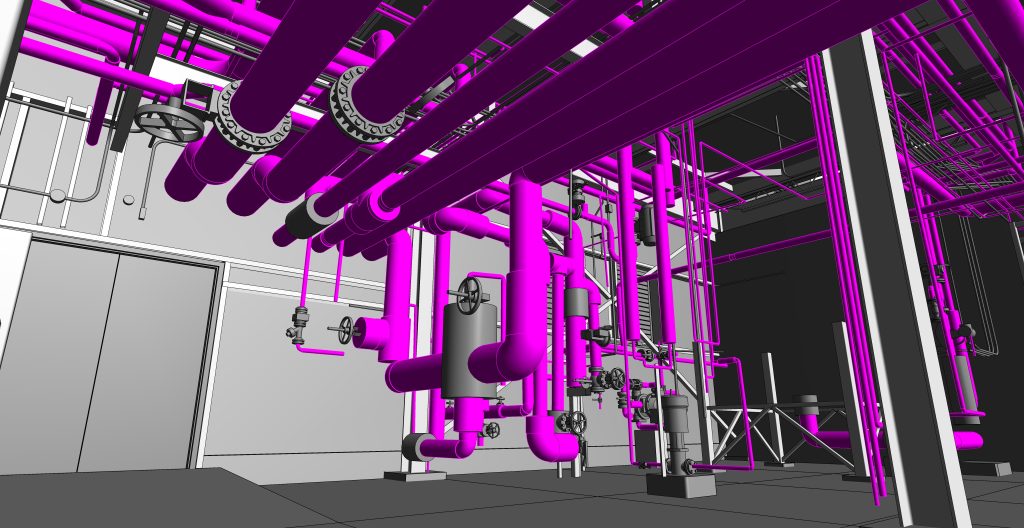

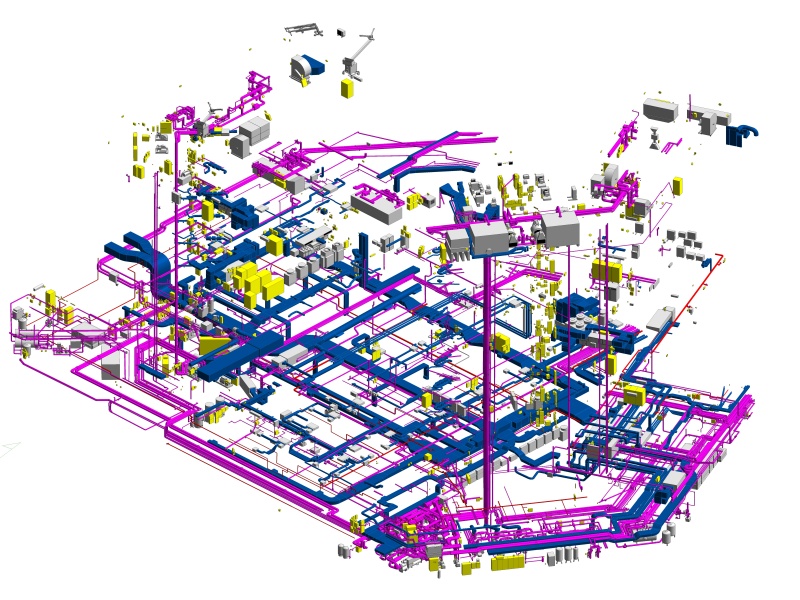


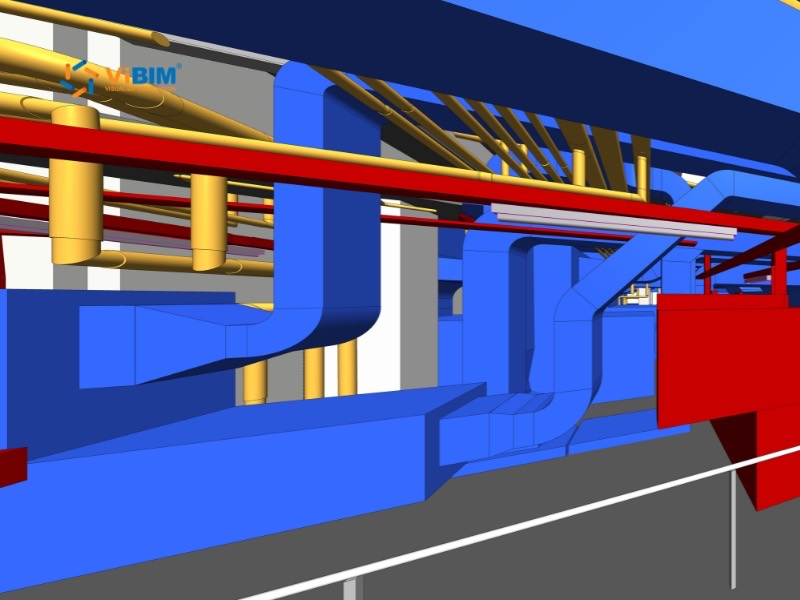
Revit Modeling for MEP Systems at Industrial Factory in the United States
View more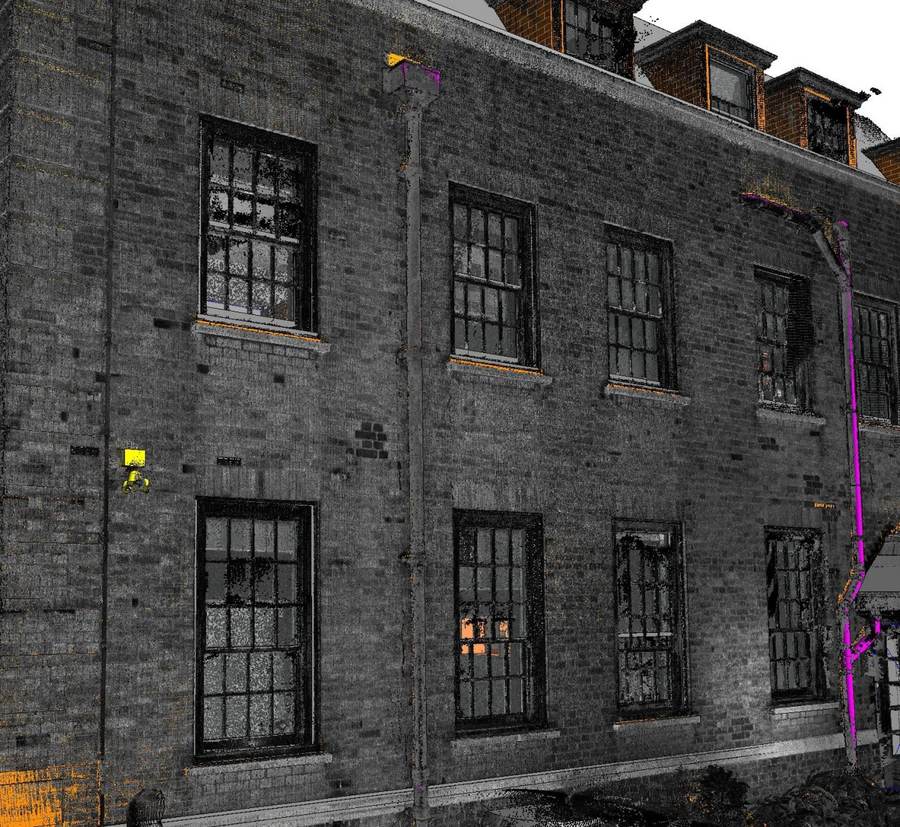
The advantages of choosing ViBIM’s Revit modeling services for facility management projects are listed below:
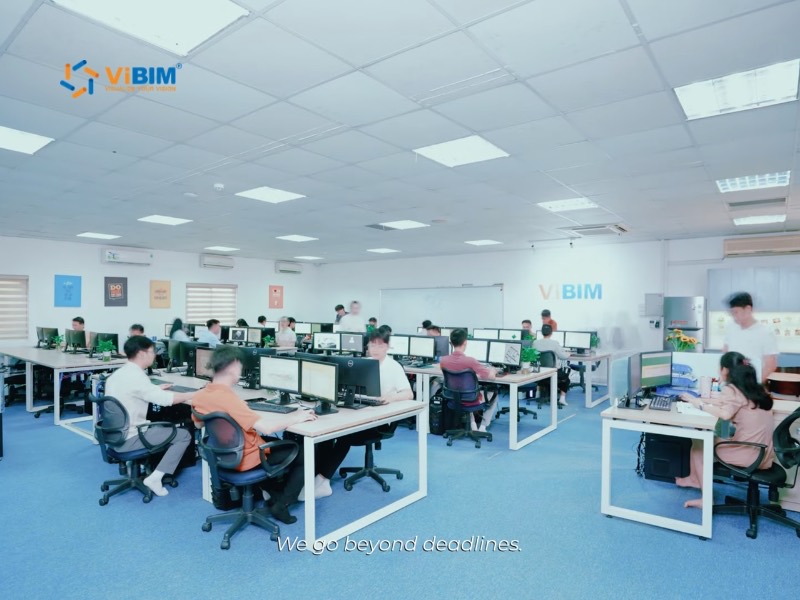




Your ViBIM project manager confirms the field list and asset count with you up front, so data entry is scheduled around your go-live date. 99% of our projects are completed exactly as scheduled, reflecting our commitment to reliability and professionalism.

Parameter data moves between Revit and Excel in bulk, instead of one family at a time. With optimized workflows, ViBIM delivers turnaround times up to 30% shorter than the industry average.

We focus on creating highly accurate BIM models of operating buildings from point cloud data, so your FM team works from actual conditions, not an idealized design model. Our models are not just geometrically accurate; they are structured and enriched with the specific data (LOI) that facility managers need. ViBIM meticulously checks the geometry first, then the asset data, at every stage of an FM project.

Emails about asset fields and data sources are answered promptly, evenings and weekends included. ViBIM flags missing or conflicting asset entries to your team, so gaps are settled before handover.

Automation, AI, and streamlined workflows shorten the data work on FM models, from exporting family parameters to Excel to syncing them back with the data linker.

Pham Thanh is the founder and CEO of ViBIM, which he grew from three employees into a 30-strong BIM outsourcing team. Contributed to Vietnam’s first national BIM Guidelines (Ministry of Construction, 2017). MBA, Solvay Brussels School of Economics and Management (2012); Bachelor of Architecture, ABAC University (2008); BIM Management Certificate, BCA Academy, Singapore (2014).

Do Van Yen is ViBIM’s Architectural Team Leader and one of its first three specialists, working with the founder since 2011. Has led architectural BIM modeling since 2014 and helped build the company’s Scan to BIM services and standards from the start. Civil Engineering, University of Transport and Communications.

Nguyen Tien Trung is ViBIM’s Structural Team Leader and manages the company’s BIM standardization system, leading structural modeling on its largest, most complex projects. Construction Engineering, Hanoi University of Civil Engineering (2019).

Truong Van Huong is ViBIM’s MEP Team Leader, leading mechanical, electrical and plumbing BIM modeling and coordination. Brings years of hands-on MEP design and implementation experience to large, complex project delivery. Bachelor’s in Electrical Engineering, specializing in Electrical Systems (2018).

Truong Quoc Trung is ViBIM’s Project Manager and one of its first-generation modelers, with the company since 2018. Runs its medium to large-scale BIM projects end to end and mentors new modelers. Practical Engineer’s degree in Civil Engineering, Construction Technical College No. 1 (2017).
A quote for BIM for facility management services is based on asset count, required fields, and the files you send. Send four items, and ViBIM returns a price and schedule within 12–24 hours. The items are listed below:
If you need other disciplines modeled from the same scan, ViBIM can add them to the same quote under its scan to BIM services.

Ready to Start Your Scan to BIM for Facility Management Project?
Send your scan or Revit model with your asset register, and we’ll map the fields and quote the full FM scope.

Scan to BIM for FM across the USA and worldwide works with the classification the building owner uses, such as OmniClass in the US or Uniclass in the UK. ViBIM applies the system your AIR names, or your own codes. The markets ViBIM serves are shown below:

United States

United Kingdom

Canada

Australia

European Union
The US states and cities we serve are shown below:
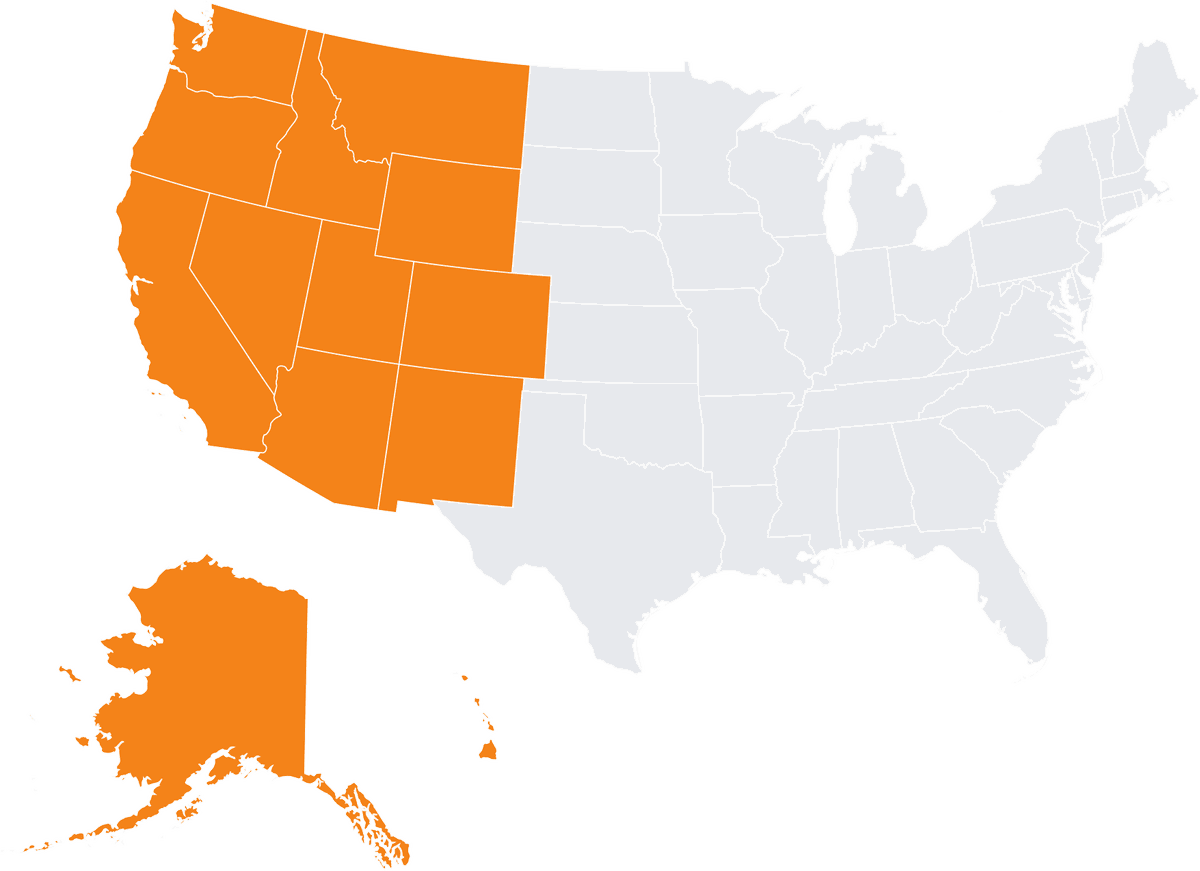
Alaska
Arizona
California
Colorado
Hawaii
Idaho
Montana
Nevada
New Mexico
Oregon
Utah
Washington
Wyoming
Irvine
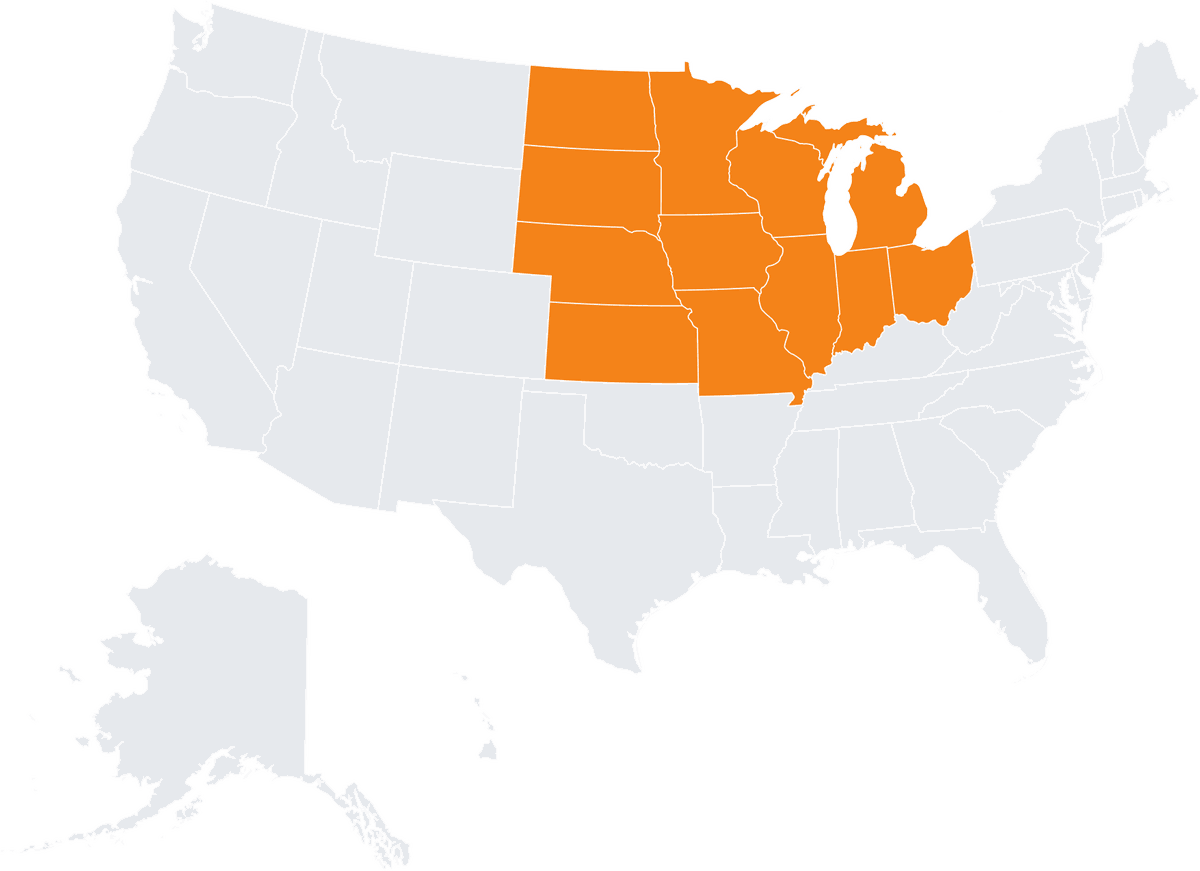
Illinois
Indiana
Iowa
Kansas
Michigan
Minnesota
Missouri
Nebraska
North Dakota
Ohio
South Dakota
Wisconsin
Chicago
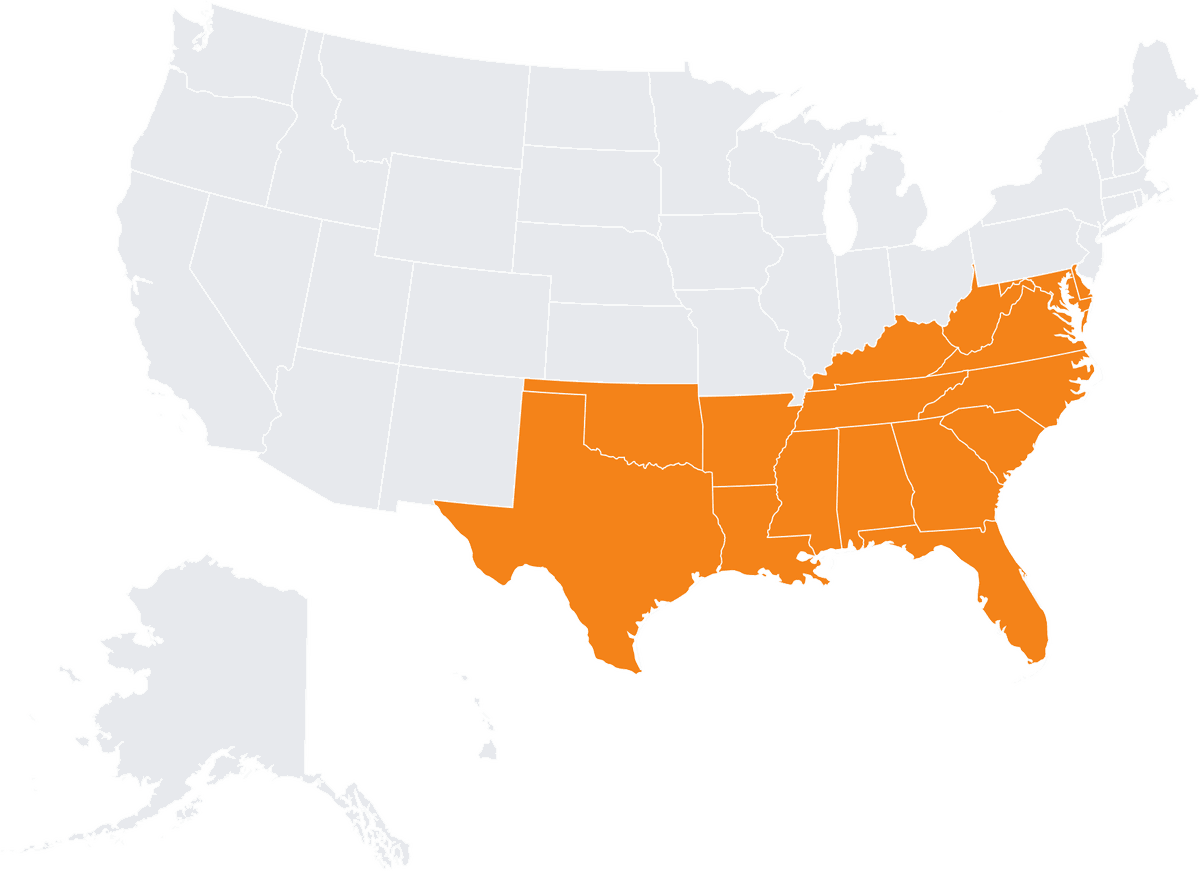
Alabama
Arkansas
Delaware
Florida
Georgia
Kentucky
Louisiana
Maryland
Mississippi
North Carolina
Oklahoma
South Carolina
Tennessee
Virginia
West Virginia

Connecticut
Maine
Massachusetts
New Hampshire
New Jersey
New York
Pennsylvania
Rhode Island
Vermont
Boston
FM-ready BIM models support building operations by keeping asset data, locations, and spaces in one model your team can search. Facility managers and maintenance planners then work from the same record. Each use is described below:
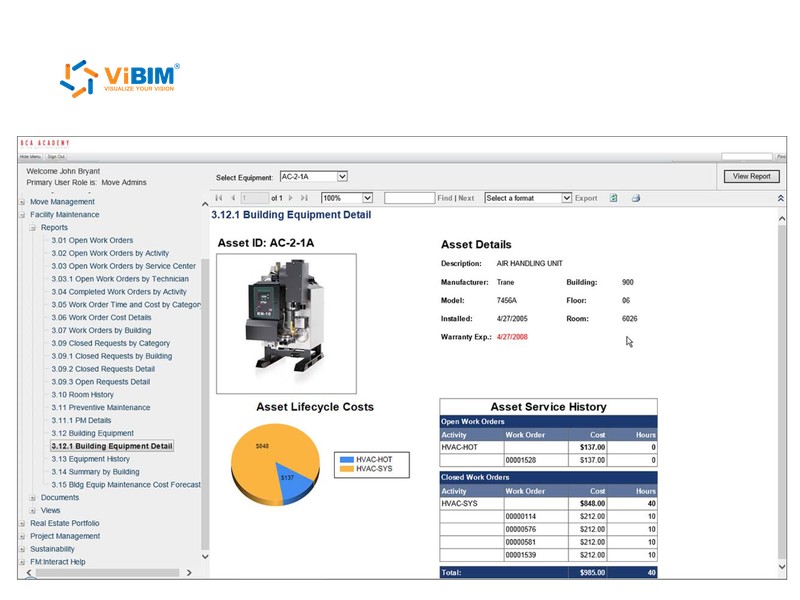
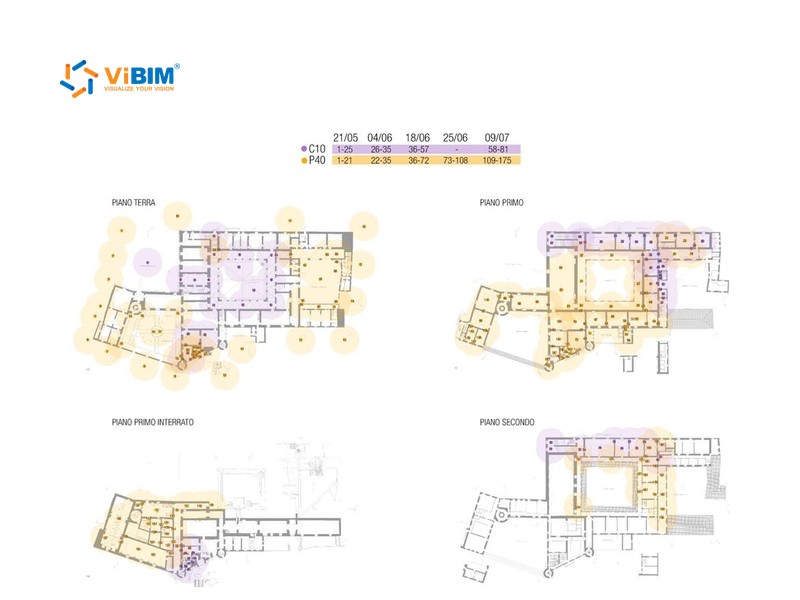

The model consolidates information such as equipment type, serial numbers, locations, and maintenance zones into a single, accessible record. Linked model information enables better scheduling and monitoring of maintenance activities.
Clearly defined zones and functions facilitate more effective management of spaces and occupancy.
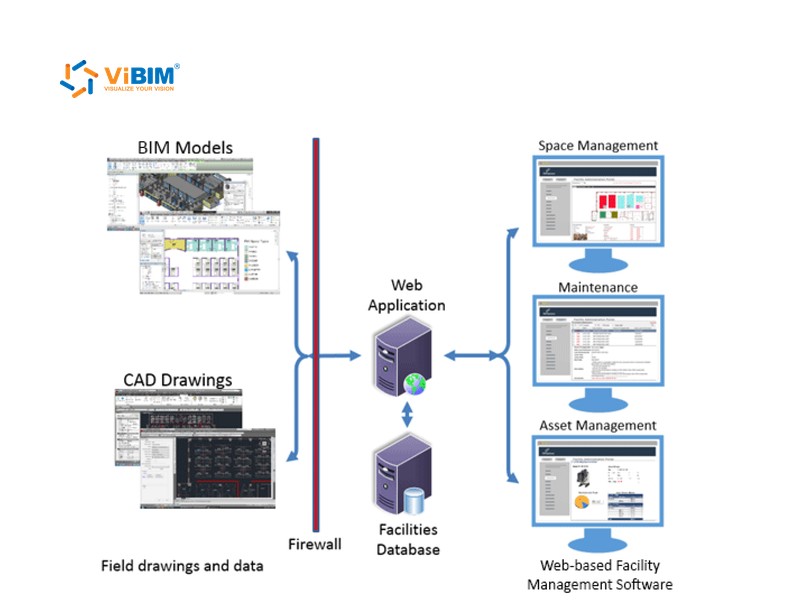
A structured model provides a solid data foundation for integration with facility management software, enhancing operational efficiency.
Because the model shows the building precisely as scanned, your team makes fewer site visits to check what is there.
Scan to BIM for FM FAQs cover how this service relates to BIM for FM, where asset data comes from, and how this service differs from as-built BIM modeling.
Not quite. BIM for facility management is the practice of running operations and maintenance from a building model and its asset data. Scan to BIM for FM is the service that prepares that model, from a point cloud or from your existing Revit model, and fills in the fields your FM team needs.
No. A point cloud captures shapes, not asset records, so serial numbers, warranty dates, and maintenance history come from your records. On a US factory project, ViBIM’s team integrated manufacturer data, model numbers, and capacity for key equipment into the model.
No. A scan is not needed when your Revit model matches the building and includes the assets in scope. ViBIM reviews the model first, then adds the FM data. Ask your scanning team for a scan when you are unsure the model still matches the building.
Your team, or whoever holds your asset records, supplies the values a scan cannot show. ViBIM maps and enters those records under the agreed field rules, then flags missing or conflicting entries.
As-built BIM modeling services record a building’s geometry and data as it stands, up to LOD 500 when a contract requires field verification. Scan to BIM for FM prepares the asset data an operating building’s CAFM or CMMS needs, and can start from a model you already have.

START WITH A FREE TRIAL
Share your point cloud and project scope. We return a free trial model on your own data, plus a fixed quote, before you commit to anything.

Free trial model on your sample data
Scope, timeline and quote in 12–24 hours
NDA on request · secure file transfer